
To get the best picture, understand that projector brightness, measured in lumens, depends on your room’s lighting and screen type. In darker spaces, 1,000-2,000 lumens usually do the trick, but bright rooms need 3,000+ lumens to keep images clear and vibrant. Choosing the right screen, like matte or high-gain, also impacts contrast and brightness. If you keep these factors in mind, you’ll maximize your viewing experience, and there’s more to uncover as you explore further.

Prime made for students and young adults
- Fast, free delivery for dorm and study essentials
- Prime Video and Amazon Music included
- Member-only deals
Key Takeaways
- Higher lumens (brightness) are needed for well-lit rooms to prevent images from appearing washed out.
- The type of screen (matte or high-gain) influences how ambient light affects image contrast and brightness.
- Darker rooms typically require 1,000–2,000 lumens, while brighter environments need 3,000+ lumens for clear projection.
- Combining the right projector brightness with suitable screen type optimizes image quality in various lighting conditions.
- Ambient light significantly impacts image vibrancy; proper setup balances projector specs and room lighting for best results.
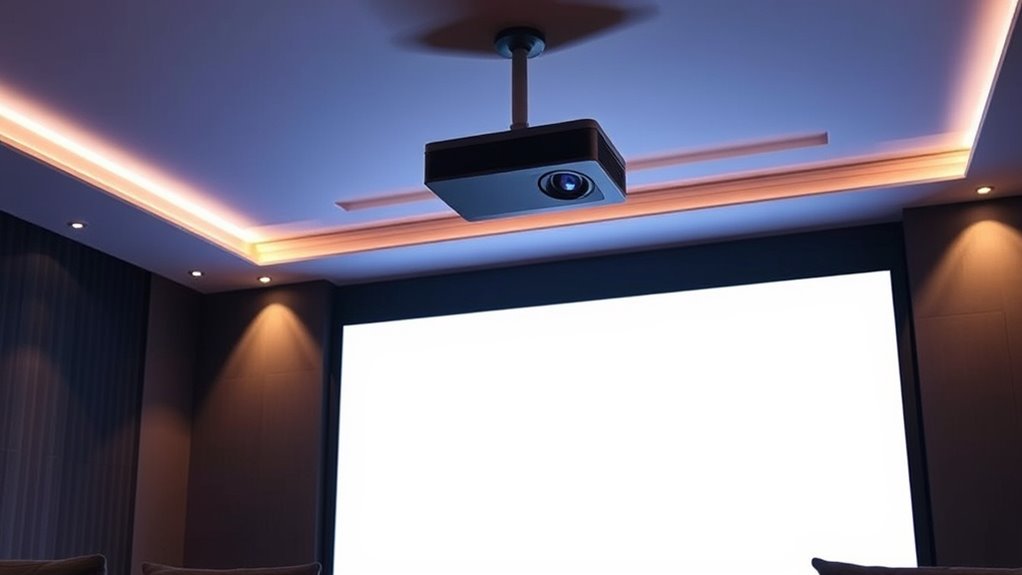
Ever wonder why some projectors produce a vivid, sharp image while others appear dull or washed out? The key lies in understanding projection technology and how it interacts with ambient light. When choosing a projector, it’s vital to consider its lumens— the measurement of brightness— and how this brightness handles the lighting conditions of your environment. Not all projectors are created equal, and their performance depends heavily on these factors.
Projection technology plays a vital role in how your image looks. Different types, such as LCD, DLP, and LCoS, each have strengths and weaknesses. For example, some models utilize technologies that offer better contrast ratios and color accuracy, making images appear more vibrant. But even the best projection technology can fall short if ambient light in your room is too bright. Excess light washing over the screen diminishes contrast and color saturation, causing images to look dull or washed out. That’s why understanding ambient light is vital when selecting a projector.
Projection tech affects image quality; ambient light can wash out even the best displays.
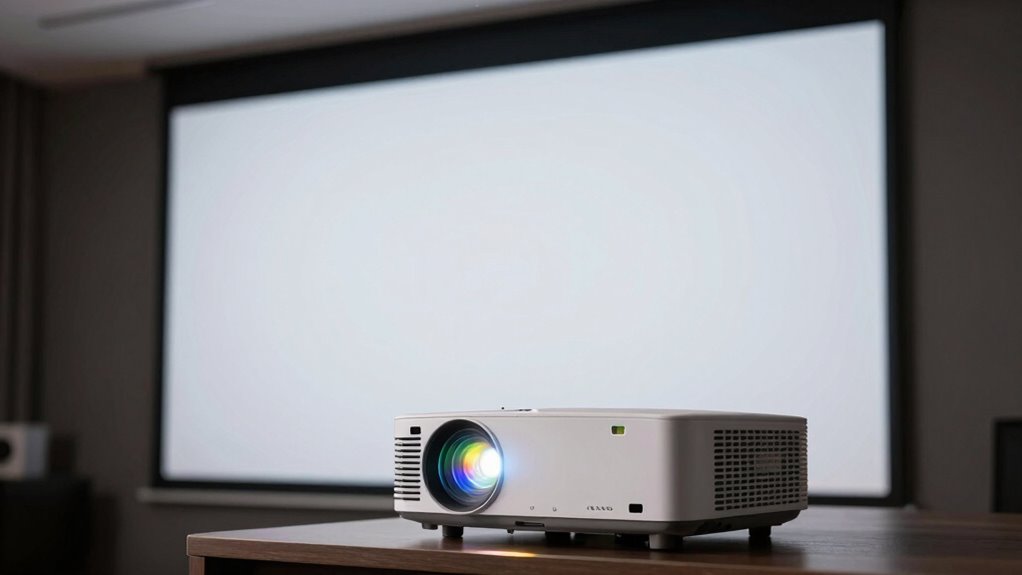
In rooms with a lot of natural or artificial light, you’ll need a projector with higher lumens to cut through the brightness and produce a clear image. Typically, for a darkened room, a projector with about 1,000 to 2,000 lumens might suffice. But if your space has windows or bright overhead lighting, you’ll want to aim for 3,000 lumens or more. This guarantees the image remains sharp and colorful despite the ambient light. Keep in mind that the size of the screen also influences brightness requirements. A larger screen demands more lumens to maintain clarity and vibrancy, especially in well-lit rooms.
Another factor to consider is screen type. Matte screens tend to diffuse ambient light better, reducing glare and enhancing contrast. High-gain screens can reflect more light back to the viewer, making images brighter but potentially reducing viewing angles and contrast in bright rooms. The right combination of projection technology, lumens, and screen choice can dramatically improve image quality, even in challenging lighting conditions. Additionally, selecting the proper screen type can optimize your viewing experience based on your room’s lighting environment.
high lumen portable projector 3000 lumens
As an affiliate, we earn on qualifying purchases.
As an affiliate, we earn on qualifying purchases.
Frequently Asked Questions
How Does Ambient Light Affect Projector Brightness Perception?
Ambient light makes it harder to perceive your projector’s brightness clearly. When there’s more light in the room, your eyes struggle to see the projected image’s details and contrast, making the image seem dimmer even if the projector’s lumens are high. To get the best brightness perception, you should reduce ambient light by dimming lights or using blackout curtains, ensuring your projector’s image remains vibrant and visible.
Can a Higher Lumen Count Compensate for a Larger Screen Size?
Yes, a higher lumen count can help compensate for a larger screen size. For example, increasing brightness by 50% boosts perceived contrast in ambient light, especially on screens with higher gain. Keep in mind, ambient contrast and screen gain influence how bright your image appears. If your room has lots of light, opting for a brighter projector with higher lumens makes the image clearer and more vibrant across larger screens.
What Is the Ideal Brightness for Outdoor Projector Use?
For outdoor projector use, you should aim for at least 3,000 lumens, especially in areas with ambient outdoor lighting. Consider screen gain as well; a higher gain screen reflects more light, making the image brighter. In well-lit outdoor settings, higher brightness and a screen with appropriate gain help guarantee your visuals remain clear and vibrant, even under ambient light conditions.
How Do Different Screen Materials Impact Perceived Brightness?
You’ll notice that screen materials with higher reflectivity boost perceived brightness, making images appear clearer and more vibrant. Matte surfaces tend to diffuse light, reducing glare but also dimming the picture, while glossy screens reflect more light directly, enhancing brightness but possibly causing glare issues. Your choice depends on your environment; for brighter rooms, a high-reflectivity, glossy material works best, whereas diffusive matte screens suit darker or controlled lighting spaces.
Does Projector Brightness Influence Image Color Accuracy?
Yes, projector brightness can influence your image’s color accuracy, especially if you don’t adjust the settings. Higher lumens might wash out colors or distort them if your projector isn’t properly calibrated. To guarantee vibrant, true-to-life colors, you need precise color calibration and ideal projector settings. Don’t overlook these adjustments—failing to fine-tune your projector could leave your images less accurate than you’d like, even with bright settings.
matte projection screen for bright rooms
As an affiliate, we earn on qualifying purchases.
As an affiliate, we earn on qualifying purchases.
Conclusion
Now that you know how lumens, screens, and rooms dance together, imagine your perfect home theater—bright enough to blind your cat, yet subtle enough to hide your snack crumbs. Remember, choosing the right projector isn’t just about numbers; it’s about creating a cinematic masterpiece in your living room, or at least convincing your friends you did. So go ahead, pick wisely and prepare for a movie night so immersive even your couch will complain.
DLP vs LCD projector for home theater
As an affiliate, we earn on qualifying purchases.
As an affiliate, we earn on qualifying purchases.
high-gain projector screen for ambient light
As an affiliate, we earn on qualifying purchases.
As an affiliate, we earn on qualifying purchases.
Fall Picks
fall essentials
As an affiliate, we earn on qualifying purchases.