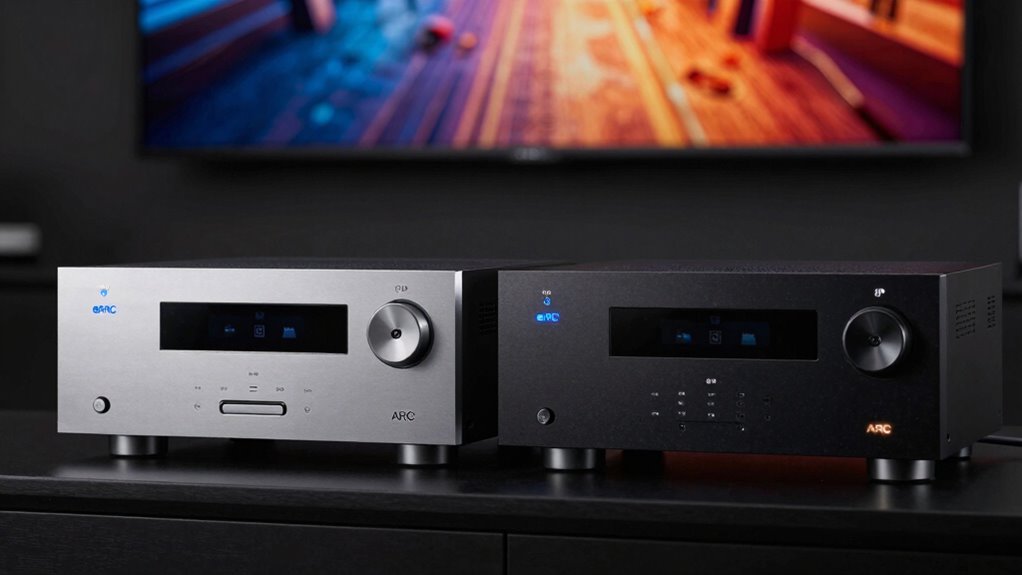

ARC and eARC both allow your TV to send audio to your sound system through HDMI, but they differ in quality and capacity. ARC supports compressed audio formats like Dolby Digital, suited for basic needs, while eARC handles high-bitrate, uncompressed sound such as Dolby Atmos, offering richer sound quality. To get the most out of your setup, it’s crucial to understand these differences and make sure your devices support the right version. If you keep exploring, you’ll uncover how to optimize your home theater experience.
Listen free for 30 days with Audible
Thousands of audiobooks and originals — cancel anytime.
As an affiliate, we earn on qualifying purchases.
Key Takeaways
- ARC is an older HDMI feature supporting compressed audio; eARC offers higher bandwidth for uncompressed, high-quality sound.
- eARC can transmit advanced formats like Dolby Atmos and DTS:X, unlike ARC’s limited audio capabilities.
- Both require compatible HDMI ports; eARC needs HDMI 2.1, while ARC works with HDMI 1.4 and above.
- eARC simplifies setup and future-proofs high-fidelity audio, whereas ARC suffices for basic sound needs.
- Proper device support and cabling are essential to unlock the full benefits of eARC over ARC.
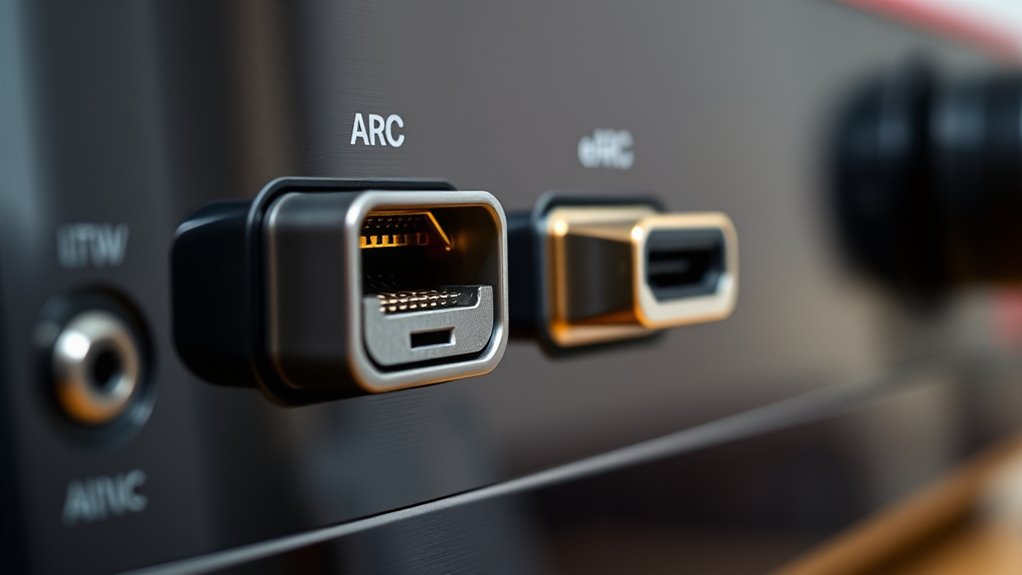
If you’re upgrading your home theater setup, understanding the difference between eARC and ARC is vital. Both are audio return channels that let your TV send sound back to your audio system through an HDMI connection, but they differ considerably in capabilities. To grasp this, you need to understand HDMI standards and audio formats. HDMI has evolved over the years, with each standard offering increased bandwidth and features. ARC (Audio Return Channel) was introduced with HDMI 1.4, primarily designed to simplify audio connections by allowing your TV to send audio to a soundbar or receiver without needing extra cables. However, ARC has limitations; it supports compressed audio formats like Dolby Digital and DTS but struggles with high-bitrate, uncompressed formats such as Dolby TrueHD or DTS-HD Master Audio. This means if you want the best possible sound quality, ARC might fall short.
Understanding ARC limitations helps you choose the right HDMI setup for optimal sound quality.
Enter eARC (enhanced Audio Return Channel), which was introduced with HDMI 2.1. eARC vastly improves upon ARC by supporting higher bandwidth and more advanced audio formats. This upgrade means your TV can transmit uncompressed, high-quality audio formats, including Dolby Atmos and DTS:X, directly to compatible soundbars or receivers. With eARC, you’re not just getting better sound quality but also a more straightforward setup—no need for multiple audio cables or complicated configurations. The main difference lies in their support for audio formats: while ARC can handle compressed formats efficiently, it can’t do justice to the latest immersive sound formats that many modern movies and games demand. Additionally, device compatibility plays a crucial role in unlocking eARC’s full potential, as both source and output devices must support HDMI 2.1 standards.
Another vital aspect is HDMI standards. Older HDMI versions or ports might only support ARC, limiting your options for high-fidelity audio. To take full advantage of eARC, your devices need to support HDMI 2.1 standards, ensuring enough bandwidth for uncompressed audio streams. Without compatible hardware, even if your TV has an HDMI port labeled as eARC, the full benefits won’t materialize.
In essence, if you’re serious about high-quality audio and want to future-proof your setup, eARC is the way to go. It provides compatibility with the latest audio formats, supports higher bandwidth, and simplifies your connections. But if you’re working with older equipment or have a more straightforward setup, ARC will still serve your needs, albeit with some limitations. Understanding these distinctions means you can make smarter choices when selecting HDMI cables and devices, ensuring you get the best sound experience possible without unnecessary hassle.

Penstar eNote2 E-Ink Digital Notebook with Pen, 10.3” AI Note-Taking Paper Tablet, 8192 Levels Pressure, 128GB Storage, 6500mAh Battery, Ereader with Pen and Leather Folio Cover Buddle
- High-Contrast E-Ink Display: Clear whites and blacks for sunlight readability
- Paper-Like Writing Experience: 8192 pressure levels for natural control
- Dual-Screen Note Organization: Split screens for reading and note-taking
As an affiliate, we earn on qualifying purchases.
Frequently Asked Questions
Can I Upgrade My Existing HDMI Cables for eARC Compatibility?
Yes, you can upgrade your existing HDMI cables for eARC compatibility, but make sure to choose an HDMI upgrade that supports HDMI 2.1 standards. Not all cables are compatible, so check the cable compatibility before buying. For the best experience, invest in high-speed HDMI cables specifically designed for eARC, ensuring your setup can handle the increased bandwidth and audio quality that eARC provides.
Do All Modern TVS Support Both ARC and eARC?
Not all modern TVs support both ARC and eARC, so you need to verify your TV’s compatibility. Look for HDMI standards like HDMI 2.1 or HDMI 2.0 with eARC support in the TV’s specifications. Many newer models include both features, but older TVs might only support ARC. To guarantee seamless audio, confirm your TV’s compatibility with the specific HDMI standards required for eARC or ARC.
Is eARC Necessary for Dolby Atmos or DTS:X?
Think Dolby Atmos and DTS:X are just fancy names? Well, eARC isn’t strictly necessary, but it sure makes life easier. Without eARC, your TV’s connection compatibility might restrict your audio format options, causing you to miss out on immersive sound. If you want seamless, high-quality audio, especially for advanced formats like Atmos or DTS:X, upgrading to eARC guarantees your setup handles all the latest audio formats effortlessly.
How Do I Troubleshoot Audio Dropouts With ARC or eARC?
To troubleshoot audio dropouts with ARC or eARC, start by checking your HDMI connections and ensuring they’re secure. Troubleshooting connectivity issues often involves resetting your devices, updating firmware, and disabling any HDMI-CEC settings temporarily. Also, look for audio signal interference from nearby electronic devices or cables. Keep your cables high-quality and properly shielded, and test with different HDMI ports to identify if interference or connection problems cause the dropouts.
Are There Any Latency Differences Between ARC and eARC?
Back in the day, audio tech was as simple as a tape deck, but now, you’ll notice eARC has a slight latency comparison advantage over ARC. Generally, eARC offers better synchronization, reducing issues like lip-sync delays. While both support high-quality audio, eARC’s faster data transfer minimizes latency, making it ideal for gaming or watching movies. So, yes, eARC tends to be a bit quicker, helping you avoid those pesky synchronization issues.

XPPen Note Plus Digital Notebook with Pen Syncs to Phone
- Seamless Digital Note-Taking: Syncs notes instantly to your phone
- Real Paper Experience: Uses dedicated ink pen on A5 paper
- Stable Bluetooth Connectivity: Bluetooth 5.3 ensures reliable connection
As an affiliate, we earn on qualifying purchases.
Conclusion
So, now that you know the epic battle between eARC and ARC, you’re basically a tech superhero armed with the power to choose perfect audio. Imagine your home turning into a cinematic universe, where every sound is crystal clear and perfectly synchronized. Don’t let confusion hold you back—embrace the right connection and transform your listening experience into a legendary adventure. With this knowledge, you’re unstoppable in mastering your home entertainment.

iflytek AINOTE 2 AI Digital Notebook
- AI-Powered Note Taking: Enhances productivity with intelligent tools
- Meeting Summary & Search: Transforms conversations into organized info
- Voice Recording & Transcription: Captures and summarizes meetings easily
As an affiliate, we earn on qualifying purchases.

iflytek AINOTE 2 Bundle with Grey Sandy Folio Case, 10.65" E-Ink Tablet, AI Note Taking Digital Notebook for Meeting, Voice-to-Text, 18-Language Transcription, Handwritten-to-Text, Ultra-Thin 4.2mm.
- Paper-Like Writing Experience: Low-latency, pen-on-paper feel with 8 brush styles
- Frontlight-Free E-Ink Display: Comfortable viewing indoors and outdoors
- AI-Powered Assistance: Supports text interaction, suggestions, and organization
As an affiliate, we earn on qualifying purchases.
Baby shower & registry season Picks
baby registry must-haves
As an affiliate, we earn on qualifying purchases.