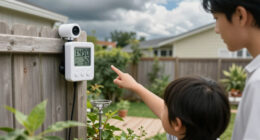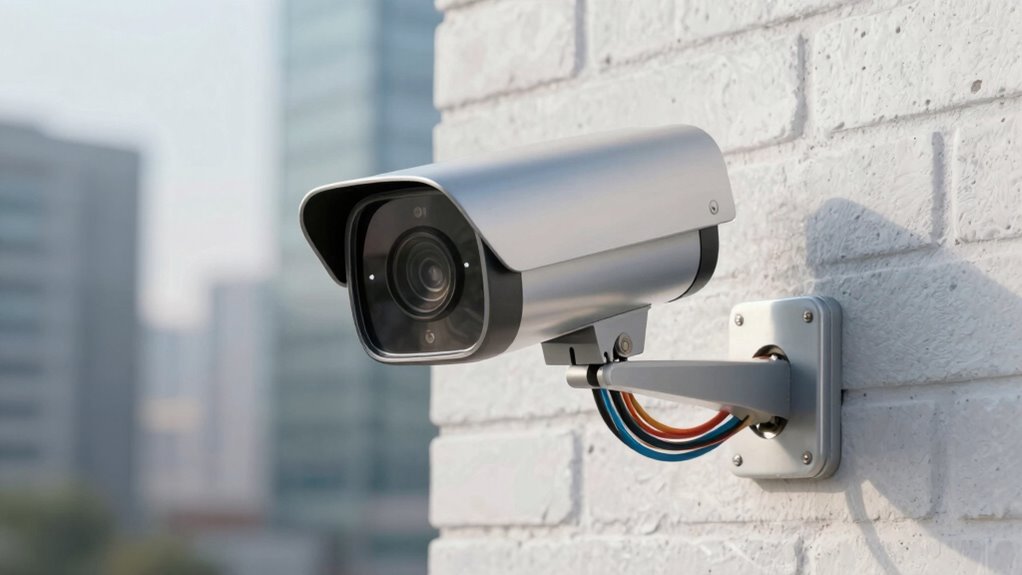

When choosing security cameras, you weigh convenience against reliability. Wireless cameras are easy to install and reposition, but they depend on stable Wi-Fi and battery life, risking lag or outages. Wired cameras provide a steady, dependable feed, yet require complex setup and power sources. Your decision depends on whether you prioritize quick, flexible setup or consistent performance. To understand how to find the right balance for your needs, explore the key factors involved.

Prime made for students and young adults
- Fast, free delivery for dorm and study essentials
- Prime Video and Amazon Music included
- Member-only deals
Key Takeaways
- Wireless cameras offer easy installation and flexible placement but depend on stable Wi-Fi, risking footage loss during connectivity issues.
- Wired cameras provide consistent, reliable feeds but require complex setup and dedicated network connections.
- Battery-powered wireless models are easy to maintain but need regular charging, which may lead to offline periods.
- Plug-in wired cameras ensure continuous operation but limit placement options near power sources.
- Balancing convenience and reliability involves considering internet stability, power sources, and installation effort.
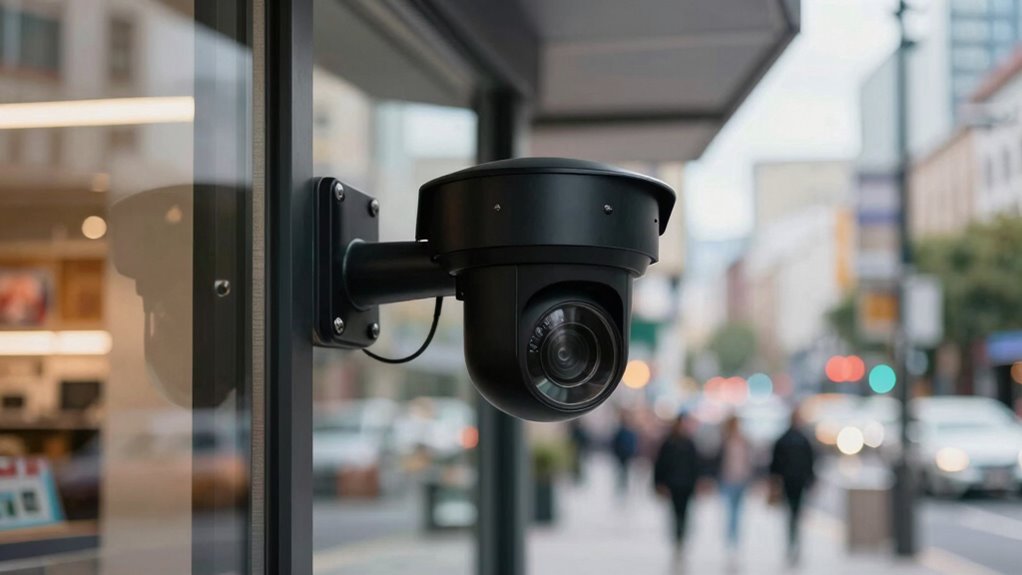
Have you ever wondered if the benefits of installing security cameras outweigh the potential drawbacks? When you consider adding cameras to your property, convenience often tops the list. Wireless connectivity makes installation easier because you don’t need to run cables through walls or ceilings. Instead, you can place cameras wherever you want, as long as they’re within range of your Wi-Fi network. This flexibility allows you to cover more areas and adjust positions quickly if needed. Plus, wireless cameras tend to come with user-friendly apps, so you can monitor your property remotely from your phone or computer. This convenience is a significant advantage, especially if you have a busy schedule or want real-time updates.
However, this convenience can come with tradeoffs. Wireless connectivity relies heavily on a stable internet connection. If your Wi-Fi is slow or inconsistent, your security footage might freeze, lag, or drop out entirely. That can compromise your ability to monitor your property effectively. You might find yourself missing critical moments simply because of connectivity issues. Additionally, wireless cameras depend on a power source, typically batteries or plug-in adapters. Battery-powered models are easy to install but require regular charging or battery replacements. If you forget or neglect to maintain them, the cameras could go offline, leaving your property unprotected. Conversely, cameras plugged into an outlet are more reliable but limit placement options since they need to be near power sources. This can reduce the flexibility that wireless connectivity offers.
The reliability of the security system hinges on these factors. While wireless cameras are convenient and easy to set up, they’re more vulnerable to interference, power outages, or Wi-Fi disruptions. Wired cameras, although more complex to install, usually provide a more consistent and stable feed because they don’t depend on Wi-Fi or batteries. They often require a dedicated network connection to operate optimally, which can involve additional setup. They can operate uninterrupted during power outages if connected to a backup power source. Additionally, the dependence on internet stability makes it crucial to consider your home’s network quality when choosing between wireless and wired surveillance options. A stable network connection is essential for maximizing the effectiveness of your security system and avoiding potential blind spots. To ensure reliable operation, some systems incorporate redundant power supplies or backup internet options, further enhancing security.
Ultimately, your choice involves balancing convenience against reliability. Wireless options give you flexibility and ease of use, but they might not always deliver the consistent performance you need for peace of mind. Wired cameras, on the other hand, demand more effort to set up but tend to be more dependable. Understanding these security system tradeoffs helps you make an informed decision tailored to your security needs.
wireless security camera with remote monitoring
As an affiliate, we earn on qualifying purchases.
As an affiliate, we earn on qualifying purchases.
Frequently Asked Questions
How Do Weather Conditions Affect Camera Reliability?
Weather conditions can substantially impact your camera’s reliability through weather-related malfunctions. Rain, snow, and fog can obscure the lens, reducing image clarity, while extreme temperatures may cause hardware failures. Environmental impact like dust, debris, or high humidity can further damage components, leading to system malfunctions. To guarantee consistent performance, consider weatherproof cameras and protective housing that guard against these elements, minimizing weather-related malfunctions and maintaining security reliability.
What Are the Best Practices for Securing Camera Footage?
A stitch in time saves nine. To secure your camera footage, you should use strong access control measures, ensuring only authorized individuals can view or manage the recordings. Cloud storage offers a reliable backup, protecting data from physical damage or theft. Regularly update passwords and enable two-factor authentication. By combining access control and cloud storage, you create a robust security system that’s both convenient and dependable.
Can Cameras Be Hacked Despite Security Measures?
Yes, cameras can be hacked despite security measures. Cyber vulnerabilities like weak passwords or outdated firmware can expose your system. Even with encryption protocols in place, hackers may exploit vulnerabilities if you don’t keep your software updated or use strong, unique passwords. To protect your cameras, regularly update firmware, enable encryption protocols, and implement multi-factor authentication. Staying vigilant reduces the risk of cyber attacks and keeps your footage secure.
How Often Should Security Cameras Be Maintained?
Think of your security camera like a car; regular maintenance keeps it running smoothly. You should check and maintain your cameras monthly, including camera calibration to guarantee clarity and battery replacement when needed. I once ignored this, and a camera failed during a vital moment. By staying consistent with maintenance, you guarantee your system’s reliability, catching issues early before they become costly or compromise your security.
What Is the Average Lifespan of a Security Camera?
The average lifespan of a security camera is typically around 3 to 5 years, depending on camera durability and environmental conditions. If you choose high-quality models with sturdy construction, their lifespan expectancy can extend further. Regular maintenance, like cleaning lenses and checking connections, helps maximize longevity. Keep in mind that exposure to harsh weather or frequent use may shorten the overall lifespan, so invest in durable options for better reliability.
wired outdoor security camera system
As an affiliate, we earn on qualifying purchases.
As an affiliate, we earn on qualifying purchases.
Conclusion
Think of choosing a security camera like balancing on a tightrope. You want the ease of a quick, convenient setup, but too much reliance on it might make you overlook its vulnerabilities, like a misstep in the dark. To stay safe, you need to find that perfect balance—trust in the camera’s convenience without sacrificing its reliability. Remember, the best security system is like a steady walk on that tightrope: cautious, confident, and prepared for every step.
As an affiliate, we earn on qualifying purchases.
plug-in security camera with night vision
As an affiliate, we earn on qualifying purchases.
As an affiliate, we earn on qualifying purchases.
Columbus Day / Indigenous Peoples' Day Picks
long weekend sales
As an affiliate, we earn on qualifying purchases.