

To quickly audit your home network for single points of failure, start by identifying critical devices like your router, switch, and backup connections such as mobile hotspots. Check if your router supports automatic failover or load balancing, and guarantee firmware is up to date. Look for single cables or ports whose failure could disconnect your network. Keep backup hardware ready and consider power backups like UPS systems. Continue to explore ways to strengthen your network’s resilience effectively.
Key Takeaways
- Identify critical devices like routers and modems that could cause network collapse if they fail.
- Check for redundant internet connections such as backup broadband or mobile hotspots.
- Inspect cabling and physical connections for single points, such as a single cable or port failure.
- Ensure routers and switches support automatic failover and are running up-to-date firmware.
- Conduct a quick audit of power backup solutions like UPS to maintain network operation during outages.
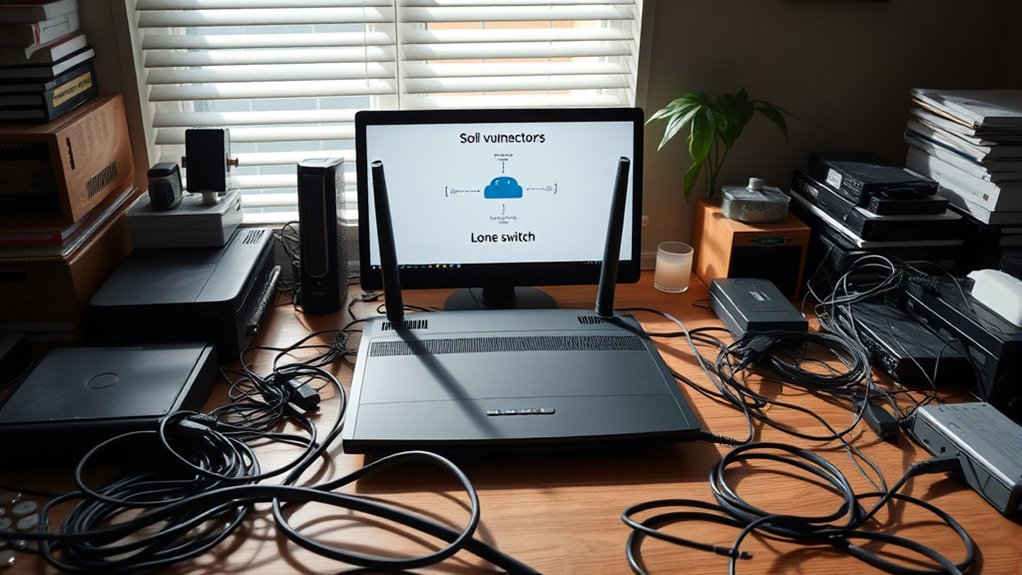
Have you ever considered what happens when a single component in your system fails? It’s a situation many overlook until it’s too late. The key to avoiding network disruptions lies in understanding and addressing single points of failure. Central to this is the concept of network resilience — your system’s ability to continue functioning smoothly despite hardware or connection issues. One effective way to bolster this resilience is by implementing redundant hardware. Redundant hardware means having backup components ready to take over instantly if your primary devices encounter issues. For example, if your main router fails, a secondary router can automatically step in, preventing downtime. This setup ensures your entire network doesn’t grind to a halt just because one piece of equipment falters.
When you audit your home network, focus on identifying potential single points of failure—those critical devices or connections that, if they fail, could bring your entire system down. Check your router and switch configurations to see if you have redundancy in place. Do you have a secondary internet connection, like a mobile hotspot or a backup service? If not, consider adding one. This way, if your primary ISP experiences an outage, your network remains operational, keeping your smart home devices, work-from-home setups, and entertainment systems running seamlessly. You should also examine your network hardware’s physical setup—are critical devices connected via multiple paths or cables? Ensuring multiple routes for data flow reduces the risk of a single cable or port failure causing a network blackout.
Beyond hardware, look at how your devices are configured for failover. Do your routers support automatic switching? Can your network reroute traffic if a device goes offline? These features are essential for building resilience. It’s equally important to keep firmware and software updated; outdated firmware can introduce vulnerabilities that might lead to hardware failure or security breaches, both of which threaten network stability. During your audit, don’t forget to check your power backup solutions. Uninterruptible power supplies (UPS) can keep critical hardware running during outages, further reducing your risk of failure. Additionally, understanding the importance of system redundancy can help you design a more reliable network that minimizes downtime.
Ultimately, strengthening your home network’s resilience means proactively planning for failures. Redundant hardware isn’t just about having spare parts; it’s about designing a system that can adapt and recover quickly. Taking just an hour to review your setup can uncover vulnerabilities and help you implement simple, effective solutions. By doing so, you safeguard your digital life against unexpected failures, ensuring that your network remains reliable no matter what. Remember, a resilient network isn’t just a luxury—it’s a necessity in today’s connected world.
Frequently Asked Questions
How Often Should I Perform a Network Audit?
You should perform a network audit every three to six months to guarantee your network segmentation remains effective and device redundancy is maintained. Regular checks help identify vulnerabilities, outdated devices, or misconfigurations that could cause single points of failure. By staying proactive, you keep your home network secure, resilient, and running smoothly, reducing the risk of disruptions or breaches. Consistent audits are key to maintaining a reliable and secure home setup.
What Tools Are Best for Home Network Auditing?
You should use tools like Nmap for network scanning and Nessus or OpenVAS for vulnerability assessment. Nmap helps you identify devices connected to your network, while Nessus scans for security weaknesses. These tools are user-friendly and effective for home use. Regularly running network scanning and vulnerability assessments helps you spot potential single points of failure, ensuring your home network stays secure and resilient against threats.
Can I Fix All Single Points Myself?
Think of your home network as a fortress; if a single gate is weak, intruders can enter. Yes, you can fix some single points yourself with DIY fixes, like updating firmware or changing passwords. However, for complex vulnerabilities, professional audits are worth it. They’re like expert architects strengthening your fortress’s defenses, ensuring all weak spots are uncovered and secured effectively. So, handle the simple fixes, but don’t hesitate to call in pros for the rest.
What Are Common Overlooked Network Vulnerabilities?
You often overlook weak wireless security, leaving your network vulnerable to unauthorized access. Device segmentation is also frequently ignored, which can help contain breaches and protect sensitive data. Make sure your Wi-Fi uses strong passwords and encryption, and separate smart devices from your main network. Regularly updating firmware and changing default passwords further strengthen your defenses. These simple steps can considerably reduce common vulnerabilities and keep your home network safer.
How Can I Prevent Future Single Points of Failure?
To prevent future single points of failure, you should focus on redundancy planning by adding backup devices and alternative connections. Regular hardware upgrades guarantee your equipment stays resilient against failures. Keep spare routers or switches on hand, and consider dual internet providers for internet access. These steps help maintain network stability, reduce downtime, and ensure your home network remains secure, even if one component fails.
Conclusion
Just as a single keystone holds an arch, your home network relies on key points. By auditing now, you prevent a domino effect when one fails. Remember, even the strongest structures crumble without support. Take action today—secure your network and keep the foundation solid. Because in the end, the fortress stands firm only when every stone is in place, echoing the timeless truth: resilience is built one careful step at a time.