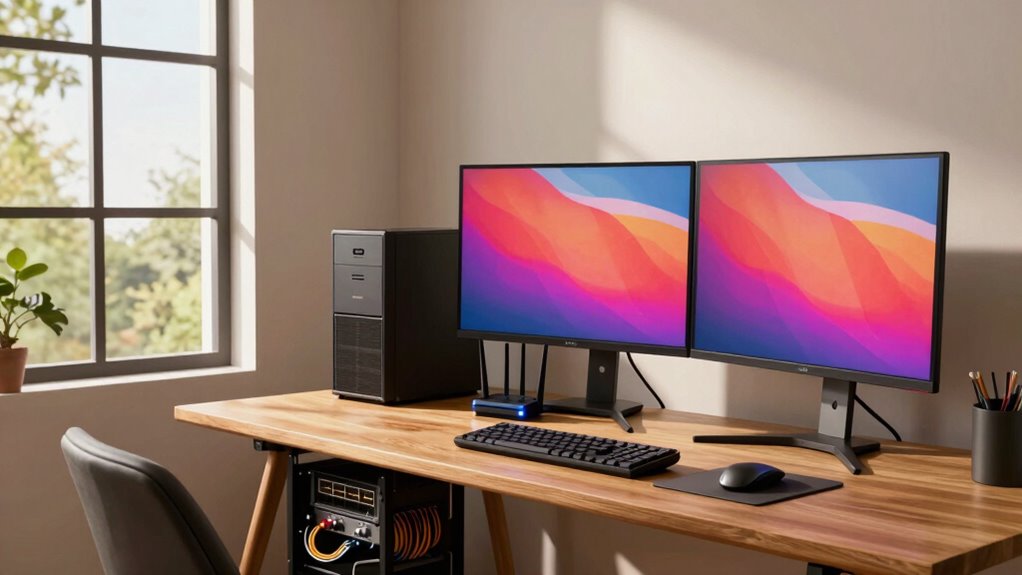

If you stream 4K videos, game cloud titles, or transfer large files regularly, 10GbE can boost your network’s speed and responsiveness. It’s ideal for households with multiple devices demanding high bandwidth, ensuring smooth gaming and quick backups. However, if your internet plan maxes out at 1Gbps and your usage is casual, you likely won’t see much benefit. To discover if it’s worth upgrading your network, there’s more you should know.
Key Takeaways
- Home users with multiple high-bandwidth activities like 4K streaming and large file transfers benefit most from 10GbE.
- For casual browsing, HD streaming, or basic gaming, 1GbE or Wi-Fi is usually sufficient.
- Upgrading to 10GbE is justified if your local network demands exceed your current internet speed.
- Future-proofing with 10GbE supports upcoming cloud gaming, IoT, and high-speed data needs.
- Internet connection speed often limits overall performance, making 10GbE less critical for many typical home setups.
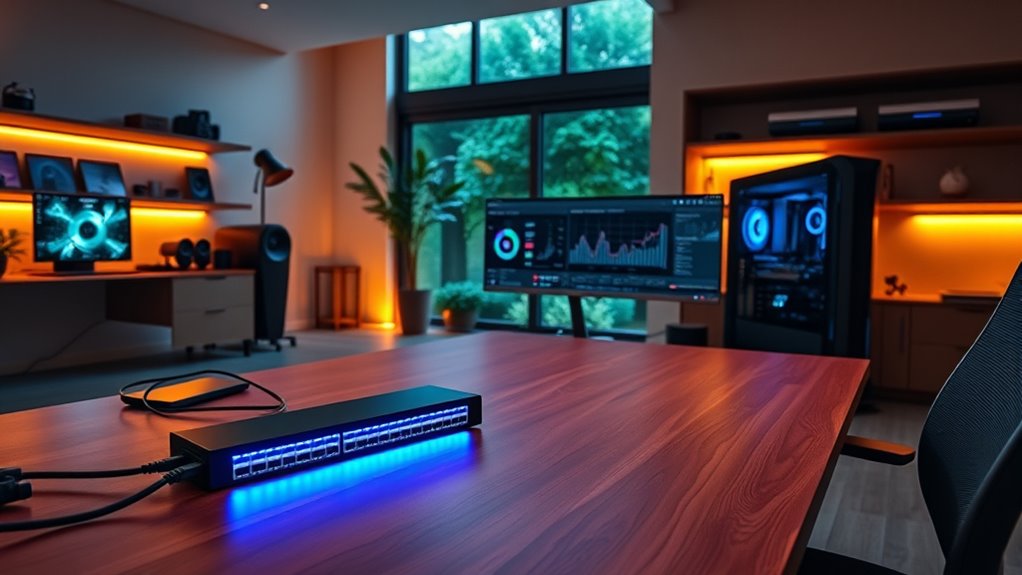
As home networks increasingly demand higher speeds, 10GbE (10 Gigabit Ethernet) is becoming a practical upgrade for tech enthusiasts. If you’re into cloud gaming, you’ll notice the difference immediately. Cloud gaming relies heavily on a fast, stable internet connection to stream high-quality games without lag. With 10GbE, your local network can handle large data transfers quickly, reducing latency and buffering during gameplay. This ensures a more seamless gaming experience and minimizes interruptions. This means smoother, more responsive gaming experiences, especially when multiple devices are streaming or downloading simultaneously. But beyond gaming, 10GbE also plays a vital role in maintaining robust network security. Faster speeds allow you to transfer security updates and patches across your home network swiftly, minimizing vulnerabilities. Plus, if you’re running a network with network-attached storage (NAS) or network backups, the increased throughput keeps your data protected and accessible without bottlenecks.
You might be wondering if you really need 10GbE at home, and the answer depends on your usage. If your household has several high-bandwidth activities—like multiple 4K streams, large file transfers, or frequent backups—then upgrading makes sense. It guarantees that your network doesn’t become a bottleneck, delivering data at the speed you require for these demanding tasks. Conversely, if your internet plan maxes out at 1Gbps or less, and your devices mainly browse, stream HD content, or do casual gaming, then 10GbE might be overkill. Your internet connection, not your local network, is likely the limiting factor in such cases.
However, even if you’re not immediately affected by slow transfers, a 10GbE network can future-proof your setup. As technology advances and cloud gaming services improve their streaming quality, the demand for higher local network speeds will grow. Additionally, having a 10GbE setup enhances your home’s overall network security—by enabling faster, more secure data transfers and easier implementation of security measures like network segmentation. It makes managing multiple devices, IoT gadgets, and security appliances more seamless, reducing the risk of bottlenecks that could be exploited by cyber threats. Furthermore, European cloud innovation is driving the development of energy-efficient and secure cloud solutions, making 10GbE a strategic choice for future-ready homes.
Frequently Asked Questions
What Are the Cost Differences Between 10GBE and Standard Ethernet?
The cost comparison between 10GbE and standard Ethernet shows that 10GbE is considerably more expensive upfront. You’ll pay higher for faster switches, network cards, and cabling. Budget considerations matter here, as the initial investment can be several times more than standard Ethernet. However, if you need high-speed data transfer, the added expense might be justified. For most home users, standard Ethernet offers a more affordable, practical option.
How Does 10GBE Impact Home Network Security?
Think of 10GbE as Pandora’s box—faster speeds can expose your network’s vulnerabilities. It can increase your risk of data breaches if you don’t implement strong security measures. To protect your home network, you need robust data encryption and vigilant monitoring. While 10GbE boosts performance, it also demands careful security practices to prevent potential exploits, ensuring your high-speed setup stays safe from cyber threats.
Can Existing Home Networking Equipment Support 10GBE?
Your existing home networking equipment likely can’t support 10GbE without upgrades. Legacy equipment often lacks the necessary ports and bandwidth, leading to compatibility issues. To utilize 10GbE, you’ll need compatible switches, network interface cards, and cabling designed for high speeds. Otherwise, you’ll face bottlenecks, making the upgrade essential if you want to fully leverage 10GbE’s performance benefits.
What Is the Typical Installation Process for 10GBE at Home?
To install 10GbE at home, start by checking your network cabling; you’ll likely need to upgrade to Cat6a or higher. Next, verify your hardware compatibility—your router, switches, and network cards must support 10GbE. Then, connect your devices using the appropriate cables, configure your network settings, and test the connection. This process ensures a swift, reliable 10GbE setup tailored to your home network.
Are There Any Noise or Heat Concerns With 10GBE Hardware?
You’ll find that 10GbE hardware generally runs quietly and manages heat well, especially with proper cooling and ventilation. Noise levels are usually minimal, thanks to modern fans and cooling systems designed for quiet operation. Heat management is essential; make certain your setup has good airflow and possibly additional cooling if you’re pushing the hardware hard. Properly maintained, your 10GbE equipment stays cool and quiet, providing high-speed performance without disruption.
Conclusion
So, do you really need 10GbE at home? If you’re streaming 4K content, backing up large files, or running a home lab, it might be worth it. But for everyday browsing and streaming, gigabit speeds usually suffice. Think about your habits and future needs—are you ready to upgrade, or is your current setup enough? Ultimately, the decision depends on whether you want to future-proof or stick with what works now.