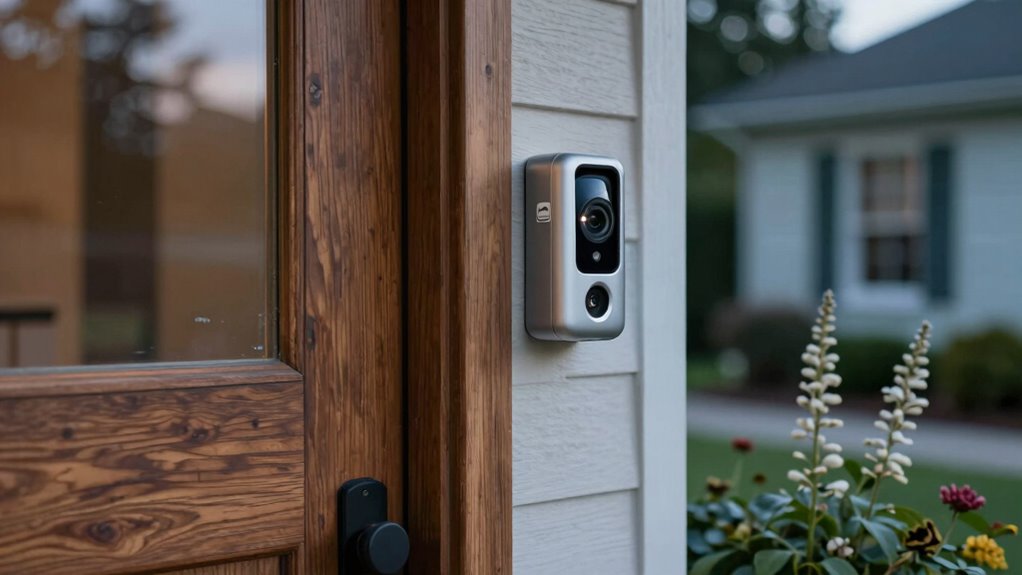

Most homeowners overlook that default privacy settings and unsecured cloud storage actually leave their doorbell cameras vulnerable. If you don’t customize these settings, your footage could be accessible to unauthorized people or hackers. Weak passwords and lack of encryption make it easy for intruders to access sensitive moments or compromise your entire smart home system. To better understand how to protect your privacy effectively, keep exploring key steps you may not have considered.

Get school and study supplies delivered free — and shop member deals
- Fast, free delivery on millions of items
- Access to Prime Big Deal Days deals on October 6–7
- Prime Video, Amazon Music and more included
Key Takeaways
- Many homes neglect to change default privacy settings, leaving footage accessible to unauthorized users.
- Inadequate security of smart home integrations can expose multiple devices if compromised.
- Firmware updates are often overlooked, leaving vulnerabilities unpatched.
- Physical security measures like tamper-resistant mounts are frequently underestimated.
- Cloud storage security practices, such as strong passwords and encryption, are often insufficient.
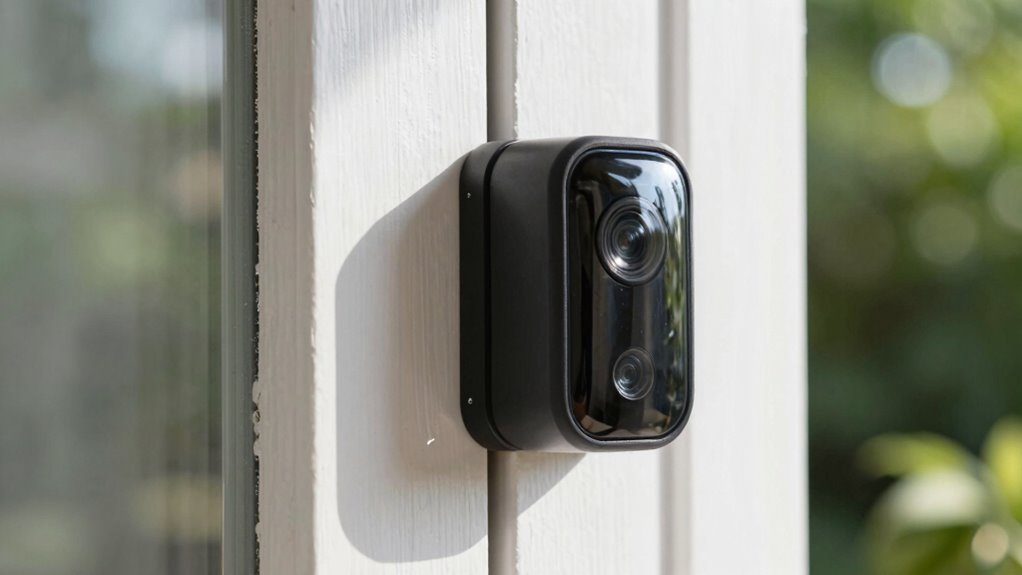
With the rise of doorbell cameras, you’re now able to monitor your front porch more easily than ever. These devices give you real-time video feeds and instant alerts, making it simple to see who’s at your door without opening it. But while they offer convenience, many homeowners overlook a critical privacy detail that could expose them to risks. One of the most overlooked aspects is how these cameras integrate with your entire smart home system. If you haven’t taken the time to configure your smart home integration properly, you might be exposing sensitive footage or enabling unauthorized access. Many doorbell cameras connect seamlessly with other smart devices, like smart locks or security systems, which is great for convenience. However, if the integration isn’t secured correctly, hackers could potentially access multiple systems at once, putting your entire home at risk.
Secure your smart home integrations to prevent hackers from accessing multiple devices at once.
Another area that often gets ignored is cloud storage security. Most doorbell cameras offer cloud storage options so you can review footage anytime, anywhere. But not all cloud storage services are created equal. Some providers may lack robust encryption, leaving your footage vulnerable to hacking or interception. If your footage isn’t properly secured, an intruder could gain access to your recordings, potentially revealing your routines or sensitive moments. It’s essential to understand where your footage is stored and what security measures are in place. Use strong, unique passwords for your cloud accounts, enable two-factor authentication, and ensure the provider uses end-to-end encryption. These steps help prevent unauthorized access and keep your footage confidential. Additionally, reviewing the security protocols of your smart home devices can help identify potential vulnerabilities before they are exploited, especially since many devices are interconnected.
Many homeowners assume that their doorbell camera’s default privacy settings are enough, but that’s rarely the case. It’s worth dedicating time to review and customize your settings, especially privacy controls like who can view your footage and how long recordings are retained. Regularly updating your device’s firmware is another simple but effective measure to patch vulnerabilities that could be exploited by hackers. Also, physical security measures, such as tamper-resistant mounting or protective covers, can further safeguard your camera from physical tampering or vandalism. Additionally, understanding the importance of smart home system security can help you better protect your entire setup from potential cyber threats.
Ultimately, the biggest missed privacy detail is understanding and controlling how your doorbell camera integrates with your smart home ecosystem and securing your cloud storage. Taking proactive steps to secure these elements ensures your footage remains private and your home stays protected from cyber threats. Don’t assume default settings are enough—review, update, and stay vigilant to truly safeguard your privacy.
doorbell camera privacy settings
As an affiliate, we earn on qualifying purchases.
As an affiliate, we earn on qualifying purchases.
Frequently Asked Questions
How Can I Disable My Doorbell Camera Remotely?
To disable your doorbell camera remotely, access its app or online dashboard. You can turn off wireless connectivity by disabling the camera’s Wi-Fi or Bluetooth settings, effectively stopping video transmission. Additionally, manage battery settings or power options to temporarily disable the device. Remember, some cameras may have a quick disable feature in the app, allowing you to control the camera’s activity without physically interacting with it.
Are Doorbell Cameras Susceptible to Hacking?
Are doorbell cameras vulnerable to hacking? Absolutely. Cybersecurity threats target these devices, especially if you neglect to update firmware or use weak passwords. They can be hacked if they lack proper camera encryption. To protect yourself, enable strong, unique passwords and keep your device’s software current. Think of it like locking your front door—better security means less chance someone sneaks in. Do you want to keep your home safe?
What Legal Restrictions Exist for Recording Visitors?
You need visitor consent before recording them, as privacy laws vary by state and country. In some places, recording without consent may be illegal, especially if you record audio alongside video. Always inform visitors they’re being recorded to avoid legal issues and respect their privacy. Check local laws to guarantee your doorbell camera usage complies with regulations, and consider adding clear signage indicating surveillance for transparency.
How Long Is Footage Typically Stored?
Think of your doorbell camera’s footage like a story that’s only kept for a chapter or two. Usually, video storage lasts between 30 to 90 days, depending on your provider’s privacy policies. After that, the footage is automatically deleted unless you save it. Always check your device’s privacy policies to understand how long your recordings are stored and make certain your privacy preferences are respected.
Can Doorbell Cameras Record Audio Legally?
Yes, doorbell cameras can record audio, but audio recording laws and consent requirements vary by location. In some areas, recording audio without everyone’s consent may be illegal, especially if audio captures private conversations. You should check your local laws to guarantee you’re complying with consent requirements before enabling audio recording. Always inform visitors if your camera records audio, and consider posting a notice to stay transparent and avoid legal issues.
smart home security camera with encryption
As an affiliate, we earn on qualifying purchases.
As an affiliate, we earn on qualifying purchases.
Conclusion
While doorbell cameras offer security and convenience, overlooking privacy details can turn a helpful tool into a vulnerability. You might enjoy the peace of mind, yet unknowingly invite privacy breaches. Just like a welcoming front porch can also expose your home’s secrets, a camera can reveal more than you intend. Stay vigilant, set boundaries, and protect your privacy — because the same device that guards your home can also reveal your personal world.
tamper-resistant doorbell camera mount
As an affiliate, we earn on qualifying purchases.
As an affiliate, we earn on qualifying purchases.
cloud storage security for smart cameras
As an affiliate, we earn on qualifying purchases.
As an affiliate, we earn on qualifying purchases.
Halloween Picks
halloween
As an affiliate, we earn on qualifying purchases.