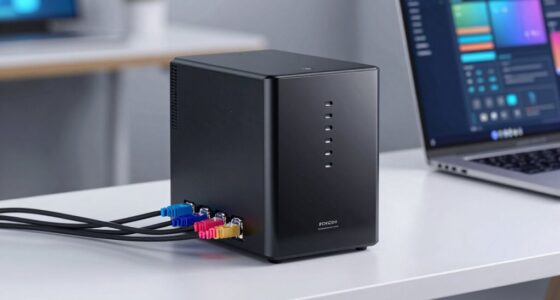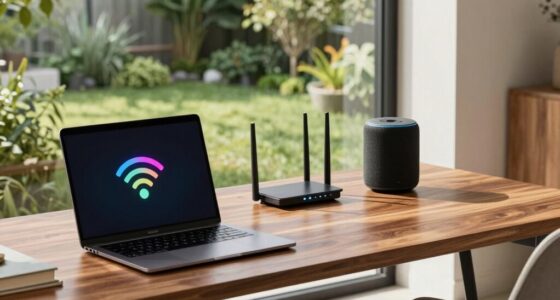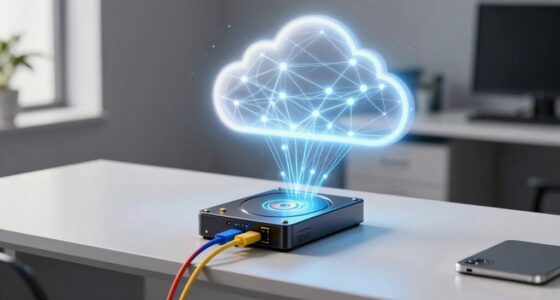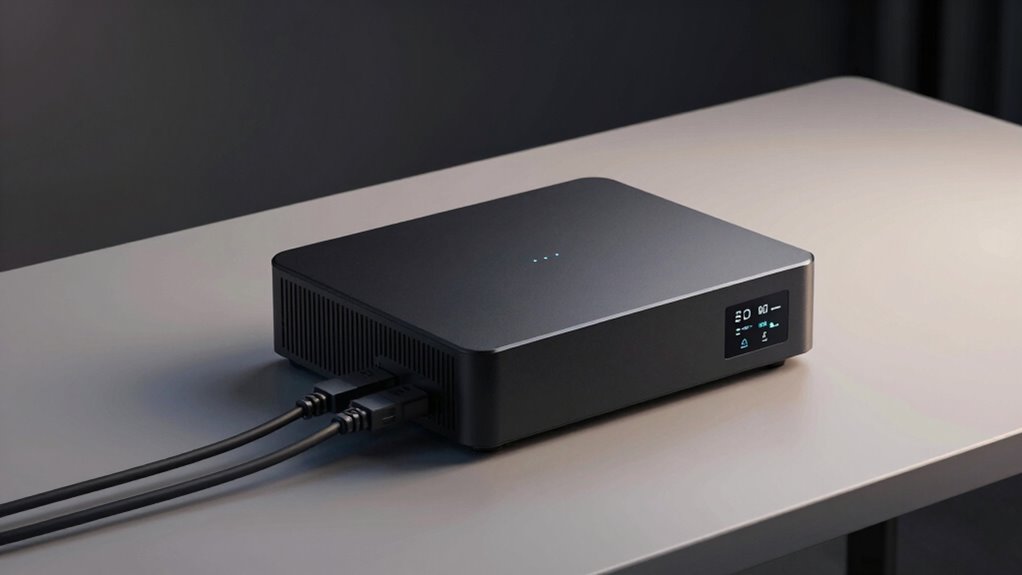

A home firewall appliance offers much more than your standard router by providing advanced security features like monitoring, controlling, and encrypting your network traffic. It detects threats, blocks malicious activity, and prevents unauthorized access, helping to protect your personal data and devices. These appliances also support remote access via VPNs, ensuring safe connections from anywhere. To discover how these tools can further secure your network, keep exploring what they can do for you.
Open a free Amazon Business account
Business pricing, bulk buying and tax-exempt orders.
As an affiliate, we earn on qualifying purchases.
Key Takeaways
- They provide advanced security features like intrusion detection and threat prevention beyond basic router functions.
- Enable secure remote access and VPN connections to protect data when connecting from outside the home network.
- Monitor and control network traffic to block malicious activity and ensure privacy for connected devices.
- Offer user-friendly setup interfaces for configuring encryption, access rules, and security settings easily.
- Enhance overall network protection, safeguarding personal information and preventing cyberattacks more effectively than standard routers.
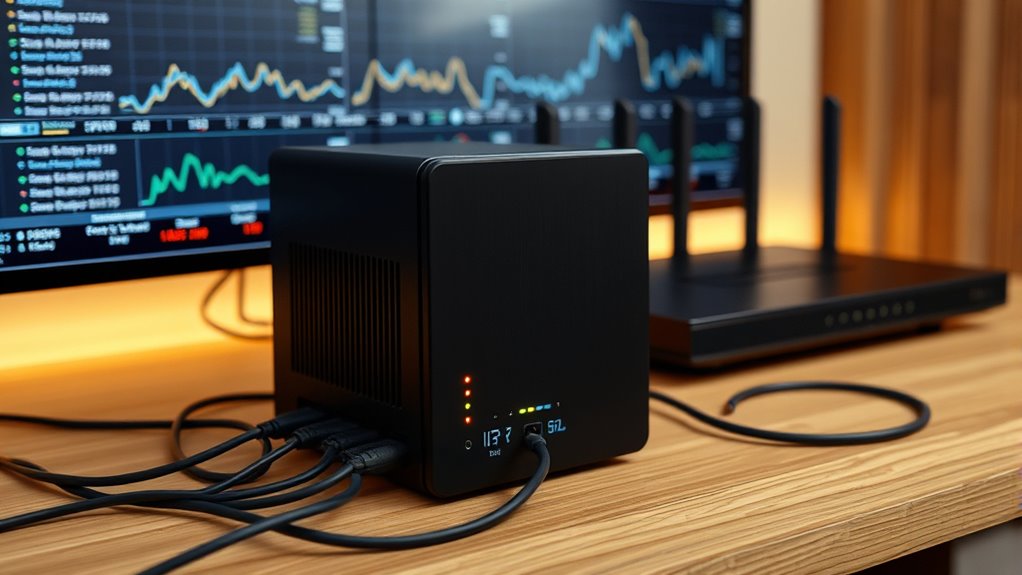
A home firewall appliance is a essential device that helps protect your network from cyber threats and unauthorized access. Unlike a typical router, which mainly manages data traffic between your devices and the internet, a firewall adds an extra layer of security by actively monitoring and controlling incoming and outgoing connections. One of the key features of these appliances is their ability to implement network encryption, which encrypts your data as it travels across your network. This means that even if someone intercepts your internet traffic, they won’t be able to decipher the information, keeping your personal and financial data safe. Network encryption enhances your privacy and makes it much harder for hackers to exploit vulnerabilities in your network.
In addition to encryption, a home firewall appliance can considerably improve your remote access capabilities. With remote access, you can securely connect to your home network from anywhere, whether you’re at a coffee shop or traveling abroad. The firewall ensures that only authorized devices and users can gain entry, providing a safe tunnel for your data. This is especially important if you work from home or need to access sensitive files remotely. Many appliances support VPN (Virtual Private Network) features, which encrypt your connection and authenticate your identity, giving you peace of mind when accessing your home network from a public Wi-Fi or unfamiliar location.
Beyond just filtering traffic, modern home firewall appliances also offer intrusion detection and prevention systems (IDS/IPS), which actively scan for suspicious activity and block potential threats before they reach your devices. They can also provide detailed logs and alerts, so you’re aware of any attempted breaches or unusual activity. This proactive approach helps you stay ahead of cybercriminals and maintain control over your network’s security. Network security is a crucial aspect that these appliances help strengthen by providing layered protection.
Setting up a home firewall appliance typically involves configuring rules for network encryption and access permissions, which can seem intimidating at first. However, many appliances come with user-friendly interfaces that guide you through the process. Once configured, you’ll enjoy a more secure environment where your data is encrypted, and remote access is both safe and seamless. This extra layer of protection not only shields your devices from malware and hacking attempts but also gives you confidence knowing your personal information stays private.
home firewall appliance with VPN
As an affiliate, we earn on qualifying purchases.
As an affiliate, we earn on qualifying purchases.
Frequently Asked Questions
Can a Home Firewall Prevent All Cyberattacks?
A home firewall can’t prevent all cyberattacks, but it substantially boosts your security. By implementing network segmentation, it isolates devices to limit potential damage. It also uses intrusion detection to monitor your network for suspicious activity. While these features improve your defenses, no system is foolproof, so combining a firewall with strong passwords, regular updates, and good habits keeps you safer online.
How Often Should I Update My Firewall’s Firmware?
Back in the days of dial-up, firmware updates were rare, but now you should update your firewall’s firmware monthly. Regular updates guarantee you get the latest security patches, fixing vulnerabilities that could be exploited by hackers. Check your manufacturer’s website or admin panel regularly, and enable automatic updates if available. Staying current keeps your firewall strong, protecting your home network from new threats and vulnerabilities.
Do Firewalls Slow Down Internet Speeds Significantly?
Firewalls can cause some network latency and may impact bandwidth, but they usually don’t slow your internet considerably if they’re properly configured. Modern firewalls are designed to process data efficiently, minimizing performance issues. If you notice slow speeds, it’s often due to other factors like network congestion or hardware limitations. Regular updates and good placement help guarantee your firewall protects without noticeably affecting your internet experience.
Are Home Firewalls Effective Against Iot Device Threats?
While no solution is foolproof, home firewalls can be quite effective against IoT device threats. By implementing IoT device segmentation and customizing your firewall settings, you create a more resilient environment. This approach limits potential attack vectors and enhances security. With thoughtful firewall customization, you actively shield your smart devices, reducing vulnerabilities and keeping your network safer from emerging IoT threats.
Can a Firewall Block Specific Websites or Content?
Yes, a firewall can block specific websites or content through website filtering and content restriction features. You can configure your firewall to prevent access to certain URLs, categories, or types of content, giving you control over what gets through your network. This helps protect your devices, limit distractions, or enforce parental controls. By actively managing content restrictions, you guarantee a safer and more controlled online environment for everyone in your home.
network intrusion detection system
As an affiliate, we earn on qualifying purchases.
As an affiliate, we earn on qualifying purchases.
Conclusion
Think of a home firewall appliance like a vigilant guard at your front door, constantly watching over your digital neighborhood. It not only protects you from threats but also manages your network traffic efficiently. By investing in one, you gain peace of mind knowing your data is safer than ever. Just like a reliable gatekeeper, it keeps unwanted intruders out, so you can enjoy your online life without worry.
advanced home network security device
As an affiliate, we earn on qualifying purchases.
As an affiliate, we earn on qualifying purchases.
As an affiliate, we earn on qualifying purchases.
Fall yard work Picks
leaf blowers
As an affiliate, we earn on qualifying purchases.