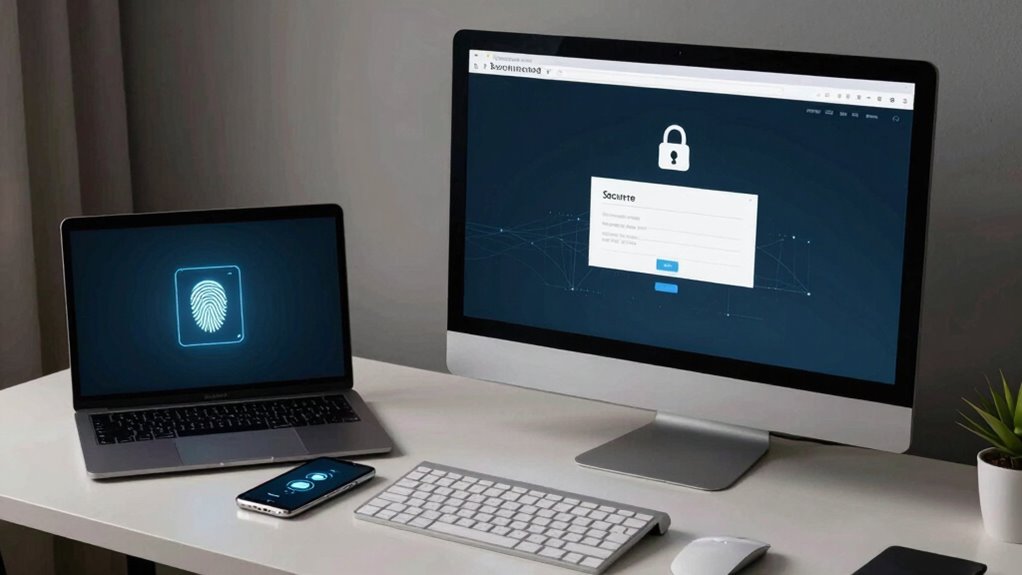

To access your files securely, you should implement strong security protocols like encrypted connections and multi-factor authentication. Maintain strict device management by enforcing policies, verifying compliance, and conducting regular audits. Educate yourself and your team on best practices, such as avoiding risky links and only downloading trusted software. Continuous vigilance, monitoring, and updating security measures are essential for staying protected. Want to discover more about creating a truly safe remote access environment?
Key Takeaways
- Implement secure protocols like encrypted connections to protect data during remote access.
- Enforce strict device management policies and verify device compliance before granting access.
- Educate users on best practices, including updating devices and avoiding risky behaviors.
- Use strong authentication methods, such as multi-factor authentication, to restrict access to authorized users.
- Regularly monitor access logs and update security measures to detect and prevent potential threats.
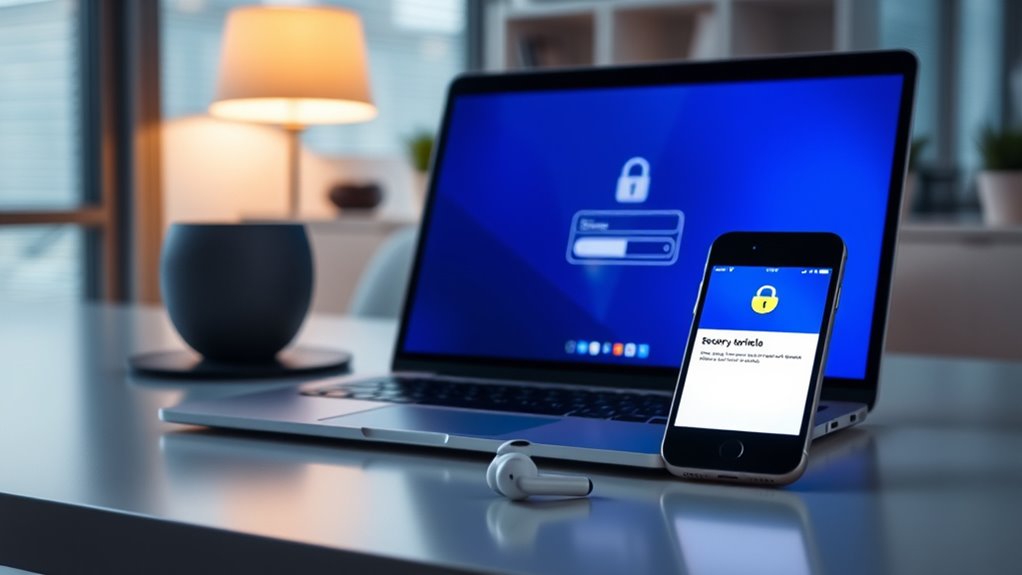
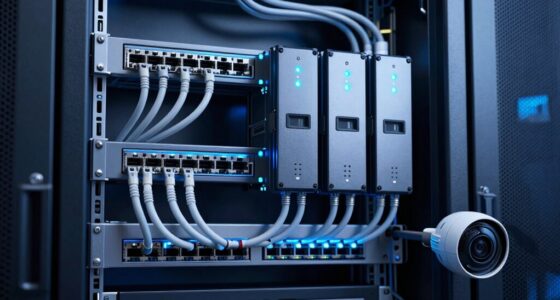
You also want to set clear policies about which devices are permitted to connect remotely. This includes verifying that devices meet security standards before they’re granted access. Managing devices remotely allows you to wipe data or restrict functionalities if needed, preventing potential breaches. The combination of secure protocols and robust device management creates a layered defense, reducing the risk of cyberattacks and unauthorized data exposure.
Moreover, you should educate yourself and your team on best practices for device management. Make sure everyone understands the importance of keeping their devices updated and avoiding risky behaviors, like clicking suspicious links or downloading untrusted software. Implementing strong authentication measures ensures that only authorized users can access your files, adding an extra layer of security. Regular audits of device access logs can also alert you to unusual activity, helping you respond swiftly to potential threats. Incorporating secure protocols and maintaining vigilant device oversight are essential components of a comprehensive remote access strategy.
Ultimately, safeguarding your remote access isn’t a one-and-done task. It requires ongoing diligence in maintaining secure protocols and vigilant device management. When you prioritize these elements, you create a safer environment for accessing your files from anywhere. This not only protects your sensitive information but also builds trust with clients and partners who value your commitment to security. By doing remote access the right way, you ensure that your work remains productive, secure, and resilient against evolving cyber threats.
Frequently Asked Questions
How Do I Choose the Best Remote Access Tool for My Needs?
To choose the best remote access tool, consider your needs and prioritize security features like remote access protocols and user authentication. Look for tools that support strong encryption and multi-factor authentication to safeguard your files. Check if the tool offers easy setup and compatibility with your devices. Reading reviews and testing demos can help you determine if it provides reliable, secure, and user-friendly remote access tailored to your requirements.
What Are Common Remote Access Security Mistakes to Avoid?
Did you know 81% of hacking breaches start with weak passwords? To avoid common remote access security mistakes, you should prioritize strong password management and enable multi-factor authentication. Never reuse passwords across accounts, and always verify identities before granting access. These steps help prevent unauthorized access, keeping your files secure. By staying vigilant and implementing these best practices, you markedly reduce your risk and protect sensitive data effectively.
Can Remote Access Be Used on Mobile Devices Securely?
Yes, you can use remote access securely on mobile devices if you prioritize mobile security and app compatibility. Make sure to use trusted apps with strong encryption, keep your device’s software updated, and enable two-factor authentication. Avoid using public Wi-Fi networks and always log out when finished. By following these best practices, you safeguard safe remote access on your mobile device without risking data breaches or security issues.
How Often Should Remote Access Security Protocols Be Updated?
You should update your remote access security protocols regularly, ideally every three to six months. Keep your software updated to patch vulnerabilities and improve security features. Additionally, provide ongoing user training to guarantee everyone understands best practices and recognizes potential threats. Regular updates and training help maintain a strong security posture, reducing the risk of breaches and ensuring safe, reliable access to your files from any device.
What Are the Legal Considerations for Remote Access in Different Regions?
You need to understand regional regulations and compliance standards before enabling remote access. Different regions have specific laws governing data privacy, security, and user consent. Confirm your remote access policies align with these legal requirements to avoid penalties. Regularly review and update your security measures to stay compliant with evolving laws, and always document your compliance efforts. Staying informed helps you protect your organization and maintain trust across all regions.
Conclusion
Think of remote access as a bridge—strong, secure, and built with your safety in mind. When you navigate it with caution and the right tools, it becomes a gateway rather than a trap, connecting you to your files like a trusted lighthouse guiding ships safely home. Remember, the key is to keep this bridge protected, so your valuable data remains secure, shining brightly through the darkness, always ready for you when you need it most.