
To protect your NAS and network gear, ensuring high power quality is vital for data security and hardware longevity. Power surges and outages can cause data corruption, damage devices, and lead to costly repairs. Using a UPS and surge protectors provides a stable power supply, allowing you to shut down devices safely and prevent data loss. Taking these steps cuts downtime and preserves your systems, and by exploring further, you’ll learn even more ways to secure your data.
Open a free Amazon Business account
Business pricing, bulk buying and tax-exempt orders.
As an affiliate, we earn on qualifying purchases.
Key Takeaways
- High-quality power prevents surges and electrical spikes that can corrupt or damage NAS and network equipment.
- UPS systems ensure continuous, stable power, reducing the risk of data loss during outages.
- Proper grounding and surge protection minimize the chances of hardware failure caused by power fluctuations.
- Consistent power quality extends the lifespan of network gear and preserves data integrity.
- Regular maintenance and capacity planning safeguard against unexpected power issues that threaten data security.
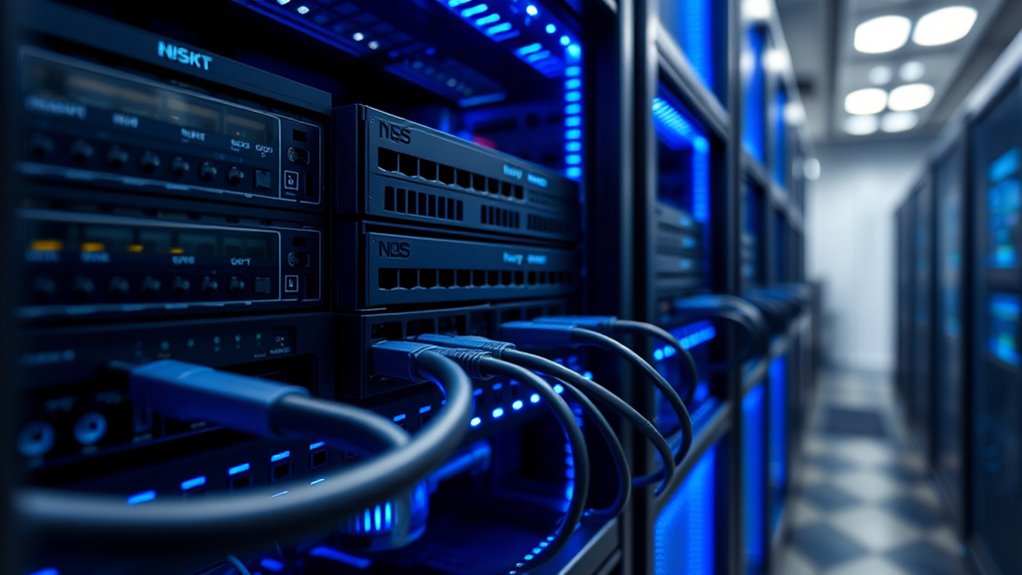
Your NAS and network gear are crucial for storing and managing your data, but they’re vulnerable to power surges, outages, and physical damage. Power quality directly impacts the safety and reliability of your equipment. A sudden power surge can send a spike of electricity through your devices, potentially frying sensitive components, corrupting data, or causing complete hardware failure. Without proper safeguards, these surges can strike unexpectedly, leaving you with costly repairs or data loss. That’s why investing in a reliable power protection system is essential.
Protect your NAS and network equipment from power surges, outages, and physical damage to ensure data safety and hardware reliability.
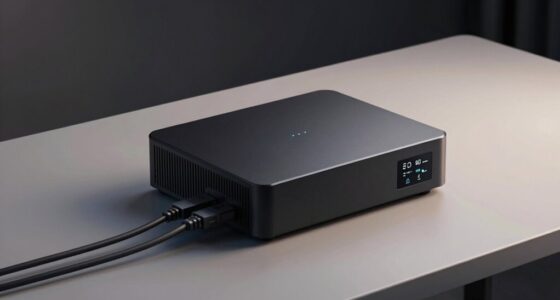
A key solution is a battery backup, also known as an uninterruptible power supply (UPS). When the power goes out or experiences fluctuations, a UPS kicks in instantly, providing continuous power to your NAS and network gear. This backup allows you to save your work, shut down properly, and prevent abrupt shutdowns that could corrupt files or damage drives. It also offers protection against brief power interruptions that might seem minor but can still disrupt data integrity. Moreover, a UPS filters out power surges and voltage fluctuations, ensuring your equipment receives stable, clean electricity. This stability extends the lifespan of your hardware and reduces the risk of unexpected failures. Ensuring proper power conditioning can further enhance your equipment’s protection.
Using a battery backup isn’t just about preventing hardware damage; it’s about safeguarding your data. Power surges and outages can corrupt or erase files, especially if they occur during file transfers or backups. A UPS provides a buffer, giving you enough time to finish ongoing processes and shut down devices properly. This prevents data corruption and reduces downtime. Additionally, many UPS units include surge protection features that guard against sudden voltage spikes, further shielding your gear from unpredictable power events. By maintaining consistent power quality, you’re ensuring that your data remains secure and intact.
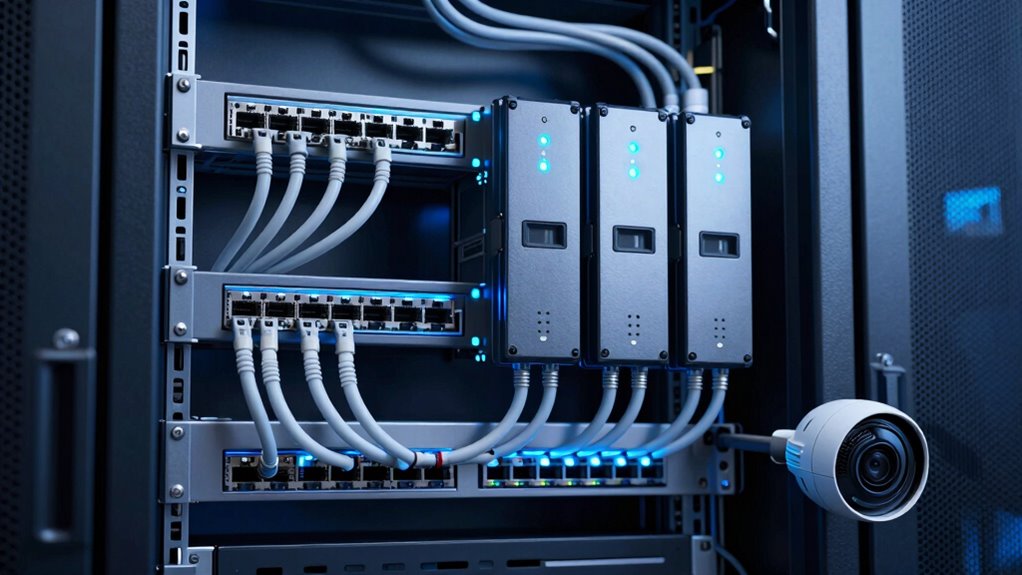
It’s also wise to consider the capacity of your battery backup. A larger UPS with sufficient wattage can support your entire network setup, including routers, switches, and external drives, during extended outages. Regularly testing your UPS and replacing batteries as needed guarantees it will perform when you need it most. Combining a UPS with surge protectors and proper grounding creates a thorough shield against power-related threats. This holistic approach minimizes risks, keeps your NAS and network gear running smoothly, and, most importantly, protects your valuable data from avoidable damage. In the end, prioritizing power quality isn’t just about hardware; it’s about securing the information you rely on daily.
Frequently Asked Questions
Can Power Quality Issues Cause Data Corruption on NAS Devices?
Yes, power quality issues like voltage fluctuations can cause data corruption on your NAS devices. When power isn’t stable, your NAS may experience sudden shutdowns or data write errors, risking corruption. Maintaining power stability with surge protectors and uninterruptible power supplies helps guarantee consistent operation, safeguarding your data from potential damage caused by fluctuating voltage levels. Proper power management is essential for data integrity and device longevity.
How Often Should I Check My Network Power Supply for Issues?
Think of your network power supply as a garden that needs regular tending. You should check it at least quarterly, ensuring your surge protection is intact and battery maintenance is up to date. Regular inspections catch issues early, preventing potential data loss. Keeping an eye on power quality is like nurturing your garden—healthy, reliable power keeps your NAS and network gear safe and secure from unexpected problems.
Are Backup Batteries Effective Against Power Surges?
Yes, backup batteries like battery backups are effective against power surges, especially when paired with surge protectors. Battery backups provide a buffer during sudden voltage spikes, preventing damage to your NAS and network gear. Surge protectors help absorb surges before they reach your devices. Using both together offers thorough protection, ensuring your data stays safe and your hardware remains operational during power fluctuations.
What Are Signs of Power-Related Damage to Network Equipment?
Like a silent storm, voltage fluctuations can quietly damage your network equipment. Signs include frequent equipment malfunctions, unexpected restarts, or slow response times. You might also notice error messages or hardware overheating. These issues indicate power-related damage, often caused by unstable power supply. Keep an eye on these signs, as ignoring them can lead to costly repairs or data loss, emphasizing the importance of stable power for your network’s health.
Is Professional Power Quality Testing Necessary for Small Networks?
Yes, professional power quality testing is necessary for small networks. You should consider utility regulations and conduct a cost-benefit analysis to determine if the investment is worthwhile. Proper testing helps identify issues like voltage fluctuations or surges that could damage your equipment. By proactively addressing power problems, you safeguard your data and hardware, avoiding costly repairs or downtime. It’s a smart step to ensure your network’s reliability and security.
Conclusion
By safeguarding your NAS and network gear, you’re shielding the backbone of your digital world. Think of your power quality as the steady heartbeat that keeps everything running smoothly. When you prioritize clean, reliable power, you prevent data loss and equipment damage—ensuring your information remains secure like a fortress. Don’t let poor power be the storm that tears apart your digital castle; invest in quality to keep your data safe and sound.
NFL season / tailgating Picks
team gear
As an affiliate, we earn on qualifying purchases.