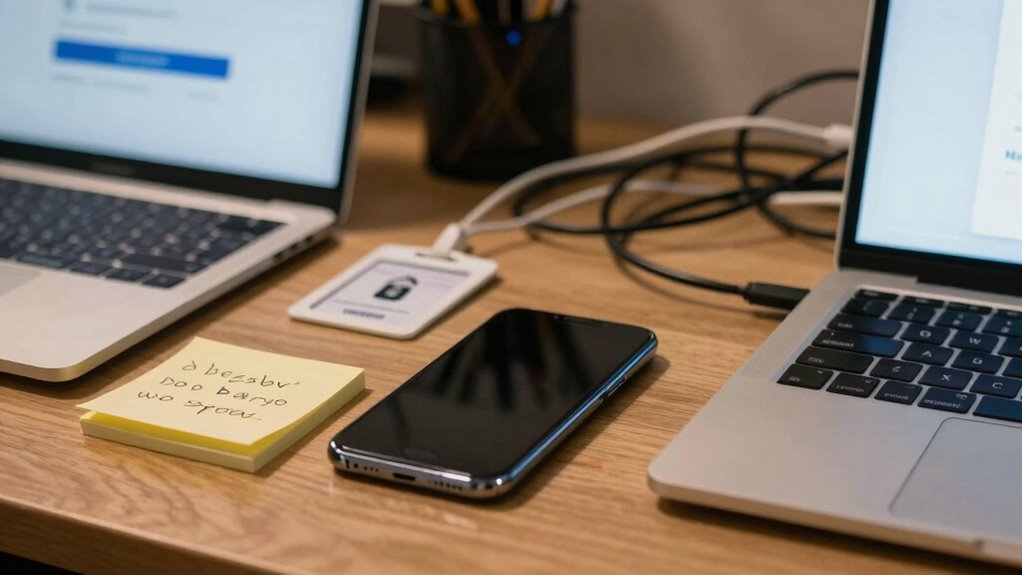

Most security problems start with convenience because you tend to choose easier options, like simple passwords, skipping updates, or avoiding multi-factor authentication. These shortcuts make it faster and simpler to access accounts but leave you vulnerable to hackers. Reusing passwords or ignoring security patches can seem harmless at first but greatly increase risks over time. If you want to understand how these habits create vulnerabilities and how to improve, stay with us to discover more.

Prime made for students and young adults
- Fast, free delivery for dorm and study essentials
- Prime Video and Amazon Music included
- Member-only deals
Key Takeaways
- Users choose simple or reused passwords for ease, increasing vulnerability to attacks.
- Skipping multi-factor authentication due to perceived inconvenience exposes accounts to breaches.
- Delaying software updates to save time leaves systems open to known exploits.
- Relying on memory or notes for passwords compromises security for convenience.
- Prioritizing quick access over security measures creates critical vulnerabilities.

Many security problems begin when we choose convenience over caution. It’s tempting to skip the extra steps that protect your data, especially when managing multiple accounts or trying to save time. One common shortcut is weak user authentication. Instead of creating strong, unique passwords, you might default to simple or reused ones. This makes it easier for hackers to break into your accounts, often through brute-force attacks or credential stuffing. You might think, “It’s just one account,” but compromised passwords can open doors to sensitive information across your digital life.
Weak passwords and reusing them put all your accounts at risk. Stay vigilant and secure.
Password management is another area where convenience often trumps security. When you don’t use a password manager, you tend to rely on memory or write passwords down somewhere insecure. This practice increases the risk of forgetting your passwords or having them stolen. Without a password manager, you might create predictable passwords, like “Password123” or “Qwerty,” which are easy for attackers to guess. These habits undermine your security, making it straightforward for cybercriminals to access your accounts. Password habits can significantly weaken your overall security posture if not addressed. Additionally, many people underestimate the importance of security awareness in preventing breaches. Recognizing common scams and being cautious about sharing personal information is crucial for maintaining security.
Choosing convenience can also mean skipping multi-factor authentication (MFA). While MFA adds an extra layer of security, many avoid it because it feels cumbersome or slows down login. But by not enabling MFA, you’re leaving your accounts vulnerable if your password is compromised. Cybercriminals only need your password to access your account, but with MFA enabled, they’d need an additional verification step, which considerably reduces the risk of unauthorized access. Implementing multi-factor authentication is a simple yet powerful way to bolster your defenses against cyber threats.
Another aspect of convenience is ignoring security updates or software patches. When you delay updating your devices or applications, you miss critical security fixes that protect against known vulnerabilities. Hackers often exploit outdated software, so skipping updates is like leaving your front door wide open. Many avoid these updates because they’re inconvenient or fear losing data, but in reality, these patches are essential for keeping your digital environment secure. Regular updates are a fundamental part of cybersecurity best practices that safeguard your devices from emerging threats. Neglecting these updates can lead to exploitable vulnerabilities, which are often the target of cyberattacks. Furthermore, not maintaining updated software can cause compatibility issues that disrupt your workflow, tempting you to postpone updates even more. Ultimately, your desire for quick access and effortless management can lead to serious security vulnerabilities. Taking shortcuts in user authentication and password management might save time now, but it exposes you to bigger risks later. Investing a little extra effort—using strong, unique passwords, enabling multi-factor authentication, and keeping your software up to date—can make a profound difference. Security isn’t about inconvenience; it’s about protecting yourself from the devastating consequences of neglecting caution for the sake of convenience.
password manager for secure passwords
As an affiliate, we earn on qualifying purchases.
As an affiliate, we earn on qualifying purchases.
Frequently Asked Questions
How Do Companies Balance Security and User Convenience Effectively?
You can balance security and user convenience by implementing seamless user authentication methods like multi-factor authentication that don’t frustrate users. Encourage strong password management with password managers, making complex passwords easier to handle. Regularly educate users on security best practices while designing intuitive interfaces. By combining these strategies, you create a secure environment that’s also easy for users to navigate, reducing risks without sacrificing convenience.
What Are Common User Behaviors That Compromise Security Unknowingly?
You might unknowingly compromise security by relying on weak password habits or reusing passwords across sites. Additionally, device multitasking can expose sensitive information if you leave apps accessible or unattended. Remember, “A chain is only as strong as its weakest link.” Stay vigilant—use strong, unique passwords, and avoid multitasking with sensitive info on your devices to protect yourself from security breaches.
How Can Individuals Improve Their Security Without Sacrificing Convenience?
You can improve your security without sacrificing convenience by practicing good password hygiene—using strong, unique passwords for each account and updating them regularly. Incorporate security mindfulness into your daily routine by enabling two-factor authentication and avoiding risky links or downloads. Use password managers to simplify managing multiple passwords, and stay aware of phishing scams. These steps help balance security and convenience, keeping your data safe without overly complicating your digital life.
Are There Specific Industries More Prone to Convenience-Related Security Issues?
Yes, industries like healthcare, finance, and retail are more prone to convenience-related security issues. Their industry vulnerabilities often stem from user complacency, where employees or customers prioritize quick access over security protocols. You might notice this in how they handle sensitive data or password practices. To protect yourself, stay vigilant, avoid shortcuts, and follow best security practices, especially if you’re working with or within these highly targeted sectors.
What Role Does Technology Play in Resolving Convenience-Security Conflicts?
Technology plays a vital role in resolving convenience-security conflicts by implementing robust solutions like user authentication and data encryption. You can streamline access with secure authentication methods, such as biometrics or multi-factor authentication, reducing hassle while enhancing security. Data encryption protects sensitive information from breaches, making it easier for you to balance convenience with security. These tech advancements enable you to enjoy ease of use without compromising your data’s safety.
multi-factor authentication security device
As an affiliate, we earn on qualifying purchases.
As an affiliate, we earn on qualifying purchases.
Conclusion
Remember, choosing convenience over security is like building a house on sand—you might enjoy it now, but the foundations won’t hold up when trouble hits. Every quick fix or easy shortcut invites vulnerabilities, turning your fortress into an open door. So, next time you’re tempted to cut corners, think of it as trading peace of mind for fleeting ease. After all, the strongest defenses are built with deliberate care, not hurried shortcuts.
As an affiliate, we earn on qualifying purchases.
As an affiliate, we earn on qualifying purchases.
Fall Picks
fall essentials
As an affiliate, we earn on qualifying purchases.