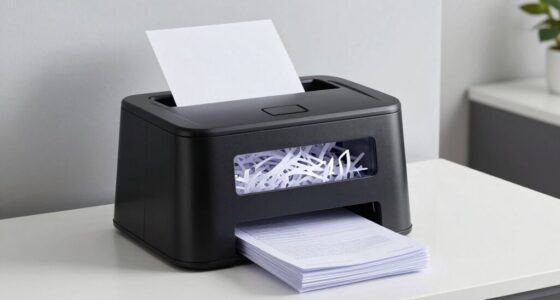
Sharing devices might seem convenient, but it often leads to unexpected issues. You’ll face compatibility problems, as apps and settings can clash with different users’ preferences. These conflicts slow down your work and increase the risk of data loss or malware. Managing multiple users also complicates privacy and security, making it harder to keep personal info safe. If you want to know exactly why these problems happen and how to avoid them, keep exploring the details.

Prime made for students and young adults
- Fast, free delivery for dorm and study essentials
- Prime Video and Amazon Music included
- Member-only deals
Key Takeaways
- Compatibility issues arise from differing app versions and user settings, causing unexpected malfunctions.
- Shared devices increase security risks, making data privacy and malware protection more difficult.
- Managing multiple users leads to configuration conflicts and accidental data loss.
- Synchronizing accounts and permissions becomes complex, risking workflow disruptions.
- The convenience of sharing often results in higher troubleshooting costs and productivity losses.
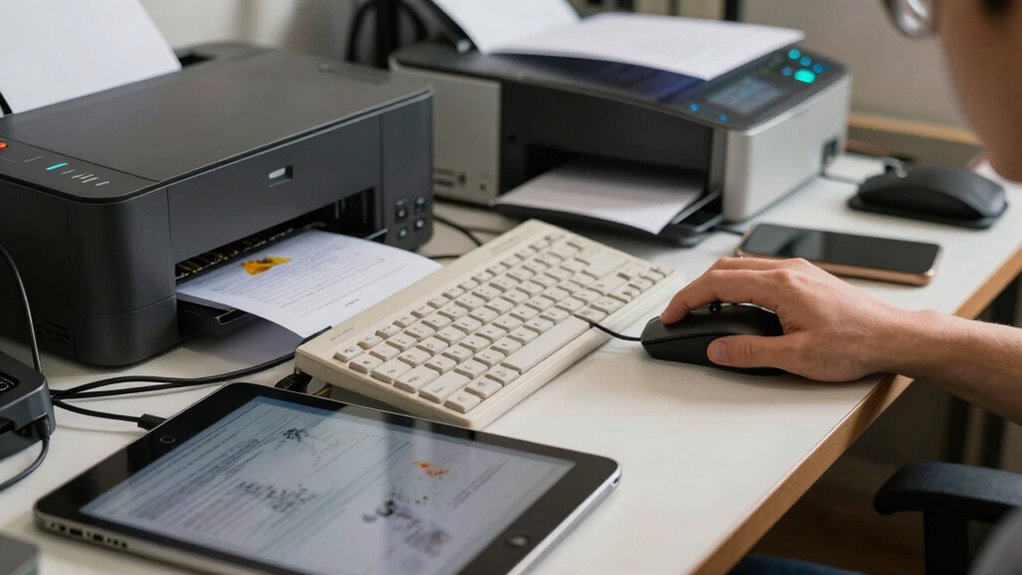
Another significant issue is device compatibility. Different users often have different preferences, app requirements, or software versions. When you share a device, you risk running into conflicts—an app that works perfectly for you might not function correctly for someone else. Updates or changes made by one person could interfere with another’s workflow, causing frustration and wasted time. Sometimes, device settings are altered unintentionally, leading to problems like incorrect configurations, storage issues, or even malware infections if someone downloads suspicious files. This becomes especially problematic if the device is used for work or important tasks, as compatibility issues can slow down productivity or cause data loss. Ensuring that devices have consistent configurations can be a real challenge, especially when multiple users share the same hardware. Device management becomes more complex as multiple users try to customize and control the same device.
Beyond privacy concerns and device compatibility, sharing devices also introduces logistical problems. You may find yourself waiting for someone else to finish using the device, which can be frustrating if you need quick access. If multiple people rely on the same device regularly, it can become a source of tension or confusion, especially when account logins or saved preferences aren’t synchronized. Plus, managing permissions and ensuring that everyone’s data stays separate becomes a challenge, increasing the risk of accidental data mixing or deletion. This can also lead to issues with personal data management, where safeguarding individual information becomes increasingly complex with multiple users involved. Proper user account controls can help mitigate some of these issues, but it requires additional setup and oversight. It’s often more practical to have dedicated devices, ensuring each user maintains control over their own data and settings. Using personalized accounts can help streamline this process.
In the end, what might seem like a simple solution turns out to be more trouble than it’s worth. The convenience of sharing devices comes at the cost of privacy, security, and smooth operation. Whether it’s personal or professional use, it’s often better to have your own device tailored to your needs. That way, you avoid the pitfalls of privacy intrusions, compatibility issues, and the hassle of managing multiple users. Sharing may save a little money upfront, but the potential complications can quickly outweigh those savings.
personal user account management software
As an affiliate, we earn on qualifying purchases.
As an affiliate, we earn on qualifying purchases.
Frequently Asked Questions
How Can I Prevent Data Leaks on Shared Devices?
To prevent data leaks on shared devices, prioritize user privacy by implementing strict access controls and encryption. Use device segregation to separate sensitive data from general use areas, ensuring only authorized users can access confidential information. Regularly update security settings, clear browsing data, and encourage users to log out after each session. These steps help minimize risks, protect user privacy, and reduce the chances of data leaks on shared devices.
What Are the Best Security Tools for Shared Device Management?
Imagine shared devices as open doors—without proper security, anyone can walk in. The best tools are those that facilitate device segmentation and enforce strict user authentication. Use mobile device management solutions to segregate user data and guarantee only authorized individuals access sensitive information. These tools act like digital locks, protecting your data and maintaining control, preventing unauthorized access and reducing the risk of data leaks.
How Often Should Shared Devices Be Cleaned or Reset?
You should clean or reset shared devices at least once a week to maintain proper device hygiene and prevent data breaches. Regular resets help remove residual data, ensuring user accountability and reducing security risks. Additionally, cleaning devices physically and updating software keeps them functioning smoothly. By establishing a consistent schedule, you minimize vulnerabilities, protect user information, and keep shared devices secure and reliable for everyone involved.
Can Shared Devices Impact Network Security?
Shared devices can considerably impact network security if you don’t prioritize device privacy and user authentication. When multiple people access the same device, sensitive information might be exposed or compromised. Without proper authentication, unauthorized users could gain access to your network, risking data breaches. Regularly updating security settings and ensuring that each user authenticates correctly helps protect your network and maintain device privacy.
What Are Common User Errors on Shared Devices?
You often overlook user errors on shared devices, risking your privacy and violating device etiquette. Common mistakes include forgetting to log out, leaving sensitive information visible, or installing unapproved apps. These errors can expose your personal data or compromise security. To avoid trouble, always log out after use, keep your information private, and follow proper device etiquette. Being cautious helps protect your privacy and keeps shared devices running smoothly for everyone.
As an affiliate, we earn on qualifying purchases.
Conclusion
You might think sharing devices is simple, but it often leads to unexpected problems. For example, imagine a busy office where employees forget to log out of a shared computer, leaving sensitive information exposed. That small oversight can cause data breaches or privacy issues. So, next time you share a device, remember that what seems like a minor convenience can turn into a major headache. Being cautious helps keep your information safe and avoids unnecessary trouble.
multi-user device management solutions
As an affiliate, we earn on qualifying purchases.
As an affiliate, we earn on qualifying purchases.
As an affiliate, we earn on qualifying purchases.
Halloween Picks
halloween
As an affiliate, we earn on qualifying purchases.