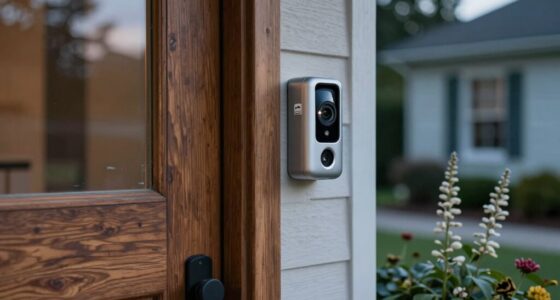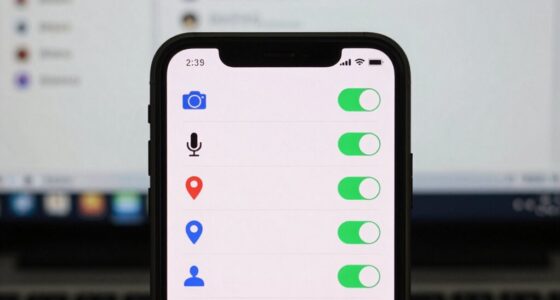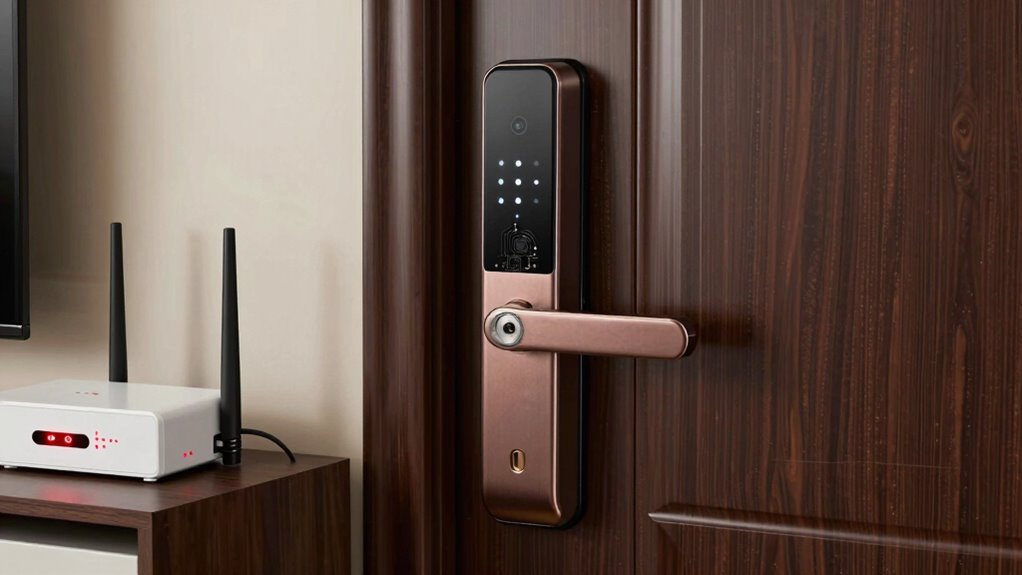
When Wi-Fi or power fails, your smart lock can become unresponsive, blocking your ability to lock or open from a distance. Dead batteries or power outages may cause the lock to stop working entirely, leaving you stranded or unable to secure your door. Signal interference can also disrupt communication with the lock, making it unresponsive. Fortunately, most smart locks include backups like physical keys or emergency power options—if you’re curious about how to stay protected, keep exploring.
Listen free for 30 days with Audible
Thousands of audiobooks and originals — cancel anytime.
As an affiliate, we earn on qualifying purchases.
Key Takeaways
- Power failures can disable smart locks if batteries are depleted or backup power options are unavailable.
- Wi-Fi or signal interference can cause communication issues, preventing remote control or status updates.
- Dead batteries or power outages may lock users out if manual override options are not properly maintained.
- Signal disruptions from electronic interference can lead to unresponsiveness or malfunction during operation.
- Regular maintenance and backup methods ensure reliable access despite power or Wi-Fi failures.
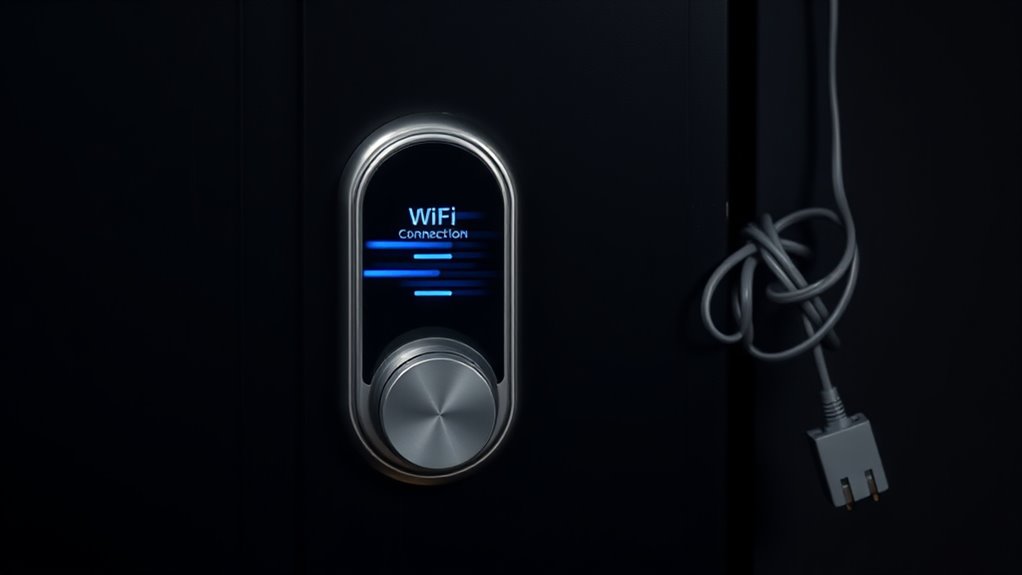
Smart locks offer convenience and enhanced security, but they’re not immune to failure. When your smart lock malfunctions, it’s often due to issues like power outages or signal disruptions. One common problem arises when the lock’s power source runs out, which is why having a reliable battery backup is essential. Many smart locks are designed with a battery compartment or an external battery port to keep the device functioning during power failures. If the batteries die, the lock may refuse to open or lock, leaving you stranded. That’s why it’s vital to regularly check and replace batteries to guarantee the lock stays operational when you need it most. Some models even alert you when battery levels are low, giving you time to replace them before complete failure occurs. Proper device maintenance**** can significantly reduce the likelihood of unexpected lock failures.
Regularly check and replace smart lock batteries to ensure reliable operation during power outages.
Signal interference is another culprit behind smart lock failures. These devices rely on Wi-Fi, Bluetooth, or Z-Wave signals to communicate with your smartphone or home automation system. When interference from other electronic devices, thick walls, or appliances disrupts these signals, your lock might not respond to commands. You could find yourself unable to lock or unlock the door remotely, or worse, the lock might become unresponsive altogether. To prevent this, keep your lock’s signal path clear of potential interference sources and guarantee your Wi-Fi network is strong and stable. Using a dedicated hub or extender can also help improve communication between your lock and your network, reducing the chances of signal-related failures.
In some cases, these issues can compound. For example, if the batteries are weak and the signal is interrupted, the lock might glitch or fail to operate. That’s why it’s important to maintain both aspects—checking battery levels regularly and optimizing your network setup. Additionally, some smart locks feature manual override options, like a physical key or a backup code, which can be a lifesaver if electronic systems fail. Always familiarize yourself with these backup methods so you’re prepared for unforeseen problems.
Ultimately, understanding potential failure modes helps you better maintain your smart lock. Regularly replacing batteries, minimizing signal interference, and knowing your backup options can keep your smart lock functioning smoothly. While these devices bring significant convenience, staying proactive about their maintenance guarantees you won’t get locked out when power or Wi-Fi issues strike.
Frequently Asked Questions
Can Smart Locks Be Hacked Remotely During a Power Outage?
During a power outage, smart locks are less vulnerable to remote hacking, but Wi-Fi security concerns still exist. If your Wi-Fi isn’t secure, hackers could exploit remote hacking vulnerabilities to access your lock. To protect yourself, guarantee your Wi-Fi network has strong encryption and change default passwords. Regular updates and strong security practices reduce risks, making it harder for hackers to target your smart lock during outages or normal operation.
Do Smart Locks Have Backup Power Sources?
Yes, smart locks often have backup power sources like batteries to keep functioning during outages. This backup power allows you to open doors using keypad or manual override options. An emergency override feature lets you open the lock with a physical key if the backup power runs out. Make certain to regularly check and replace batteries to guarantee your smart lock stays operational when needed most.
How Long Does a Smart Lock’s Battery Last?
Your smart lock’s battery is like a marathon runner, lasting around six months to a year with typical use. Battery lifespan depends on power consumption—if the lock uses more energy, it drains faster. To avoid surprises, check your lock’s battery indicator regularly and replace batteries promptly. A smart habit guarantees your lock stays reliable, even when the power runs low, keeping your home secure without missing a beat.
Are There Manual Override Options for Smart Locks?
Yes, most smart locks have a mechanical override for emergency access. You can usually use a physical key or a built-in manual lock to open your door if Wi-Fi or power fails. This mechanical override guarantees you’re never locked out during outages or technical issues. Always check your lock’s manual to understand how to use the override safely, so you can access your home when needed.
What Maintenance Is Required for Smart Lock Batteries?
You need to regularly check and replace your smart lock batteries to guarantee smooth operation. Keep an eye on the battery status indicator and replace batteries promptly before they run out. Good power management involves using high-quality batteries and scheduling routine replacements, typically every 6 to 12 months, depending on usage. This prevents unexpected lock failures and maintains reliable access, so your smart lock stays secure and functional at all times.
Conclusion
Understanding the failure modes of your smart lock helps you prepare for unexpected outages. When Wi-Fi or power fails, you might find yourself locked out or unable to control your lock remotely. Are you ready to trust just technology alone? It’s smart to have backup options like physical keys or battery backups. Being prepared guarantees your home stays secure, no matter what glitches occur. Don’t let a tech hiccup leave you vulnerable—plan ahead and stay in control.
Fall yard work Picks
leaf blowers
As an affiliate, we earn on qualifying purchases.