Wi-Fi interference happens when multiple networks or devices use overlapping channels, causing signals to compete and slow down your connection. In the 2.4 GHz band, only three non-overlapping channels (1, 6, 11) help reduce clashes, but many routers pick overlapping channels, increasing congestion. The 5 GHz band offers more non-overlapping channels, lowering interference chances. Understanding how to select your channels properly can greatly improve your Wi-Fi performance as you explore further.
Key Takeaways
- Overlapping Wi-Fi channels compete in the same airspace, causing interference and reducing network performance.
- 2.4 GHz channels 1, 6, and 11 are non-overlapping, minimizing interference in crowded environments.
- Using adjacent or overlapping channels increases signal conflicts, leading to slower speeds and dropped connections.
- Interference sources like Bluetooth devices and microwaves can disrupt Wi-Fi signals on overlapping channels.
- Proper channel management, including selecting non-overlapping channels, helps reduce interference and improves reliability.
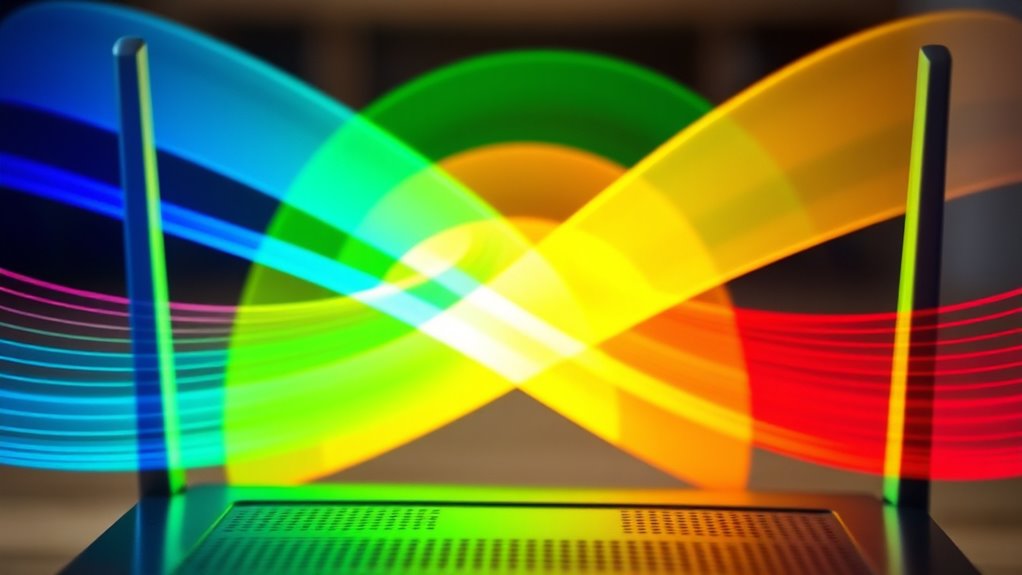
Have you ever wondered how your Wi-Fi connects so reliably without interference? It’s pretty impressive, especially considering the busy wireless environment around you. The secret lies in how Wi-Fi networks use channels and how they manage interference through techniques like channel bonding and interference mitigation. When multiple devices stream, browse, or game simultaneously, they all share the same airwaves. Without proper management, signals can overlap, causing slowdowns or dropped connections. That’s where understanding Wi-Fi channels becomes essential.
Wi-Fi routers operate on specific frequency bands, primarily 2.4 GHz and 5 GHz. Each band is divided into several channels—think of them as lanes on a highway. In the 2.4 GHz band, there are typically 11 to 14 channels, but only three of them (channels 1, 6, and 11) are non-overlapping. Overlapping channels lead to interference because devices on the same or adjacent channels compete for the same airspace, which degrades performance. In the 5 GHz band, channels are more numerous and less congested, with many non-overlapping options, reducing the likelihood of interference.
2.4 GHz has 11-14 channels, but only 3 are non-overlapping, reducing interference.
To combat interference and improve Wi-Fi performance, many modern routers employ channel bonding. This technique combines two or more adjacent channels into a single, wider channel, effectively increasing bandwidth and allowing faster data transfer. For example, bonding two 20 MHz channels into a 40 MHz channel doubles the data rate, which is especially beneficial for streaming high-definition videos or large file transfers. However, channel bonding can also increase the chance of interference if neighboring networks use overlapping bonded channels. That’s why interference mitigation strategies are essential. Advanced routers can automatically detect crowded channels and switch to less congested ones, or adjust the bonding width dynamically, minimizing interference and optimizing your connection.
Interference mitigation goes beyond just selecting the right channel or bonding. It involves intelligent communication between your devices and the router. Features like automatic channel selection, adaptive frequency scaling, and interference-aware algorithms help keep your Wi-Fi running smoothly. These tools identify sources of interference—such as neighboring Wi-Fi networks, Bluetooth devices, or microwave ovens—and adapt to avoid them. The goal is to keep your connection stable and fast, even in environments packed with competing signals.
In essence, your Wi-Fi’s reliability hinges on smart management of channels and interference mitigation techniques. By understanding how channel bonding boosts bandwidth and how interference mitigation reduces disruptions, you can better position your router or choose the right settings. This keeps your wireless experience seamless, whether you’re working from home, gaming, or streaming. The next time your Wi-Fi seems to run flawlessly despite a crowded environment, you’ll know it’s because of these sophisticated strategies working behind the scenes. Proper channel management is crucial for maintaining optimal Wi-Fi performance in complex environments.
Frequently Asked Questions
How Does Wi-Fi Channel Overlap Affect Network Speed?
When Wi-Fi channels overlap, you experience channel congestion and signal interference, which slow down your network speed. Your devices struggle to communicate effectively, leading to dropped connections and lag. To improve speed, choose a less congested, non-overlapping channel. This reduces interference, allowing your Wi-Fi signal to stay strong and stable, ensuring faster and more reliable internet performance for your activities.
Can Changing Channels Improve Wi-Fi Performance in Busy Areas?
Like a savvy captain steering through stormy seas, you can improve Wi-Fi performance in busy areas by changing channels. Proper channel selection reduces interference, allowing your network to operate smoothly. This interference mitigation technique helps avoid overlaps from neighboring networks, boosting speed and stability. So, don’t hesitate—switch to a less congested channel, and watch your Wi-Fi performance soar, even amidst the chaos of a crowded environment.
What Devices Are Most Affected by Wi-Fi Interference?
You’ll find that devices like smart TVs, cordless phones, and Bluetooth gadgets are most affected by Wi-Fi interference. Interference sources such as neighboring networks, microwave ovens, and wireless cameras can disrupt your connection. Device compatibility also plays a role—older devices might struggle more in crowded environments. To improve performance, identify interference sources and guarantee your devices support modern Wi-Fi standards, which can help minimize disruptions and boost your overall experience.
How Often Should I Scan for Better Wi-Fi Channels?
You should perform a channel scan at least once a month to find the best Wi-Fi channels. The ideal scan timing is when network usage is low, like late at night or early morning, to get the most accurate results. Regularly checking your channels helps you avoid interference and maintain a strong connection. Make it a habit to reassess periodically, especially if you notice slow speeds or dropped connections.
Does Channel Selection Impact Wi-Fi Security?
Think of channel selection as locking the door to your Wi-Fi house; it does impact your security. Choosing the right channel can reduce interference, but it also helps guarantee your wireless encryption stays strong and your network segmentation remains effective. By avoiding crowded channels, you make it harder for intruders to access your network, keeping your data safe. So, yes, proper channel selection is a key part of your Wi-Fi security strategy.
Conclusion
Understanding Wi-Fi channels is like tuning a radio—you need the right station to avoid static. By choosing the best channel and avoiding interference, you can enjoy smoother streaming and faster downloads. Think of your Wi-Fi as a busy highway; the clearer the lane, the faster you get to your destination. So, take control of your network, pick the right channel, and let your Wi-Fi flow effortlessly, like a gentle stream through a peaceful valley.