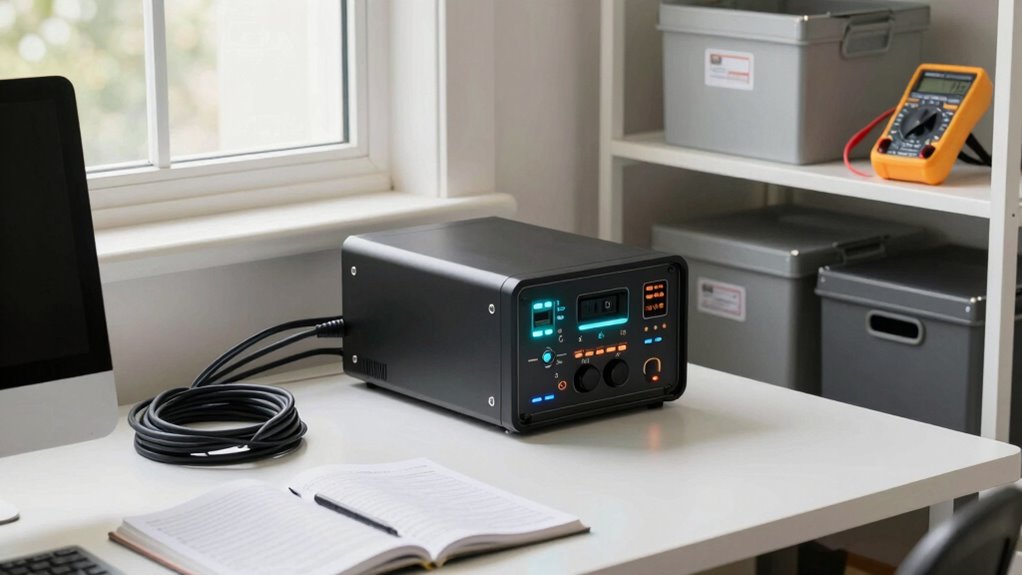

To safeguard your data from rare but damaging problems like hardware failures, cyberattacks, or natural disasters, establish a solid home backup routine. Schedule regular, automated backups that include encrypted files to keep your information safe from unauthorized access. Use cloud synchronization for up-to-date versions across devices, and keep physical backups offline for extra security. Implementing these steps helps guarantee your data stays protected and recoverable, so keep exploring for more tips to reinforce your backup system.
Listen free for 30 days with Audible
Thousands of audiobooks and originals — cancel anytime.
As an affiliate, we earn on qualifying purchases.
Key Takeaways
- Implement regular, automated backups to ensure recent data is protected against unexpected failures or disasters.
- Use encryption to secure backup files from unauthorized access during transfer and storage.
- Incorporate cloud synchronization for real-time updates and quick recovery of the latest files.
- Maintain offline physical backups on external drives to safeguard against cyberattacks and hardware failures.
- Regularly review and update backup procedures to adapt to evolving threats and ensure data integrity.
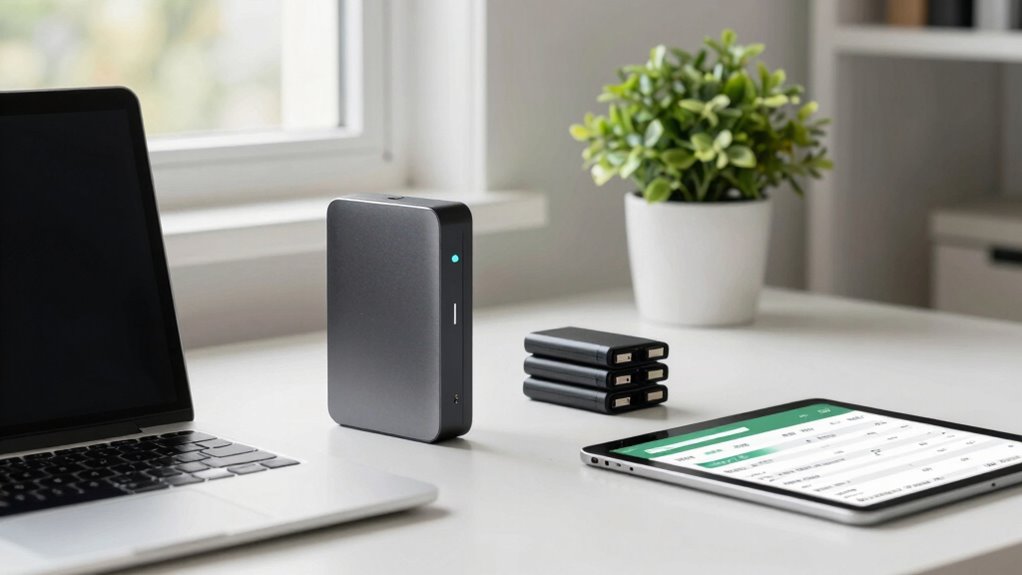
Have you ever considered how vulnerable your data is to unexpected events like power outages, hardware failures, or cyberattacks? It’s a sobering thought, but one that underscores the importance of a solid home backup routine. When disaster strikes, your primary concern should be safeguarding your files from permanent loss. That’s where data encryption and cloud synchronization come into play, forming essential components of an effective backup strategy.
Data encryption is necessary because it protects your information from prying eyes, especially during transmission and storage. When you back up your files, encrypting them ensures that even if someone gains unauthorized access—whether through hacking or physical theft—they won’t be able to read your data. Many backup tools now offer built-in encryption options, making it easier to secure your files automatically. This extra layer of protection is critical, particularly if you’re backing up sensitive information like financial records, personal photos, or work documents.
Encrypt your backups to protect sensitive data from unauthorized access during transfer and storage.
Cloud synchronization complements encryption by keeping your files updated across multiple devices and remote servers. Instead of manually copying files to an external drive, cloud services automatically sync your data to the cloud as soon as changes occur. This means your latest versions are always available, and you can recover files quickly if a local device fails or gets compromised. Plus, cloud providers typically use robust security measures, including encryption during transfer and at rest, further protecting your data from cyber threats. By integrating cloud synchronization into your routine, you minimize the risk of losing essential files due to hardware failures or accidental deletions. Regularly reviewing your security protocols helps ensure your backup process remains effective against evolving threats.
A reliable home backup routine isn’t just about having copies; it’s about having the right copies. You should schedule regular backups—daily or weekly—depending on how often your data changes. Automate the process as much as possible, so you don’t forget or delay. Use encryption tools to safeguard your backups, and leverage cloud synchronization to keep your files accessible and current across all your devices. Consider maintaining a physical backup on an external drive, stored securely offline, to cover situations where cloud access might be disrupted. Additionally, understanding data vulnerabilities helps you recognize the importance of these protective measures.
In the end, a thorough backup routine acts as your safety net. It shields you from rare but damaging problems, giving you peace of mind that your data remains protected, accessible, and recoverable no matter what unexpected event occurs. By combining encryption, cloud synchronization, and consistent backup habits, you establish a resilient system that can handle even the ugliest data disasters.
external hard drive with encryption
As an affiliate, we earn on qualifying purchases.
As an affiliate, we earn on qualifying purchases.
Frequently Asked Questions
How Often Should I Perform My Home Backup Routine?
You should perform your home backup routine weekly to guarantee data safety. Regular backups prevent data loss from unexpected events. During each backup, encrypt your data for security and use cloud synchronization to keep your files updated across devices. This consistent routine helps catch issues early, keeps your data protected, and ensures you can recover quickly from any hardware failure or cyber threat. Stay proactive for peace of mind.
What Types of Backups Are Most Reliable?
Opting for cloud storage combined with incremental backups is your safest bet. Cloud backups are reliable and accessible, offering peace of mind, while incremental backups efficiently save your latest changes without overwhelming your storage. This dynamic duo minimizes risk and guarantees your data stays current, even if unforeseen issues arise. By consistently using these methods, you’re building a robust safety net that keeps your digital life secure and stress-free.
How Do I Choose the Right Backup Storage Device?
You should choose a backup storage device that offers both reliability and security. Cloud storage and offsite backup options provide automatic, remote protection against local disasters. Consider your data size, budget, and access needs. Cloud services are convenient for quick access and scalability, while physical offsite devices like external drives are good for local backups. Combining both gives you complete protection, ensuring your data stays safe no matter what happens.
What Are Common Mistakes to Avoid During Backups?
Avoid common backup mistakes like neglecting cloud security and skipping data encryption, which put your data at risk. Always verify that your backups are complete and regularly test recovery processes to guarantee everything works smoothly. Don’t overlook updating your backup software or storing backups in multiple locations. By being vigilant about these issues, you safeguard your data from potential threats and ensure quick recovery when needed.
How Can I Test My Backup’s Effectiveness?
You can test your backup’s effectiveness by restoring files from your backup to a separate device or location. Check if cloud synchronization updates are complete and verify the integrity of encrypted files, ensuring encryption methods haven’t compromised data access. Regularly performing these restores and checks helps confirm your backup works correctly, so you’re confident that your data is safe and recoverable in emergencies.
As an affiliate, we earn on qualifying purchases.
Conclusion
By sticking to this backup routine, you’re building a safety net that catches you before disaster strikes. Think of it as regularly watering a garden—neglecting it can lead to weeds and wilt, but with consistent care, your home’s data stays healthy and thriving. Don’t wait for a storm to hit; take control now and keep your digital life protected. A little effort today keeps the ugly surprises at bay tomorrow.
As an affiliate, we earn on qualifying purchases.
As an affiliate, we earn on qualifying purchases.
Grilling season Picks
grills
As an affiliate, we earn on qualifying purchases.