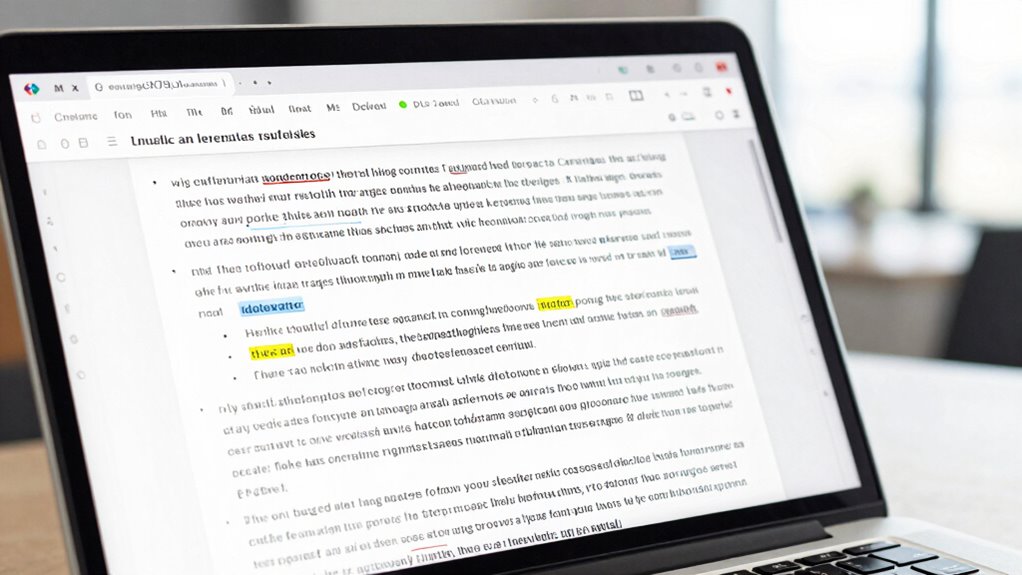

When you convert a scanned document or PDF into a searchable file, OCR software first turns the visual image into digital text. It analyzes the shapes, patterns, and strokes to recognize individual characters, including handwritten notes. Advanced algorithms match these to font templates or patterns, making the text fully searchable and editable. If you want to understand how this technology precisely works behind the scenes, there’s more to explore.
Key Takeaways
- OCR converts images of text into machine-readable data using pattern recognition and character analysis.
- It employs font matching to accurately identify characters based on visual similarity.
- Handwriting recognition uses machine learning to interpret diverse handwritten styles and signatures.
- Image processing enhancements improve accuracy, especially with noisy or degraded scans.
- The resulting searchable PDFs contain an invisible text layer, enabling quick text searches and edits.
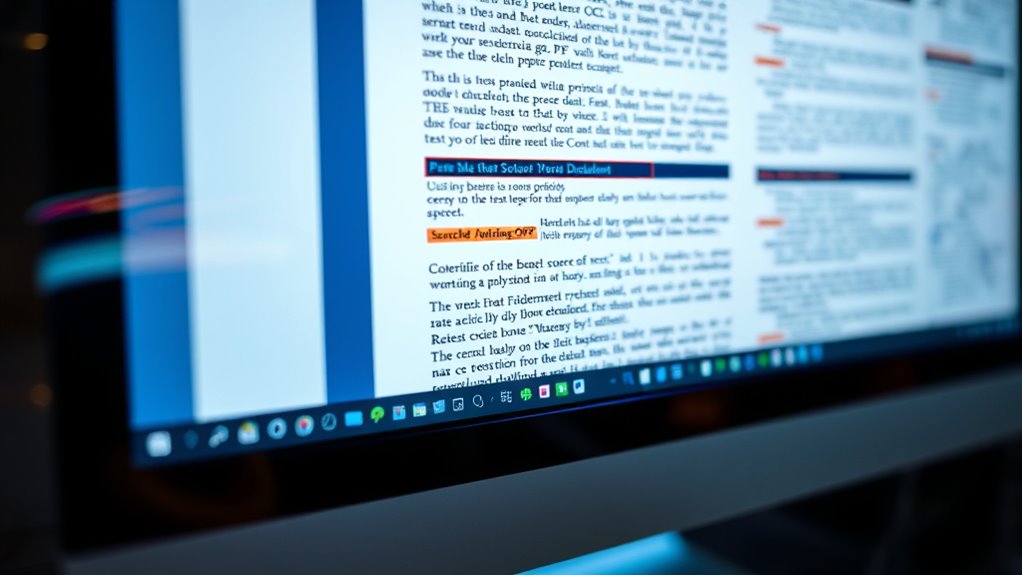
Have you ever wondered how computers turn handwritten or printed text into digital data? It’s a fascinating process that involves multiple steps, with OCR (Optical Character Recognition) at its core. When you scan a document or upload a PDF, the software first converts the visual information into an image, but that’s just the beginning. The real magic happens when OCR algorithms analyze this image to identify and digitize the text. At this stage, handwriting recognition plays an essential role if the document contains handwritten notes or signatures. The software assesses the shapes, strokes, and patterns, trying to match them with known characters. For printed text, font matching becomes a key feature. It involves comparing letter shapes in the image to a library of font templates, allowing the software to accurately assign characters to the visual patterns it detects. Understanding font matching helps you see why some scanned documents appear almost perfect after OCR processing, while others need manual correction. When the software recognizes a character, it compares its shape to the most similar font style in its database. If it finds a close match, it assigns that character, making the digital version look just like the original. This process isn’t always perfect, especially with unusual fonts or poor-quality images, but advancements in font matching algorithms have considerably improved accuracy over time. Handwriting recognition adds another layer of complexity, since handwritten characters vary widely between individuals. Here, the system relies on pattern recognition and machine learning to analyze the strokes and curves, trying to find the best fit among countless possible character shapes. Additionally, recent developments in image processing technology have enhanced OCR’s ability to handle noisy or degraded images, increasing overall reliability. Both handwriting recognition and font matching are essential for creating searchable PDFs. Once the text is recognized and digitized, it becomes searchable and editable—no more scanning or manual transcription needed. You can quickly locate specific words or phrases within large documents, saving hours of effort. OCR software also creates an underlying layer of text that’s invisible to the eye but accessible to search functions, making your PDFs more functional. The combination of these technologies means that whether the document features typed text or handwritten annotations, OCR can convert it into a digital format that’s easy to search, edit, and store. As these technologies continue to evolve, your ability to digitize and manage documents becomes faster and more accurate, transforming how you work with physical and digital data alike.
Frequently Asked Questions
Can OCR Accurately Recognize Handwritten Text?
OCR can recognize handwritten text, but its accuracy varies. Handwriting recognition faces accuracy challenges because handwriting styles differ greatly, making it harder for OCR systems to interpret correctly. While advanced OCR tools have improved in handling cursive and messy handwriting, you might still encounter errors. For the best results, use high-quality images and clear, legible writing. Keep in mind, perfect accuracy isn’t always guaranteed with handwriting recognition.
What Are Common Errors in OCR Processing?
You might find OCR processing can sometimes miss the mark, like a needle in a haystack. Common errors include misreading characters due to similar fonts or poor document layout, causing confusion in font recognition. Overlapping text or unusual formatting can throw off the software, leading to inaccuracies. These mistakes often require manual review to guarantee your searchable PDFs are accurate and reliable, especially when delicate details matter.
How Does OCR Handle Different Languages and Scripts?
You should know that OCR handles different languages and scripts through multilingual recognition and script adaptability. It uses specialized algorithms to identify various characters, alphabets, and writing styles, allowing it to accurately process diverse texts. When you work with multilingual documents, the OCR system adjusts its recognition parameters for each language, ensuring accurate conversion. This flexibility makes OCR effective across multiple languages and scripts, even in complex or mixed-language documents.
Is OCR Technology Suitable for Low-Quality Images?
Yes, OCR technology can handle low-quality images, especially when you use image enhancement techniques to improve clarity. Many OCR tools incorporate advanced algorithms for font recognition, even in blurry or pixelated documents. While perfect results aren’t guaranteed, enhancing images and selecting the right OCR software increases accuracy. So, don’t shy away from using OCR on less-than-ideal images—just invest in some preprocessing to boost recognition success.
How Secure Are Searchable PDFS With Sensitive Information?
Searchable PDFs with sensitive info can be quite secure if you implement proper access controls and encryption. However, be aware of potential vulnerabilities, like weak encryption standards or access control flaws, that could expose your data. it is crucial to use strong encryption, restrict access to authorized users, and keep your software updated to minimize risks. Regularly review and improve your security measures to protect your sensitive information effectively.
Conclusion
Think of OCR as a master key, revealing the hidden stories within your documents. When you convert a scan into a searchable PDF, you’re giving it new life—turning silent images into vibrant conversations. Like a lighthouse guiding ships through darkness, OCR illuminates the text, making it accessible and meaningful. Embrace this tool, and watch your digital world become a well-organized library, where every piece of information shines brightly, waiting to be discovered.