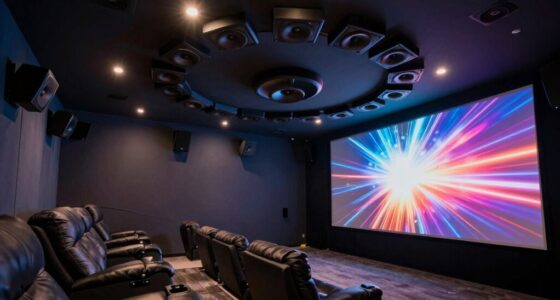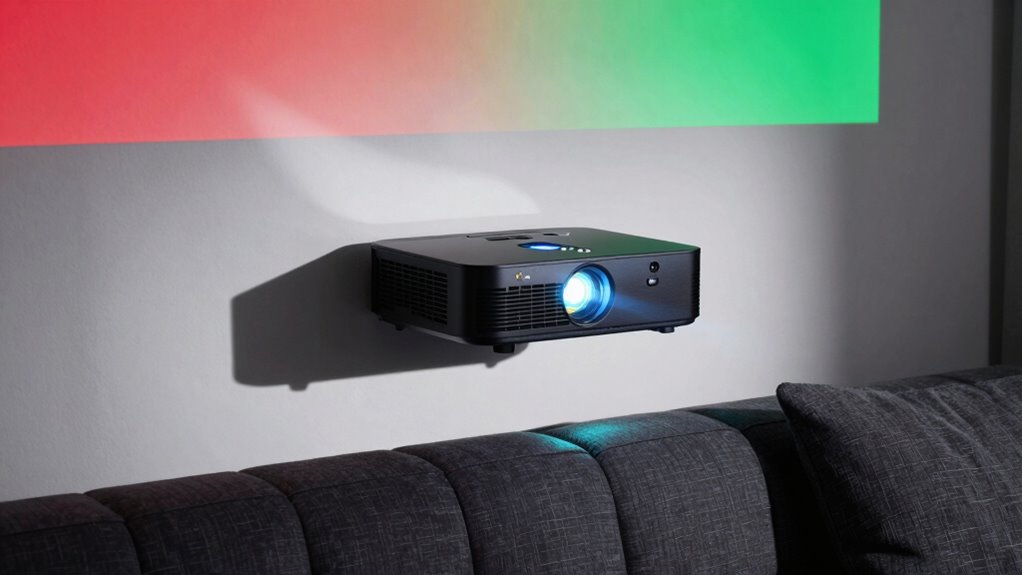

HDR on projectors often doesn’t look as impressive because many models lack true color accuracy and sufficient contrast. While they might claim HDR support, without a wide color gamut and deep blacks, your viewing can feel dull or oversaturated. Achieving realistic HDR requires precise color management and strong contrast to reveal the full range of highlights and shadows. To discover how to get the most out of your projector’s HDR, there’s more to explore below.

Prime made for students and young adults
- Fast, free delivery for dorm and study essentials
- Prime Video and Amazon Music included
- Member-only deals
Key Takeaways
- Many projectors labeled as HDR lack the color accuracy and broad spectrum needed for true HDR reproduction.
- Insufficient contrast enhancement causes HDR images to appear flat, dull, or washed out.
- Poor color management results in oversaturated, inaccurate, or unnatural hues, diminishing the HDR effect.
- Achieving authentic HDR requires both precise color fidelity and advanced contrast capabilities.
- Inadequate calibration or technology limitations prevent projectors from delivering the immersive depth of real HDR.
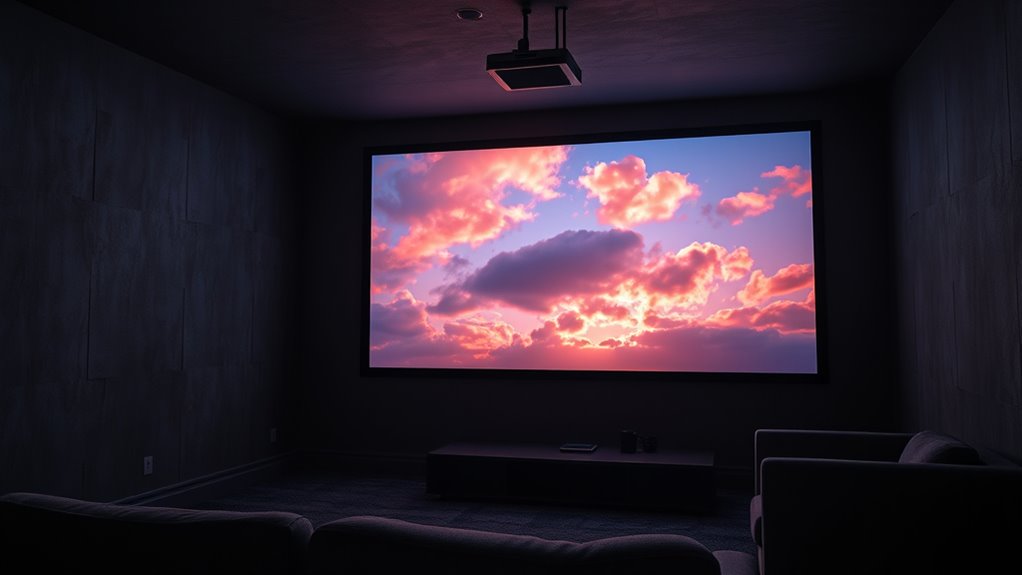
In today’s immersive entertainment landscape, Projector HDR Reality stands out as a game-changer for home theater enthusiasts. It promises stunning visuals with brighter highlights, deeper blacks, and vibrant colors. But despite these promises, many viewers find that HDR content doesn’t always look quite like the HDR they see in theaters or high-end displays. That’s because achieving true HDR on a projector isn’t just about turning on a setting; it’s about how well the projector manages color accuracy and contrast enhancement.
When you watch HDR content, what you really want is a picture that faithfully reproduces the creator’s intent. Color accuracy plays a crucial role here. If your projector can’t precisely reproduce the wide color gamut that HDR demands, the images can look dull, oversaturated, or inaccurate. Many projectors claim HDR support, but if they fall short on color accuracy, the result is a less immersive experience. You might notice skin tones looking unnatural or colors that seem off compared to what you see in movies or on high-end displays. To truly enjoy HDR, you need a projector that can handle a broad spectrum of colors without distortion, ensuring that every hue is rendered faithfully.
For true HDR, prioritize projectors with precise color reproduction and a broad color spectrum.
Contrast enhancement is another critical element. HDR content relies heavily on contrast to create those eye-catching highlights and deep shadows. But not all projectors are equally adept at contrast. Some struggle to produce the dynamic range necessary for true HDR, resulting in images that appear flat or washed out. When contrast isn’t properly enhanced, dark scenes lose detail and bright scenes lack punch. This diminishes the sense of depth and realism, making the HDR effect less impactful. To get the most out of HDR, your projector must enhance contrast effectively, allowing you to see subtle gradations in shadows and highlights. This contrast boost helps you experience the content as the director intended, with a vivid sense of depth and dimension. Additionally, advancements in color management have made it possible to fine-tune color reproduction, further improving HDR performance.
Ultimately, if your projector’s color accuracy isn’t spot-on or its contrast enhancement is lacking, HDR content won’t look as spectacular as it should. You might think you’re watching HDR, but what you’re really getting is a watered-down version. To truly enjoy the immersive qualities of HDR, look for a projector that emphasizes precise color reproduction and robust contrast enhancement. Only then will you see the full richness and depth that HDR promises, transforming your home theater into a cinematic experience that rivals the theater itself.
Frequently Asked Questions
How Does Ambient Light Affect HDR Projector Performance?
Ambient light impacts your HDR projector by reducing contrast and brightness, making images look washed out. To get the best HDR performance, you should minimize ambient light and use glare reduction techniques, like blackout curtains or low-luminance screens. This way, your projector can deliver richer, more vibrant colors and deeper blacks, ensuring you enjoy the true HDR experience without interference from external lighting.
Can HDR Projectors Display True 4K Resolution?
You can find HDR projectors that display true 4K resolution, but not all do. When they do, you benefit from improved color accuracy and a higher contrast ratio, making images more vibrant and detailed. However, some projectors labeled as 4K use pixel-shifting technology, which doesn’t deliver native 4K clarity. To guarantee true 4K, look for native 4K models with high contrast ratios and excellent color accuracy.
What Is the Typical Lifespan of HDR Projector Bulbs?
You can expect an HDR projector bulb to last around 2,000 to 4,000 hours, depending on usage and model. Bulb durability varies, so following manufacturer guidelines helps extend projector lifespan. If you use your projector frequently, consider replacing bulbs sooner to maintain peak image quality. Proper maintenance and avoiding frequent power cycles can also help prolong bulb life, ensuring you get the most out of your HDR viewing experience.
Do All HDR Projectors Support Dolby Vision?
They say “not all that glitters is gold,” and that’s true for HDR projectors too. Not all support Dolby Vision, as it requires specific hardware and licensing. If you want true HDR color and accurate brightness calibration, examine your projector’s specs carefully. Dolby Vision enhances contrast and color depth, but only some HDR projectors include this feature. Always verify compatibility to guarantee you get the best HDR experience.
How Does Screen Size Influence HDR Image Quality?
Your screen size substantially impacts HDR image quality because larger screens can reduce pixel density, making images appear less sharp and vibrant. A bigger screen means each pixel covers more area, potentially dulling the contrast and brightness that HDR offers. To maximize HDR effects, choose a size that maintains high pixel density, ensuring images stay crisp and colors remain vivid, even on larger displays.
Conclusion
Think of HDR in projectors like a painter’s palette—what looks vibrant on one canvas might seem dull on another. Just as lighting, screen quality, and content influence the brightness and contrast, so too does your projector’s technology. Don’t be fooled into expecting perfect “HDR” every time; instead, see it as a chance to fine-tune your viewing experience. With the right setup, you’ll turn your home theater into a vivid masterpiece, bursting with life.
Halloween Picks
halloween
As an affiliate, we earn on qualifying purchases.