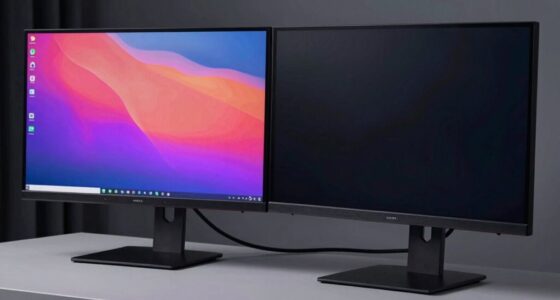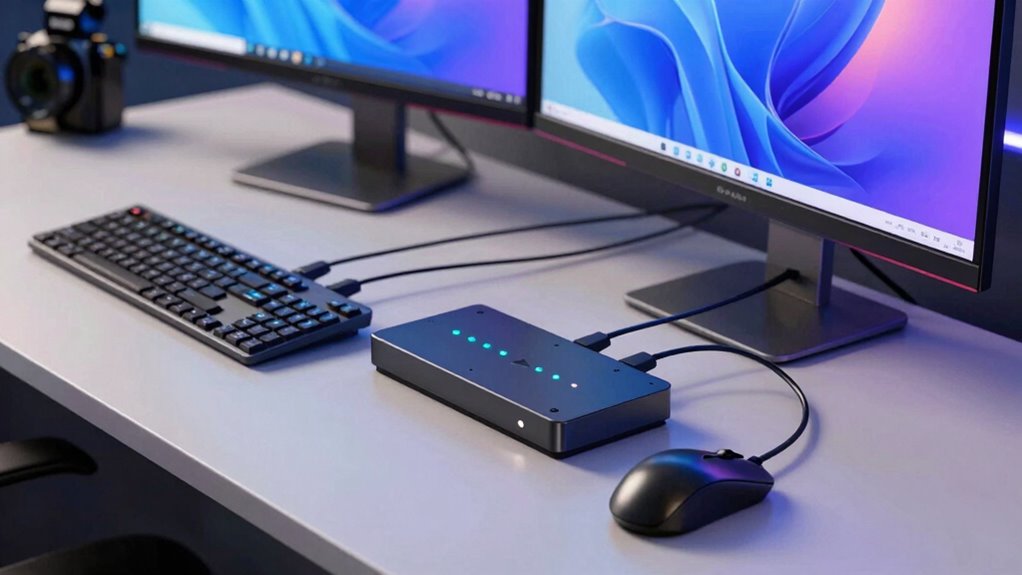

A KVM switch allows you to control multiple computers with one keyboard, mouse, and monitor, helping you save space and reduce clutter. It’s useful when you frequently switch between systems or run multi-platform setups. However, if you only use one computer or rarely switch devices, a KVM switch may be unnecessary. Understanding these basics can help you decide if it’s right for you—there’s more to uncover if you keep exploring.
Key Takeaways
- KVM switches allow control of multiple computers using a single keyboard, mouse, and monitor, saving space and reducing clutter.
- They are beneficial for managing multiple systems remotely or across different operating platforms efficiently.
- Remote management features enable access to connected devices from anywhere via network or IP address.
- If you only use one computer or rarely switch systems, a KVM switch may be unnecessary.
- Consider your workspace size, workflow needs, and budget to determine if a KVM switch adds value.

Are you looking for an efficient way to manage multiple computers with a single set of peripherals? If so, a KVM switch might be just what you need. These devices allow you to control two or more computers from one keyboard, mouse, and monitor, saving space and reducing clutter. But beyond simple setups, modern KVM switches offer features like remote management and multi-platform support, making them even more versatile. With remote management, you can access your connected computers from anywhere, whether you’re in another room or across the globe. This feature is especially handy for IT professionals or anyone managing servers and multiple systems remotely. Multi-platform support ensures that your KVM switch can handle different operating systems—Windows, macOS, Linux, or others—without a hitch. This flexibility means you don’t need separate equipment for each system, streamlining your workspace and simplifying your workflow.
When you’re choosing a KVM switch, consider your needs for remote management. Some models include built-in network capabilities, allowing you to connect via IP address, giving you control over your devices remotely. This is perfect if you need to troubleshoot, update, or monitor systems without physically being on-site. Multi-platform support is equally critical if you work across different operating environments. A switch that supports multiple platforms ensures seamless switching between computers, regardless of their OS. It prevents compatibility issues and helps you avoid frustration. Many advanced KVM switches also offer features like hotkey switching, which lets you toggle between connected computers quickly using keyboard shortcuts, and multi-monitor support for setups with several displays. These enhancements can boost productivity and make controlling multiple systems more intuitive.
However, there are times when you might not need a KVM switch. If you only manage one computer or rarely switch between multiple systems, investing in a KVM switch might be unnecessary. Similarly, if your workspace is small, and clutter isn’t a concern, sticking with separate peripherals could be simpler and more cost-effective. For casual users or those with minimal setup needs, a simple keyboard and mouse connected directly to each device might suffice. Also, if remote management isn’t a priority—say, you’re only working locally—then the added features of a KVM switch may not justify the investment.
Frequently Asked Questions
Can a KVM Switch Support Different Operating Systems?
Yes, a KVM switch can support different operating systems, thanks to its cross-platform compatibility. You won’t usually need specific driver requirements, as most modern KVM switches are plug-and-play, working seamlessly with Windows, macOS, Linux, and others. Just confirm you choose a switch that explicitly states cross-platform support, and verify its compatibility with your devices to avoid any issues.
What Are the Limitations of KVM Switches for Gaming Setups?
You might find KVM switches limiting for gaming, as latency issues can cause input delays, and resolution limits may restrict visual quality. Unlike direct connections, they often introduce slight lag, which matters in fast-paced games. Additionally, some KVM switches can’t support high resolutions or multiple monitors, making them less ideal for high-end gaming setups. If you prioritize smooth gameplay and sharp visuals, direct connections usually outperform KVM switches.
How Do I Troubleshoot KVM Switch Connectivity Issues?
To troubleshoot KVM switch connectivity issues, start by checking cable troubleshooting—ensure all cables are securely connected and undamaged. Next, verify port compatibility; confirm your cables match the KVM switch’s supported specifications and that you’re using the correct ports. Restart your devices and test each component individually. If problems persist, try replacing cables or resetting the switch to resolve potential hardware or compatibility issues quickly.
Are There Wireless KVM Switch Options Available?
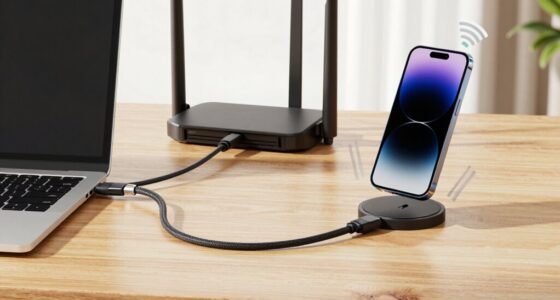
Wireless KVM switch options are available, and they work like a magic wand for your setup. They enable wireless connectivity and remote access, so you can control multiple computers without tangled cables. These switches are perfect if you value mobility and a clutter-free workspace. Just make certain your Wi-Fi is strong enough to support seamless communication. Keep in mind, wireless KVMs can sometimes face latency issues, so check reviews before buying.
What Security Features Do Modern KVM Switches Offer?
Modern KVM switches offer robust security features like hardware encryption, which protects your data during transmission, and user authentication, ensuring only authorized personnel access your systems. These features help prevent unauthorized access and data breaches, especially in sensitive environments. When choosing a KVM switch, look for models that provide these security measures, giving you peace of mind knowing your connected systems are well-protected against potential cyber threats.
Conclusion
So, unless you want to turn your desk into a chaotic jungle of tangled cables and endless keyboard chaos, a KVM switch is your ultimate hero. It’ll save you from the nightmare of juggling multiple computers with one mouse and keyboard, transforming your workspace into a smooth, streamlined paradise. Don’t let your setup become a tangled mess—grab a KVM switch and conquer the chaos before it takes over your desk forever!