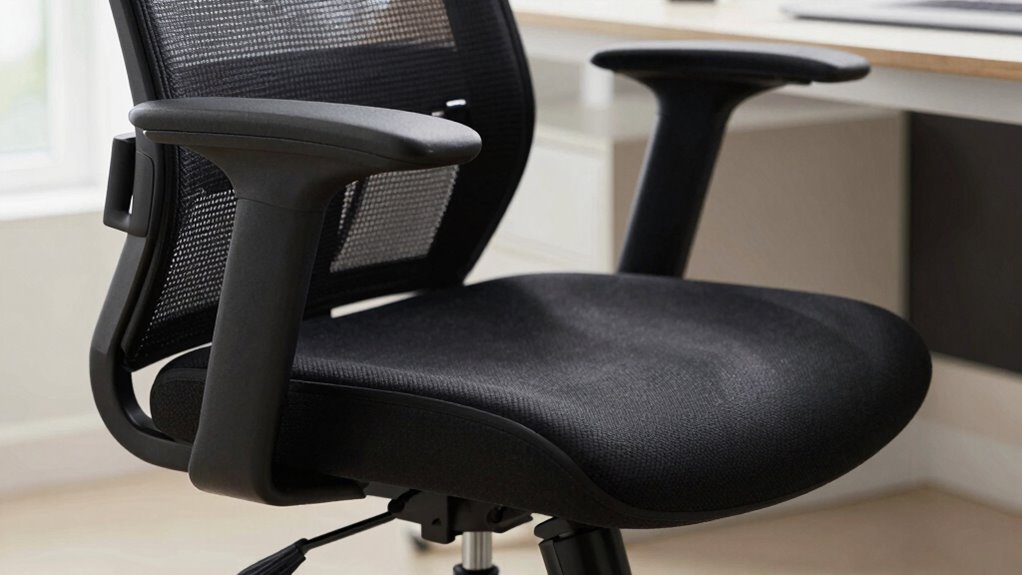

Lumbar support helps maintain the natural curve of your lower back and promotes proper posture. But more support isn’t always better; excessive or poorly designed support can cause discomfort or push your spine out of its natural position. The key is finding a balance that fills your lower back’s natural curve without forcing it. To discover how the right support can improve your comfort and posture, keep exploring these essential tips.

Prime made for students and young adults
- Fast, free delivery for dorm and study essentials
- Prime Video and Amazon Music included
- Member-only deals
Key Takeaways
- Excessive lumbar support can push the lower back into unnatural positions, causing discomfort rather than relief.
- Proper support should follow the natural lumbar curve, not forcibly alter or overcorrect it.
- Support that is too firm or prominent may lead to muscle strain or pressure points.
- The goal is balanced support that maintains natural posture without overcorrecting or forcing alignment.
- Finding the right level of support enhances comfort and reduces long-term musculoskeletal issues.
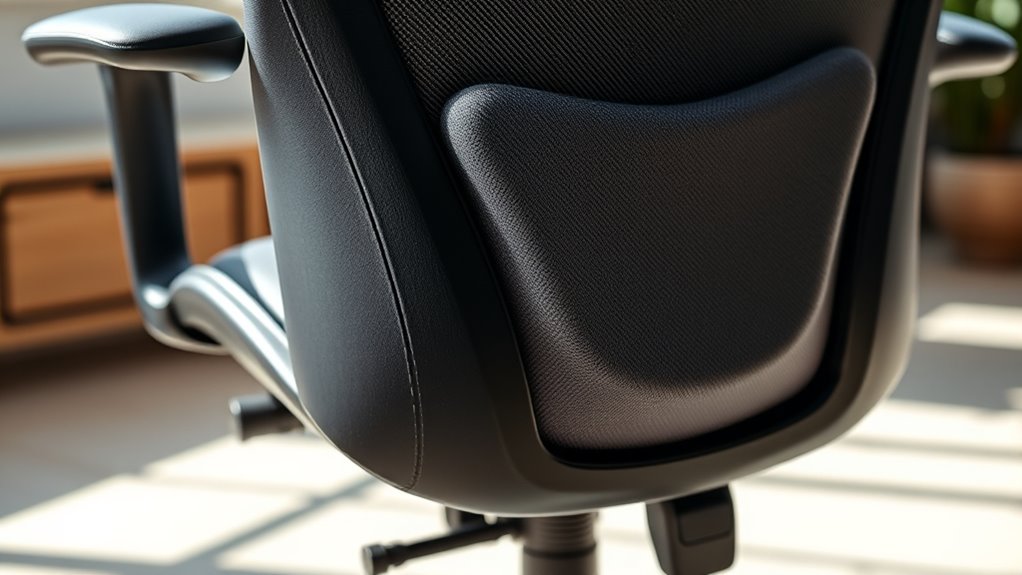
Lumbar support refers to features or devices designed to maintain the natural curve of your lower back, helping you sit comfortably and reduce strain. When choosing lumbar support, you’ll often encounter products emphasizing ergonomic design. This focus isn’t accidental; ergonomic design aims to align your body properly, preventing discomfort and long-term issues. Properly designed lumbar supports contour to your lower back, encouraging correct posture correction, which is essential for avoiding musculoskeletal problems caused by prolonged sitting. If your office chair or cushion incorporates ergonomic principles, it’ll provide tailored support that encourages a healthy sitting position rather than forcing your spine into unnatural angles.
Many people assume that more lumbar support always equals better comfort. However, that’s a misconception. Excessive or poorly designed lumbar support can actually do more harm than good. When support is too firm or overly prominent, it can push your lower back into an unnatural posture, leading to discomfort or even exacerbating existing issues. Conversely, support that’s too soft may fail to provide the necessary alignment, allowing your lower back to slump forward, which can strain muscles and ligaments over time. The key is finding a balance—support that fills the natural curve without overcorrecting or forcing your spine into a rigid position.
Posture correction plays a crucial role in choosing the right lumbar support. Instead of blindly adding more support in the hope of better results, focus on how the device aligns your spine. Proper lumbar support should promote a slight inward curve, supporting the lumbar vertebrae without pushing them out of their natural position. When your lower back is properly supported, you’re less likely to slump or lean forward, which can cause neck and shoulder strain. The goal is to create a supportive environment that encourages your body to maintain proper alignment naturally, reducing fatigue and discomfort during long periods of sitting. Additionally, choosing supports made with energy-efficient materials can contribute to overall sustainability and comfort in your workspace.
Frequently Asked Questions
How Do I Know if My Lumbar Support Is Properly Adjusted?
You can tell if your lumbar support is properly adjusted by checking your posture correction. Sit back and make certain your lower back comfortably aligns with the curve of the support, without feeling pressure or gap. Use ergonomic accessories to fine-tune the height and firmness. When your back feels supported and relaxed, and you maintain good posture naturally, your lumbar support is correctly adjusted. Regular adjustments ensure continued comfort and proper spinal alignment.
Can Too Much Lumbar Support Cause Discomfort?
Yes, too much lumbar support can cause discomfort. An overly aggressive ergonomic design might push your lower back forward, leading to strain or pain. Proper posture correction depends on a balanced lumbar support that fits your natural curve. If you feel pressure or soreness, adjust the support to make certain it’s firm but not excessive. Finding the right level helps maintain comfort and promotes healthy posture without causing unnecessary discomfort.
Are There Specific Lumbar Support Types for Different Body Types?
Yes, there are specific lumbar support types for different body types. You should look for ergonomic chair designs that offer customizable support, allowing you to adjust height, depth, or firmness. This way, you can tailor the lumbar support to fit your unique shape and needs, ensuring ideal comfort and spinal alignment. Don’t settle for a one-size-fits-all approach—personalized support makes a big difference in your sitting experience.
How Often Should I Replace or Adjust My Lumbar Support?
Think of your lumbar support as a trusted friend—if it’s not helping anymore, it’s time to replace or adjust it. Generally, you should check its durability lifespan every 1-2 years, or sooner if you notice discomfort. Regular adjustments ensure you keep enjoying ergonomic benefits and proper spine alignment. Don’t wait for pain to remind you; proactive care maintains your support effective and your posture healthy.
Does Lumbar Support Differ for Sitting vs. Standing Positions?
Lumbar support does differ for sitting versus standing positions because ergonomic design aims to maintain proper posture alignment in each. When sitting, you need support that fills the curve of your lower back, preventing slouching. While standing, your back naturally maintains alignment, so less or no lumbar support is necessary. Adjust your support based on your posture needs to maximize comfort and reduce strain in both positions.
Conclusion
So, next time you’re choosing a lumbar support, remember: more isn’t always better. Finding the right amount of support means listening to your body and balancing comfort with proper posture. Isn’t it worth taking a moment to contemplate what truly helps you stay pain-free? Don’t just go for the most padding or the highest support—choose what feels best for your back. After all, the goal is comfort, not just more support.
Fall Picks
fall essentials
As an affiliate, we earn on qualifying purchases.