
Using a NAS for your photos and videos provides a central, scalable storage solution that keeps your media organized and secure as your collection grows. It simplifies access, sharing, and management, reducing clutter from external drives. Plus, with cloud synchronization and regular backups, your data stays protected and accessible remotely. This setup ensures your media management system can adapt to your expanding needs. Keep exploring to discover how to optimize your NAS for seamless organization and security.

Prime made for students and young adults
- Fast, free delivery for dorm and study essentials
- Prime Video and Amazon Music included
- Member-only deals
Key Takeaways
- Centralize all media files for easier access and improved organization as your collection grows.
- Use cloud synchronization to automatically back up and mirror files, ensuring data safety and scalability.
- Implement multi-layered backup strategies, including off-site and cloud backups, to protect against data loss.
- Enable versioning and recovery options to manage edits and revert to earlier states of photos and videos.
- Integrate media management features with system enhancements for seamless growth and efficient content access.
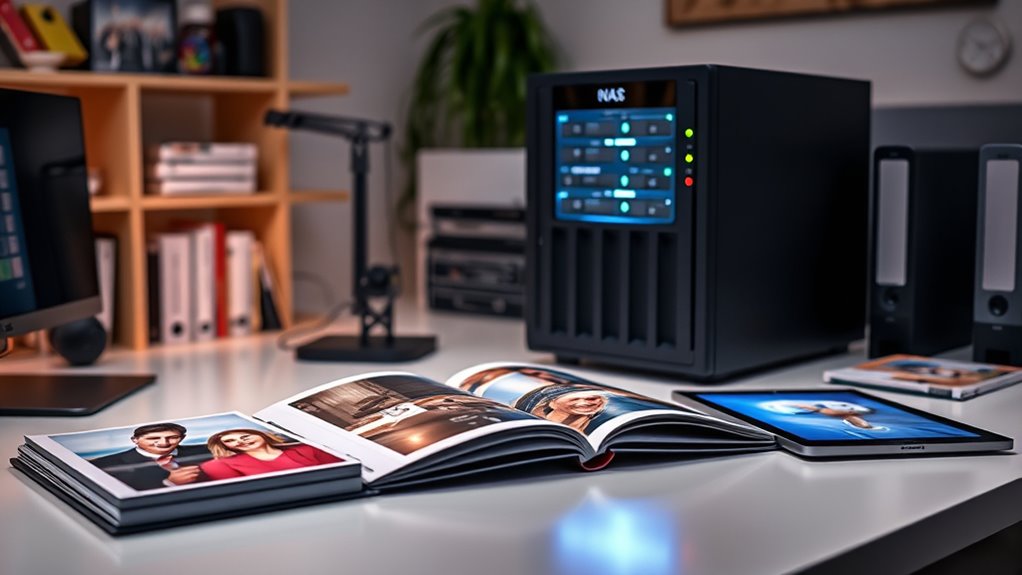
Are you tired of juggling multiple external drives to store your photos and videos? Managing a growing collection can quickly become overwhelming, especially when you’re constantly plugging and unplugging drives or searching for specific files. That’s where a NAS (Network-Attached Storage) device becomes a game-changer. With a NAS, you can centralize all your media in one secure location, making access easier and more organized. But to truly maximize its potential, you need to implement effective cloud synchronization and backup strategies. These tools guarantee your precious memories are safe, accessible, and organized as your collection expands.
Simplify your media storage with a NAS and effective cloud sync and backup strategies.
Cloud synchronization is a key feature of modern NAS systems. It allows you to automatically mirror your photos and videos between your device and the cloud, ensuring that your files are backed up off-site in real-time. This means if your NAS ever encounters hardware failure, theft, or natural disaster, your data remains safe and recoverable. Plus, cloud sync makes sharing large files effortless—you can generate links or access your media from anywhere with an internet connection. Set up synchronization rules to only sync certain folders or prioritize high-resolution files, keeping your cloud storage optimized and cost-effective. Integrating cloud sync with your NAS also simplifies the process of collaborating with others or accessing your content remotely, eliminating the need for external drives or cumbersome file transfers.
Backup strategies are equally essential. Relying solely on your NAS for storage isn’t enough; you need a detailed plan to protect against data loss. Implementing a multi-layered backup approach ensures your photos and videos are secure. For example, you can set up scheduled backups from your NAS to external drives or cloud services, creating redundancy. Regular backups guard against accidental deletions, corruption, or hardware failures. Consider using the 3-2-1 backup rule: keep three copies of your data, stored on two different media types, with at least one copy off-site. This approach reduces risk and guarantees quick recovery in case of mishaps. Automating these backups saves you time and reduces human error, while versioning capabilities let you revert to earlier versions of files if needed. Additionally, understanding projector technology such as contrast ratio and color accuracy can enhance your home cinema setup, making your media experience even more immersive.
Incorporating cloud synchronization and strategic backups into your NAS setup transforms it from a simple storage device into a robust media management system. It allows your collection to scale seamlessly without sacrificing safety or accessibility. You’ll spend less time managing drives and more time enjoying your photos and videos, knowing they’re protected by reliable, scalable systems designed to grow with you. As your collection expands, these strategies ensure your media remains organized, secure, and accessible whenever you need it.
NAS external hard drive for media storage
As an affiliate, we earn on qualifying purchases.
As an affiliate, we earn on qualifying purchases.
Frequently Asked Questions
How Secure Is My Media Content on a NAS?
Your media content on a NAS is quite secure if you use proper encryption protocols and user access controls. Encryption safeguards your files from unauthorized access, while user access controls ensure only trusted users can view or modify your media. Regularly updating your NAS firmware and using strong passwords further enhances security. With these measures in place, you can confidently store your photos and videos, knowing they’re well protected.
Can Multiple Users Access and Edit Files Simultaneously?
Yes, multiple users can access and edit files simultaneously on a NAS. It’s proven that NAS devices support multi-user collaboration, enabling real-time editing for seamless teamwork. You can set permissions and manage access levels, ensuring everyone works efficiently without conflicts. This makes NAS ideal for projects requiring concurrent edits, as it streamlines collaboration and keeps all files synchronized, ultimately boosting productivity and reducing version control issues.
What Backup Options Are Available for Nas-Stored Media?
You can back up your NAS-stored media with cloud backup options, providing off-site security and easy recovery. Additionally, using RAID configurations helps safeguard data locally by combining multiple drives for redundancy and performance. Combining these methods ensures your photos and videos stay safe, even if hardware fails or you encounter data loss. Regularly scheduled backups and monitoring your RAID setup keep your media organized, accessible, and protected against unexpected issues.
How Does NAS Scalability Affect Overall System Performance?
As your NAS scales, scalability limitations can lead to performance bottlenecks, affecting overall system efficiency. When you add more drives or users, the system might struggle to manage increased data flow, slowing access times and reducing speed. To avoid this, plan for future growth, upgrade hardware as needed, and optimize network settings. Proper scaling guarantees your storage remains responsive and efficient, even as demands grow.
Are There Compatibility Issues With Different Photo/Video Formats?
While your NAS handles various photo and video formats, compatibility issues can still arise, especially with less common files. You might find that format compatibility varies, but media transcoding helps bridge these gaps by converting files into compatible formats on the fly. This process guarantees smooth playback and access, even when dealing with diverse media types. So, staying aware of format differences and leveraging transcoding keeps your storage seamless.
cloud synchronization device for NAS
As an affiliate, we earn on qualifying purchases.
As an affiliate, we earn on qualifying purchases.
Conclusion
By organizing your photos and videos on a NAS that scales with your needs, you’re building a digital legacy that withstands time. Think of it as planting seeds for a forest—each file a sapling growing into a vast, resilient canopy. With thoughtful structure and future-proof solutions, your memories won’t just be stored; they’ll thrive, ready to flourish for generations to come. Embrace the growth, and let your digital forest flourish endlessly.
As an affiliate, we earn on qualifying purchases.
As an affiliate, we earn on qualifying purchases.
Fall Picks
fall essentials
As an affiliate, we earn on qualifying purchases.