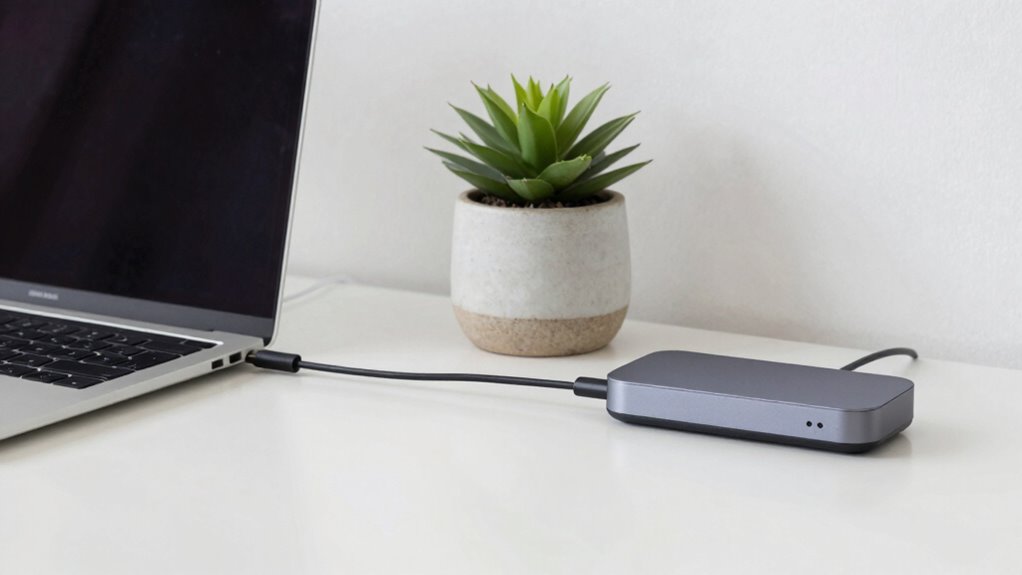

Setting up a sleek one-cable desk isn’t as effortless as it seems; it involves selecting high-quality, wireless charging devices, and using a laptop stand with integrated ports to keep cables minimal. You need to route wires carefully and use organizers like clips or sleeves to maintain a clean surface. Achieving a truly tidy workspace takes extra planning and gear, but if you keep exploring, you’ll discover all the tips to make it effortless and clutter-free.
Key Takeaways
- Achieving true minimalism requires carefully selecting compatible wireless devices and managing multiple wireless connections.
- Integrating a single cable from the laptop stand involves complex routing and additional accessories, complicating setup.
- Maintaining a clutter-free workspace demands effective cable management solutions for all remaining wires.
- Wireless accessories may introduce pairing and connectivity challenges, impacting the seamless single-cable design.
- Achieving a sleek look often involves trade-offs, such as limited device options or auxiliary hardware for organization.
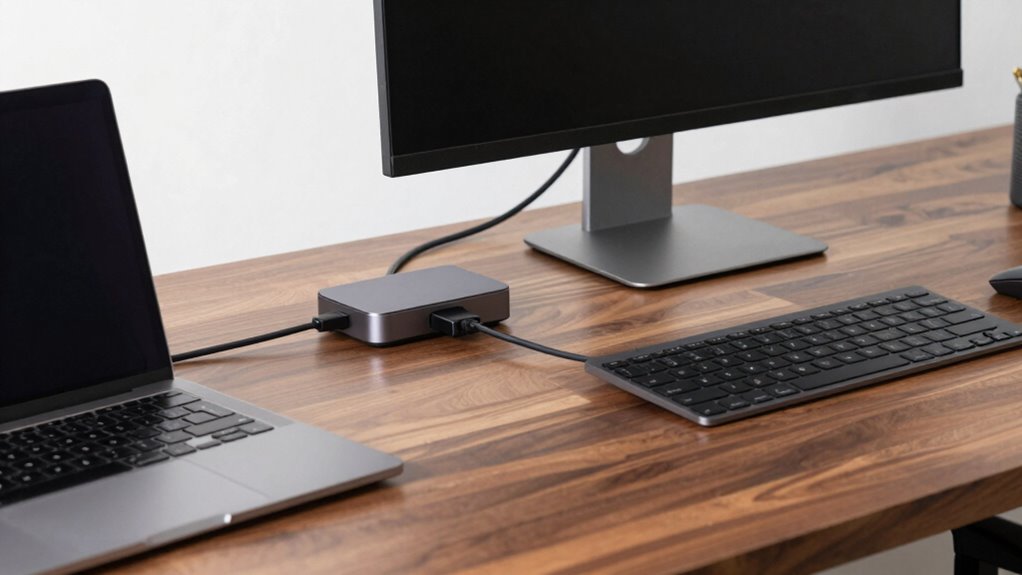
Setting up a workspace with just one cable might sound impossible, but it’s entirely achievable with the right planning and equipment. The goal is to streamline your desk, reducing clutter and creating a clean, efficient environment. To do this, you’ll want to focus on integrating wireless charging, which eliminates the need for multiple power cords, and ergonomic accessories that promote comfort without adding extra cables. It’s a balance between simplicity and functionality, but with careful choices, you can achieve a minimalistic setup that works seamlessly.
Start by selecting a high-quality wireless charger that can power your phone and other compatible devices. Place it centrally on your desk, so you can easily reach it without stretching or bending awkwardly. With wireless charging, you remove the clutter of charging cables and keep your workspace tidy. Next, consider your main device—your laptop. Opt for a laptop stand that not only elevates your screen to eye level but also includes ports for connecting peripherals with a single cable. Many modern stands come with integrated hubs, so you only need one cable to connect to your power source and peripherals. This minimizes cable tangles and simplifies your setup.
Choose a wireless charger and a laptop stand with integrated hubs for a sleek, single-cable workspace solution.
Ergonomic accessories play a vital role in maintaining comfort while keeping cables to a minimum. Choose a wireless keyboard and mouse combo, which frees you from the clutter of cables trailing across your desk. These devices connect via Bluetooth, so you only need to pair them once, and they’ll stay connected without fuss. For added comfort, invest in an ergonomic mouse pad or a wrist rest, which improves posture and reduces strain during long work sessions. These accessories make a noticeable difference in comfort, all without adding extra cables or clutter. Incorporating wireless-compatible devices is essential to uphold the minimalist philosophy and ensure your workspace remains clean and efficient. Additionally, selecting devices with integrated wireless features can further enhance the simplicity of your setup. You might also consider wireless chargers for other accessories, further reducing the need for cables. Leveraging wireless technology can significantly streamline your entire workspace.
Finally, organize what remains with cable management solutions. Use sleek cable clips or a cable sleeve to bundle and route the single cable from your laptop stand to your power source. Hide any remaining wires behind your monitor or under the desk to keep the surface clear. Remember, the key is to choose versatile, wireless-compatible devices and accessories that support your minimalist approach. Being mindful of cable management can make a significant difference in maintaining a tidy workspace. With these steps, your workspace becomes a sleek, functional zone that emphasizes efficiency and comfort, proving that a one-cable desk setup isn’t just a dream but an attainable reality.
As an affiliate, we earn on qualifying purchases.
Frequently Asked Questions
What Types of Devices Are Compatible With This Setup?
You can connect a variety of devices with this setup, as long as they meet compatible cable standards. It works well with laptops, monitors, smartphones, and tablets that support USB-C or Thunderbolt connections. Just make certain your devices have compatible ports and support the necessary cable standards for power, data transfer, and video output. This flexibility makes your workspace more streamlined, but double-check device compatibility to avoid connection issues.
How Do I Troubleshoot Connection Issues?
Suspecting something’s wrong? Don’t rush—carefully check your cable management, ensuring all connections are secure and properly plugged in. Follow troubleshooting steps like restarting your devices, updating drivers, and testing with different cables. Sometimes, a loose connection or a faulty cable causes issues. Stay patient, methodically eliminate possibilities, and you’ll uncover the root of the problem. Clear cable management helps prevent future hiccups too.
Is This Setup Suitable for Gaming or High-Performance Tasks?
This setup can be suitable for gaming and high-performance tasks if it supports strong gaming performance and high-performance compatibility. Make certain your hardware, like your graphics card and processor, can handle demanding games or applications. Also, check that your connection is stable and fast enough to prevent lag or bottlenecks. With the right components and a reliable setup, you’ll enjoy smooth gaming performance and high-level productivity.
What Safety Precautions Should I Follow?
Think of your setup as a delicate dance—safety keeps the rhythm smooth. To protect yourself, guarantee proper cable management to prevent tripping hazards, and position your equipment ergonomically for comfort and injury prevention. Avoid overloading power strips, and unplug devices when not in use. Regularly inspect cables for wear, and keep your workspace dry. These precautions help maximize ergonomic benefits and keep your workspace safe and efficient.
Can I Upgrade or Customize the Cables Later?
Yes, you can upgrade or customize the cables later. When choosing your initial setup, prioritize cable aesthetics to keep your workspace neat and appealing. For future expandability, select cables that are compatible with additional devices or upgrades. Using modular or easily replaceable cables makes it simpler to upgrade without overhauling your entire setup. Planning ahead guarantees your desk remains functional and stylish as your tech needs evolve.
As an affiliate, we earn on qualifying purchases.
Conclusion
So, setting up a sleek, single-cable station might seem straightforward, but it’s a balancing act of cables, configurations, and clever tricks. Don’t forget, the devil’s in the details, and a bit of patience pays off. With a bit of planning and perseverance, you’ll soon enjoy a clutter-free, convenient workspace. Embrace the process, and watch your workspace transform from chaos to calm—creating a desk that’s not just simple, but superbly streamlined.
wireless keyboard and mouse combo
As an affiliate, we earn on qualifying purchases.
As an affiliate, we earn on qualifying purchases.
cable management clips and sleeves
As an affiliate, we earn on qualifying purchases.
As an affiliate, we earn on qualifying purchases.