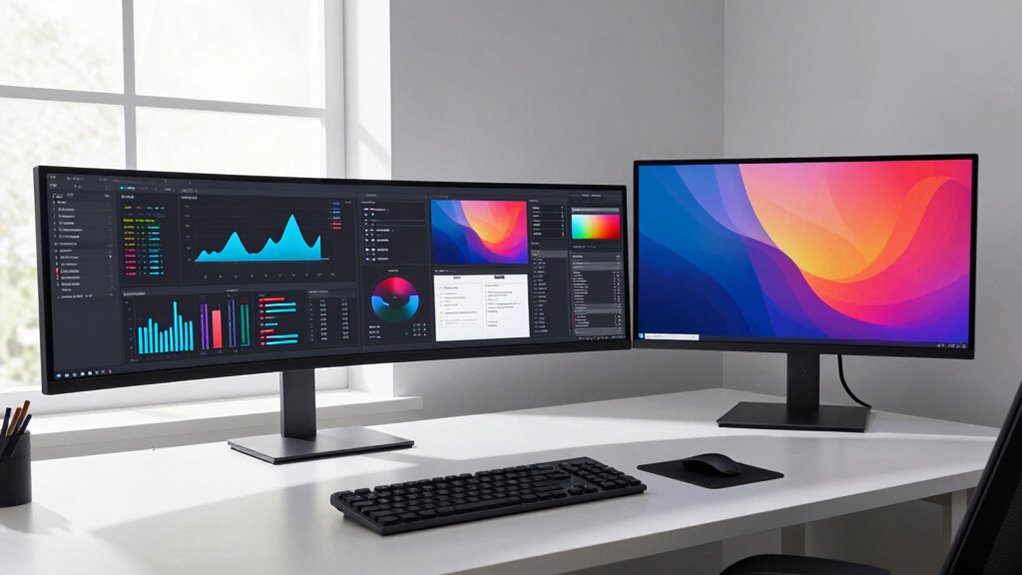

Choosing between ultrawide, 4K, and dual monitors can greatly impact your daily work. Ultrawides offer seamless multitasking and minimize window switching, while 4K screens give you sharp detail for precise tasks like editing. Dual monitors can split your workflow across separate screens, reducing strain and increasing productivity. Understanding how each setup affects your workflow can help you decide what suits your needs best—keep exploring to see how you can optimize your workspace.
Key Takeaways
- Ultrawide monitors streamline multitasking by providing a continuous workspace, reducing window switching and application clutter.
- 4K screens enhance detail clarity for tasks like graphic design, improving precision and reducing zooming.
- Dual screens improve workflow by dedicating specific applications to separate monitors, easing multitasking.
- Ergonomically, ultrawide and dual setups reduce neck strain, while 4K screens may require scaling adjustments for comfort.
- Task-specific needs, such as video editing or detailed design, determine whether ultrawide, 4K, or dual screens most impact daily work.
When choosing a display setup, you’ll find that ultrawide monitors, 4K screens, and dual monitor configurations each offer distinct advantages tailored to different needs. Your decision impacts daily work routines, especially when considering ergonomic setup and visual clarity. Ultrawide monitors provide an expansive, single-screen experience that minimizes the need to switch between applications. With a wider aspect ratio, you can see more content side by side, which is ideal for multitasking, video editing, or design work. This setup can contribute to a more ergonomic workspace because it reduces the physical strain of turning your head or managing multiple screens. Plus, the seamless display eliminates bezels, creating a more natural, continuous viewing experience that’s easier on your eyes.
Ultrawide monitors enhance multitasking with seamless, expansive displays that reduce physical strain and improve ergonomic comfort.
On the other hand, 4K screens deliver exceptional visual clarity, making detailed tasks like graphic design, video editing, or coding much easier. The high pixel density ensures sharp images and crisp text, which can reduce eye fatigue during long hours of work. The crisp detail also helps when working with fine lines or small fonts, decreasing the need for zooming or squinting. If your work demands high precision and vibrant color accuracy, a 4K display can greatly enhance your productivity and comfort. However, the large pixel count on 4K screens can sometimes require scaling adjustments, which might affect how comfortably you view content and could impact your ergonomic setup if not properly configured. Additionally, understanding display resolution is crucial when selecting the right setup for your needs. Ensuring proper visual ergonomics is essential for long-term comfort, especially when working with high-resolution screens.
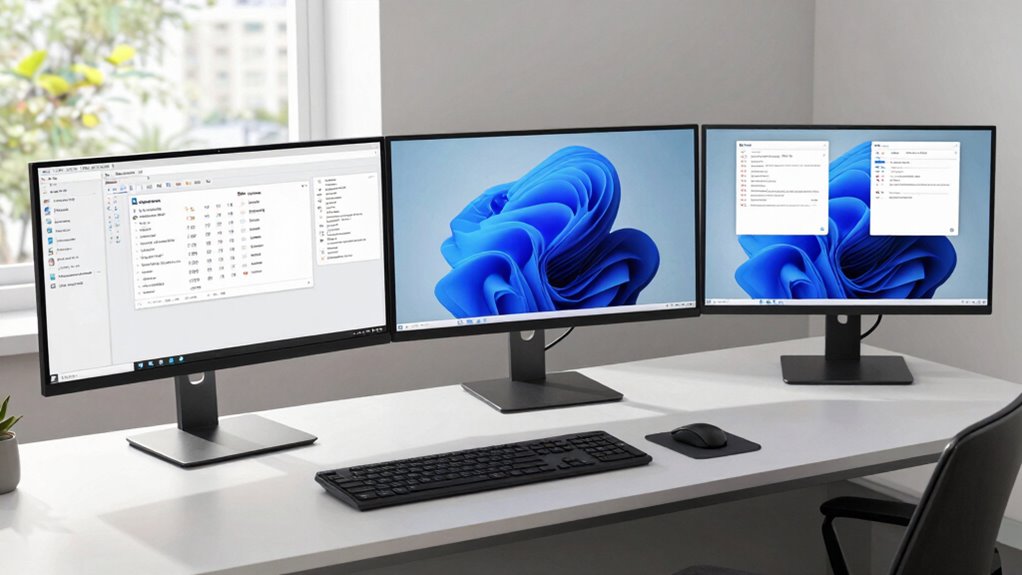
Dual monitors offer flexibility by allowing you to spread out your workspace across two screens. This setup is particularly beneficial if you frequently need multiple applications open simultaneously or prefer dedicated screens for different tasks, like email on one and your main work on the other. Dual screens can improve workflow and reduce the clutter of window switching, but they might also demand a more complex ergonomic setup. Proper ergonomic arrangement of multiple monitors is essential to avoid neck strain and maintain visual clarity. You’ll need to position both monitors correctly to avoid neck strain and maintain visual clarity. Proper alignment and height adjustment are essential so that your neck remains in a neutral position and your eyes can comfortably scan both screens without excessive movement.

Samsung 34" ViewFinity S50GC Series Ultrawide QHD Monitor, 100Hz, 5ms, HDR10, AMD FreeSync, Ultrawide Screen, Eye Care, Thin Bezels, PIP, PBP, LS34C50DGANXZA, 2023, Black
HANDPICKED BY AMAZON: They did the research, so you don’t have to
As an affiliate, we earn on qualifying purchases.
As an affiliate, we earn on qualifying purchases.
Frequently Asked Questions
Which Setup Is Best for Gaming Performance?
For gaming performance, a high-refresh-rate ultrawide monitor often wins because it offers smoother gameplay and a more immersive experience. It enhances your reaction time and reduces motion blur, especially in fast-paced games. While 4K displays excel in color accuracy for visuals, they usually have lower refresh rates. Dual screens can be versatile but may introduce some distraction. Prioritize a monitor with a high refresh rate and good color accuracy for maximum gaming efficiency.
How Do These Screens Affect Eye Strain?
You’re 20% more likely to experience eye strain with screens that lack proper ergonomic adjustments or have flickering issues. Ultrawide, 4K, and dual screens can all cause eye fatigue if not set up correctly. To reduce strain, adjust brightness and contrast, maintain proper distance, and avoid screen flickering. Using anti-glare filters and taking regular breaks also help, ensuring your eyes stay comfortable during long work sessions.
What Are the Initial Setup Costs?
The initial setup costs vary based on your choice, with ultrawide monitors generally costing less than high-end 4K or dual-screen setups. You’ll need to weigh the cost comparison for the monitor itself and additional accessories. Installation challenges can also add to expenses, especially for dual screens, which may require extra mounts or stands. Budgeting for these factors helps you plan a smoother shift to your new workspace.
Are There Compatibility Issues With Existing Hardware?
You might find that hardware compatibility issues are minimal, but it’s wise to check your existing setup for monitor integration. Some graphics cards can handle ultrawide, 4K, or dual screens smoothly, while others may need updates or adapters. By ensuring your hardware supports your chosen display type, you’ll experience seamless integration, allowing your workflow to flow effortlessly without technical hiccups, making your daily work more efficient and enjoyable.
How Do These Options Impact Multitasking Efficiency?
Choosing between ultrawide, 4K, or dual screens considerably boosts your multitasking efficiency by offering better ergonomic benefits and visual clarity. Ultrawide screens provide seamless workspace for multiple apps, reducing window switching. 4K displays enhance detail, making multitasking easier on your eyes. Dual screens give you dedicated space for different tasks, improving workflow. You’ll notice less strain and more productivity as each setup supports your multitasking needs effectively.

SAMSUNG 32" UJ59 Series 4K UHD (3840×2160) Computer Monitor,VA Panel, HDMI, Display Port, Eye Saver/Flicker Free Mode, FreeSync, LU32J590UQNXZA, Black
WIDESCREEN UHD: With 4x the pixels of Full HD, get more screen space (vs 16:9 screen) and UHD…
As an affiliate, we earn on qualifying purchases.
As an affiliate, we earn on qualifying purchases.
Conclusion
Choosing between ultrawide, 4K, or dual screens isn’t just about specs; it’s about transforming your daily work experience. Think of your setup as the stage for your productivity performance—each option offers a different spotlight. Ultimately, the right choice amplifies your efficiency and focus. Remember, the tool is only as good as the user—so pick what makes your work flow seamlessly, and watch your productivity soar like a bird freed from its cage.

Kado Dual Monitor Setup – 2-Pack 27" Curved 1920×1080 Computer Monitor 1500R 75Hz VESA Mount HDMI Office Gaming Hybrid Built-in Speakers (C27X Dual Series)
DUAL MONITOR SETUP – Curved monitors in a dual setup provide a seamless viewing experience with reduced peripheral…
As an affiliate, we earn on qualifying purchases.
As an affiliate, we earn on qualifying purchases.