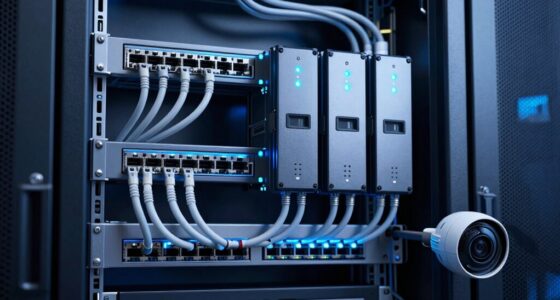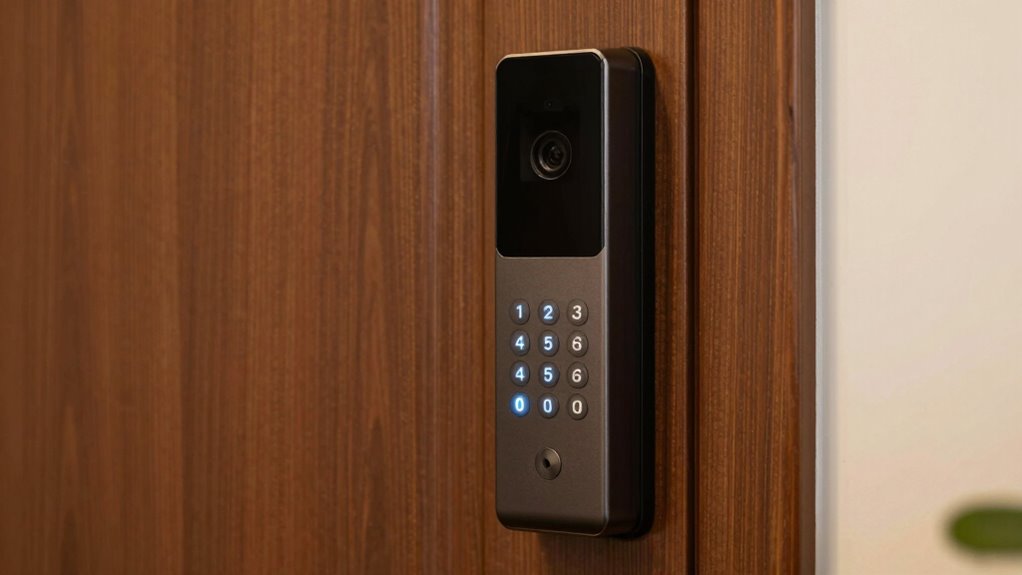

Prioritizing security settings like strong, unique passwords and activating two-factor authentication (2FA) is far more important than extra features. These measures help prevent unauthorized access and protect your personal and financial information. Relying on security features is a cost-effective way to stay safe online, especially as cyber threats evolve. Ignoring security in favor of convenience leaves you vulnerable. Keep going to discover how focusing on these essential protections can make a real difference in your digital safety.

Get school and study supplies delivered free — and shop member deals
- Fast, free delivery on millions of items
- Access to Prime Big Deal Days deals on October 6–7
- Prime Video, Amazon Music and more included
Key Takeaways
- Prioritizing security settings like strong passwords and 2FA provides essential protection over optional extra features.
- Strong security measures prevent data breaches and unauthorized access, making them more critical than flashy app features.
- Regularly updating security protocols reduces vulnerability to cyber threats more effectively than additional features.
- Implementing two-factor authentication significantly enhances account safety beyond basic security settings.
- Neglecting security features increases risk of hacking, outweighing the benefits of extra app functionalities.
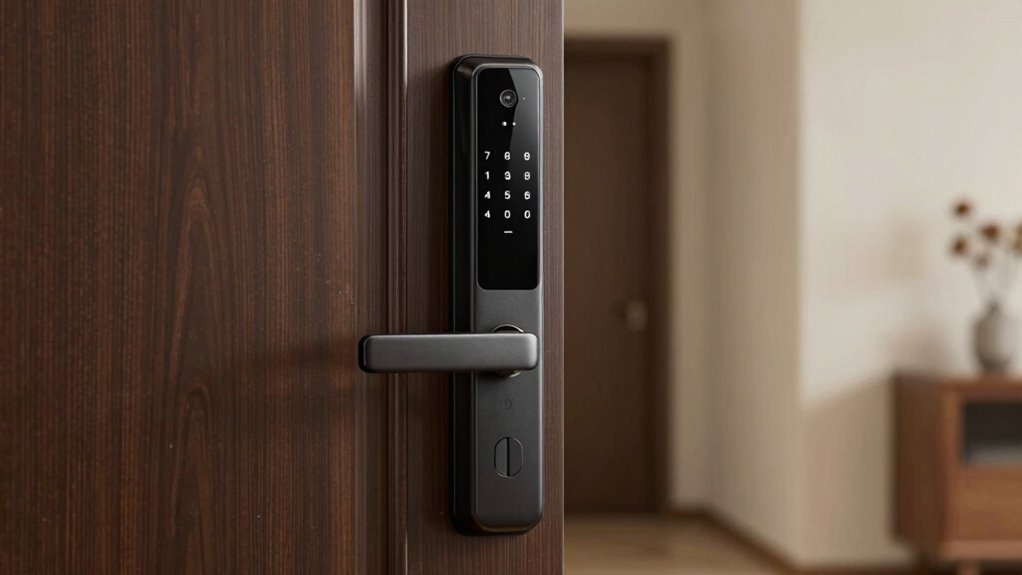
In today’s digital world, security settings are more critical than ever, often outweighing the appeal of extra features. While flashy apps and new functionalities can be tempting, safeguarding your personal information should always come first. Two of the most effective ways to do this are through diligent password management and enabling two-factor authentication. These measures might seem simple, but their impact on your online security can’t be overstated.
Password management is the foundation of secure online activity. It’s tempting to reuse passwords or choose easy-to-remember ones, but that leaves you vulnerable. You need to create unique, complex passwords for each account. Using a password manager makes this process easier by securely storing and generating strong passwords for you. With a password manager, you don’t have to remember every single password; instead, you only need to remember one strong master password. Regularly updating your passwords and avoiding obvious choices like “password123” or “admin” significantly reduce your risk of being hacked. Good password management prevents attackers from gaining access through simple guessing or database breaches, which are common attack vectors. Strong password practices are essential for maintaining your overall online security, especially as cyber threats become more sophisticated. Additionally, understanding the importance of security settings can help you better protect your digital presence. Staying informed about cybersecurity best practices is equally important as implementing these protective measures.
Create strong, unique passwords for each account and use a password manager to stay secure.
Alongside robust passwords, enabling two-factor authentication (2FA) adds an extra layer of security. 2FA requires you to verify your identity through a second method—often a code sent to your phone or email, or generated by an authentication app—beyond just entering your password. This means that even if someone manages to discover your password, they still can’t access your account without the second verification step. It’s a simple, yet powerful way to block unauthorized access, especially for sensitive accounts like email, banking, or social media. Many services now offer 2FA options, and turning it on takes just a few minutes. Once activated, it significantly reduces the chances of unauthorized access, even if your password gets compromised. Implementing security best practices such as 2FA is crucial in today’s digital landscape to stay protected from evolving cyber threats. Remember, the more layers of security you add, the harder it becomes for cybercriminals to breach your accounts.
You might be tempted to ignore these security features in favor of convenience, but the risks are too high. Cybercriminals are constantly finding new ways to exploit weak passwords or bypass security measures. By prioritizing password management and two-factor authentication, you’re making a conscious choice to protect your digital life. These settings might not have the flashy appeal of new features, but they’re the real safeguards that keep your personal information, finances, and online identity secure. In the end, investing a little time into these security measures pays off by giving you peace of mind and preventing potential headaches down the road.
As an affiliate, we earn on qualifying purchases.
Frequently Asked Questions
How Do I Prioritize Security Over New Features Effectively?
You prioritize security over new features by conducting thorough risk evaluations to identify vulnerabilities. Focus on user education, ensuring everyone understands best security practices, like strong passwords and recognizing phishing attempts. Regularly update your systems and enforce security policies. By actively appraising risks and educating users, you create a security-first environment that outweighs the allure of extra features, making your organization more resilient against threats.
What Are Common Security Risks Ignored by Feature-Focused Updates?
You might think feature updates cover all risks, but often they ignore critical security issues like weak password management and inadequate data encryption. Research shows that many overlook these vulnerabilities, leaving sensitive info exposed. To truly protect yourself, prioritize strong, unique passwords and guarantee data encryption is up-to-date. These core security measures are often neglected in feature-driven updates, yet they’re essential for safeguarding your information against hacking and data breaches.
How Often Should I Review My Security Settings?
You should review your security settings at least once every three to six months. Regular reviews help you stay ahead of vulnerabilities, especially with evolving threats. During these checks, focus on password management—update and strengthen passwords—and verify your encryption standards are up-to-date. Staying proactive ensures your data remains protected, and you’re not relying solely on once-set security measures, which can become outdated or compromised over time.
Can Security Settings Impact Device Performance or Usability?
Yes, security settings can impact your device’s performance or usability. When you enable features like user privacy controls and data encryption, your device might run a bit slower because it processes extra security layers. However, these settings protect your sensitive data and guarantee your privacy. While there might be some trade-offs, prioritizing security helps prevent data breaches and keeps your personal information safe, making your device more secure overall.
Are There Specific Security Settings for Different Types of Devices?
Yes, there are specific security settings tailored for different device types. You should consider device compatibility, ensuring security features work seamlessly without hindering performance. Privacy configurations also vary; for example, smartphones have app permission controls, while computers offer firewall settings. Adjusting these settings according to your device helps protect your data effectively without compromising usability, giving you a balanced approach to security and convenience.
As an affiliate, we earn on qualifying purchases.
Conclusion
Remember, security settings are the sturdy anchor in the stormy seas of digital life. Extra features may sparkle like distant stars, but they can distract you from the lighthouse that keeps you safe. Prioritize the basics—your digital fortress—over shiny distractions. When you focus on what truly matters, you’re not just sailing smoothly; you’re steering through a safe harbor, where the true treasure isn’t the bells and whistles, but peace of mind that keeps you afloat.
As an affiliate, we earn on qualifying purchases.
As an affiliate, we earn on qualifying purchases.
Halloween Picks
halloween
As an affiliate, we earn on qualifying purchases.