

You need both backup and RAID because they serve different purposes. RAID provides real-time protection by keeping your system operational during hardware failures, reducing downtime. Backup creates copies of your data that you can restore if files are lost, corrupted, or damaged by malware or disasters. Using both guarantees your data is protected from hardware issues and other threats, giving you a thorough safety net. Keep going to find out how combining these solutions can keep your data secure.
Key Takeaways
- Backup protects against data loss from software issues, theft, or disasters, while RAID provides real-time hardware failure protection.
- Combining both ensures data recovery from corruption or accidental deletion and system uptime despite drive failures.
- RAID offers continuous operation during hardware issues, but backups are needed for protection against malware and catastrophic events.
- Cloud backups enable versioning and off-site data security, complementing RAID’s local, hardware-based redundancy.
- A layered approach with both backup and RAID maximizes data security, minimizing downtime and safeguarding against multiple threats.
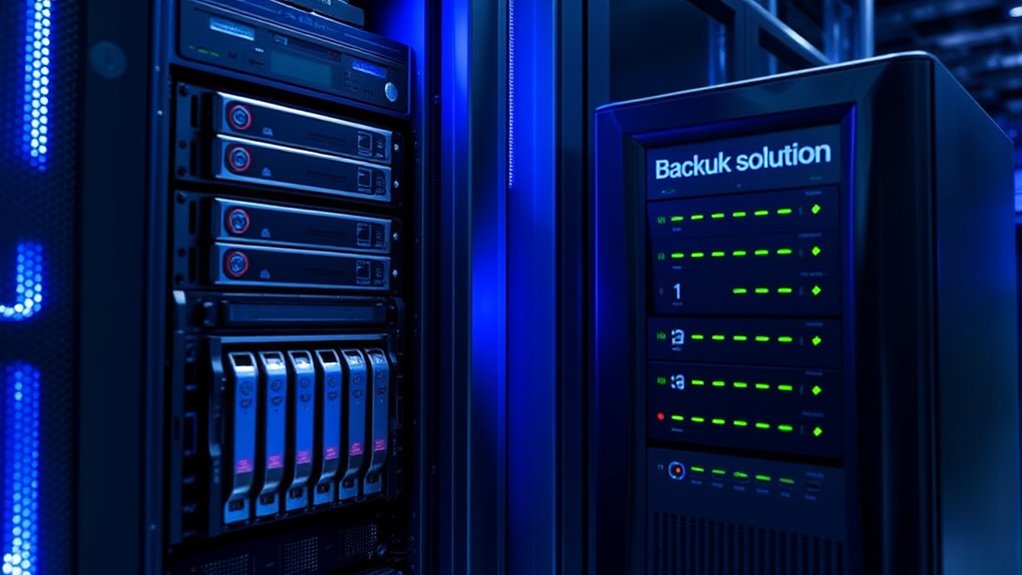
When it comes to protecting your data, understanding the difference between backup and RAID is indispensable. While both serve to safeguard your information, they do so in different ways, and knowing when to use each can make a significant difference in your data security strategy. Backup refers to creating copies of your data that can be restored if the original is lost or corrupted. Cloud storage plays an essential role here, offering off-site backups that are accessible from anywhere. By regularly backing up your data to the cloud, you guarantee that even in the event of hardware failure, theft, or disaster, you can retrieve your files quickly. Data replication is another key aspect of backup strategies, involving duplicating data across multiple locations or servers to prevent data loss. This process is indispensable for disaster recovery plans, providing multiple layers of redundancy. Additionally, vetted wave and wind can influence the availability and stability of cloud services, impacting your backup reliability.
RAID, on the other hand, is a hardware or software solution that combines multiple disk drives into a single logical unit to improve performance, redundancy, or both. Unlike backups, RAID doesn’t create separate copies of your data; instead, it distributes data across drives in ways that allow for continued operation even if a drive fails. For example, RAID 5 uses striping with parity, meaning data is split across drives with some space allocated for error correction. This setup ensures that if one drive fails, your system can rebuild the lost data from the remaining drives, minimizing downtime. RAID offers real-time protection and improved performance, making it ideal for active systems that require constant access to data.
However, relying solely on RAID isn’t enough. RAID protects against hardware failure but doesn’t safeguard against accidental deletion, malware, or catastrophic events that can wipe out all drives simultaneously. That’s where backups, especially those stored in cloud environments, come into play. Cloud storage solutions enable you to maintain multiple, versioned copies of your files, making it easier to recover from various threats. Combining RAID with regular backups and cloud storage provides an all-encompassing approach: RAID ensures your system remains operational with minimal downtime, while backups ensure you can restore your data to a previous state if needed. This layered strategy balances immediate hardware protection with long-term data recovery, giving you peace of mind that your information remains safe, accessible, and recoverable under different circumstances.
Frequently Asked Questions
Can RAID Replace the Need for Backups Entirely?
RAID can’t replace backups entirely because it mainly protects against hardware failures, not data corruption, theft, or accidental deletion. You still need backups for thorough data recovery, especially with options like cloud storage, which offers off-site protection. Relying solely on RAID risks losing critical files if a disaster occurs. Combining RAID with regular backups ensures your data remains safe and easily recoverable in all situations.
How Do I Choose Between RAID Levels for My Setup?
When selecting between RAID levels, consider your performance, redundancy, and capacity needs. For example, RAID 0 offers speed but no data protection, while RAID 1 provides mirroring for safety. RAID 5 balances performance with fault tolerance, and RAID 10 combines speed and redundancy. Remember, RAID levels aren’t a substitute for solid backup strategies. Use a combination to safeguard your data and ensure quick recovery in case of failure.
What Are the Costs Associated With Maintaining Both Backup and RAID?
Did you know nearly 30% of data loss incidents involve hardware failure? When maintaining both backup and RAID, you should consider cost considerations and maintenance expenses. RAID reduces hardware failure risks, but it doesn’t eliminate the need for backups, which involve storage costs and regular maintenance. Balancing these costs helps guarantee data protection without overspending, making it essential to plan your budget accordingly.
Are There Specific Industries That Benefit More From Both?
Certain industries, like finance, healthcare, and tech, benefit more from both backup and RAID. You need cloud storage for off-site backups and data encryption to secure sensitive information. Having both ensures your data stays protected from hardware failures and cyber threats. These industries handle critical, confidential data, making it essential to combine RAID’s redundancy with extensive backups, enhancing resilience and compliance.
How Often Should I Test My Backup and RAID Systems?
You should test your backup and RAID systems at least quarterly to guarantee they’re functioning correctly. Regular testing is essential for effective redundancy planning and disaster recovery. By doing so, you identify potential issues early, confirm data integrity, and ensure quick recovery when needed. Don’t wait for an incident to test; proactive checks keep your systems reliable, minimizing downtime and data loss during emergencies.
Conclusion
While RAID keeps your system running smoothly in case of hardware failure, backups safeguard you from data disasters like corruption or theft. Think of RAID as a safety net for hardware mishaps, but backups are your safety deposit box for everything else. Relying solely on one isn’t enough; combining both ensures you’re covered from every angle. Protect your data not just now, but for the future—because one solution isn’t enough to face all risks.