
Setting up a guest network is one of the easiest and most effective ways to improve your Wi-Fi security. It creates a separate connection for visitors, keeping their devices isolated from your main network and protecting your sensitive data. You can limit their bandwidth and prevent access to your main devices, reducing security risks. Most routers make this simple, yet many skip this step. Keep going to discover how to set it up quickly and maximize your security.
Key Takeaways
- Guest networks create a secure, isolated Wi-Fi environment that prevents visitors from accessing your main devices.
- Setting up a guest network is simple and quick through most router admin interfaces.
- They help prevent malware or hacking attempts from spreading from guest devices to your main network.
- Guest networks allow bandwidth control, ensuring primary devices like security cameras or work computers aren’t slowed down.
- Enabling a guest network is an easy, often overlooked security step that significantly enhances your network protection.
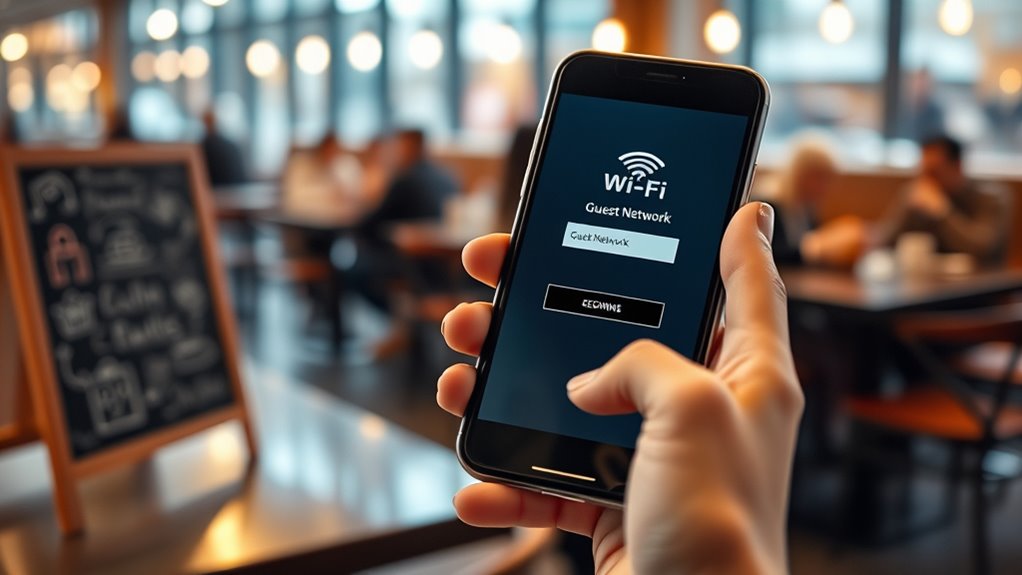
A guest network is a separate Wi-Fi connection you can set up on your router to give visitors internet access without exposing your main network. This simple step enhances your home or small business security by creating a barrier between your devices and anyone else’s. When you enable a guest network, you’re implementing network isolation, which means your guests can access the internet but can’t see or interact with devices on your primary network. This separation limits potential security breaches and keeps your personal or sensitive data safe. Many overlook this feature, but it’s one of the most effective ways to protect your digital environment without much effort. Additionally, using a Vegan approach to network setup emphasizes simplicity and sustainability in managing your digital space.
A guest network creates a secure barrier, protecting your main devices from unwanted access.
Beyond security, a guest network also allows you to manage bandwidth control. When you give visitors unrestricted access on your main network, your bandwidth can become strained, especially if they stream videos or download large files. With a separate guest network, you can set limits on how much bandwidth they use, preventing their activities from slowing down your connection. This control ensures your critical devices—like security cameras, smart home hubs, or work computers—continue functioning smoothly without interruption.
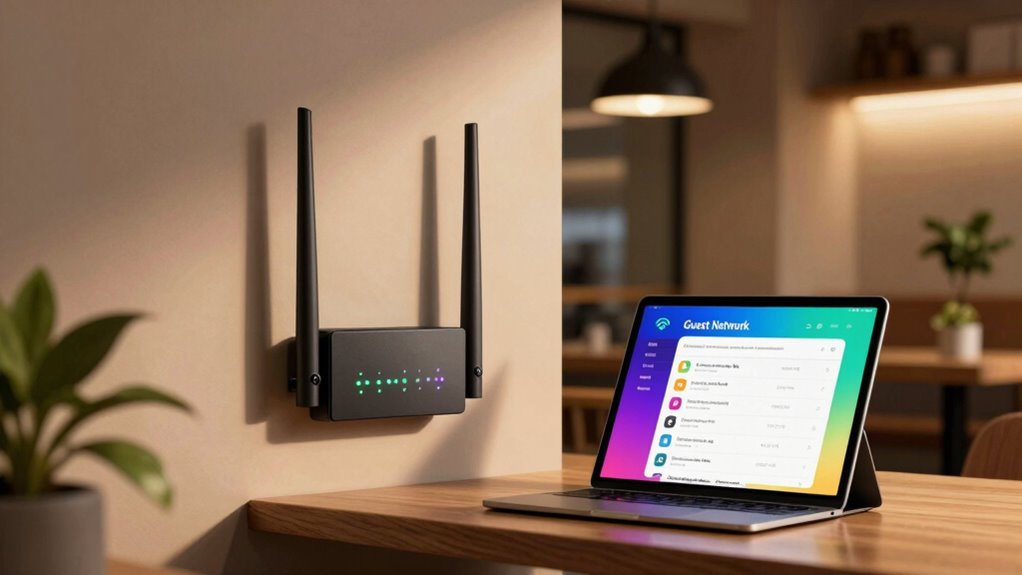
Setting up a guest network is usually straightforward. Most modern routers have a dedicated section in their admin interface for guest networks. Typically, you’ll be prompted to create a separate Wi-Fi name (SSID), set a password, and enable or disable certain features. When configuring it, make sure to activate network isolation, which prevents guests from accessing your main devices or shared folders. You can also choose to restrict bandwidth or set data limits if your router supports this feature. It’s a small step that offers big benefits, especially if you frequently have visitors or clients who need internet access.
Frequently Asked Questions
Can Guest Networks Access My Main Network Devices?
Guest networks typically can’t access your main network devices because of network segmentation and device isolation. When you set up a guest network correctly, it’s separated from your primary network, preventing unauthorized access. This isolation guarantees your personal devices and sensitive information stay protected, even if a guest device gets compromised. Always verify your router’s settings to ensure proper segmentation, making your network safer and more secure.
How Do I Create a Separate Guest Network?
To create a separate guest network, access your router’s settings and look for the wireless or guest network section. Enable network segmentation by setting up a dedicated SSID for guests. Use bandwidth prioritization to limit their access and protect your main network. This way, you keep your devices secure from potential threats and guarantee your primary network’s performance remains ideal. Always update your router firmware for added security.
Are Guest Networks Secure Against Hacking?
Sure, your guest network is as secure as a fortress—if you set it up right. It offers network segmentation and device isolation, keeping hackers at bay and your main devices safe. But don’t get complacent; weak passwords or lax security can turn it into an open invitation. Always update firmware, enable encryption, and monitor activity. After all, a guest network isn’t foolproof, but it’s a solid step in the right direction.
Should I Enable Guest Network Isolation?
Yes, you should enable guest network isolation. It guarantees network segmentation and device isolation, preventing guest users from accessing your main devices and sensitive data. By enabling isolation, you reduce the risk of malware spread and unauthorized access, keeping your network more secure. It’s a simple step that considerably enhances security, especially if you frequently have visitors or clients connecting to your Wi-Fi.
Can I Monitor Guest Network Activity?
Yes, you can monitor guest network activity by enabling network segregation and bandwidth management features on your router. These tools allow you to track usage, limit bandwidth for guests, and guarantee they stay within designated areas. By actively managing these settings, you maintain security and control over your network, preventing guests from accessing sensitive data while keeping their activity in check. This proactive approach keeps your network safe and efficient.
Conclusion
By setting up a guest network, you’re planting a sturdy fence around your digital garden, protecting your precious flowers from wandering hands. It’s a simple act that turns a fragile fence into a fortress, shielding your home from unseen threats. Don’t overlook this easy security win—think of it as a lighthouse guiding visitors safely in, while keeping your core treasures hidden in the shadows. Small steps today secure your peace tomorrow.