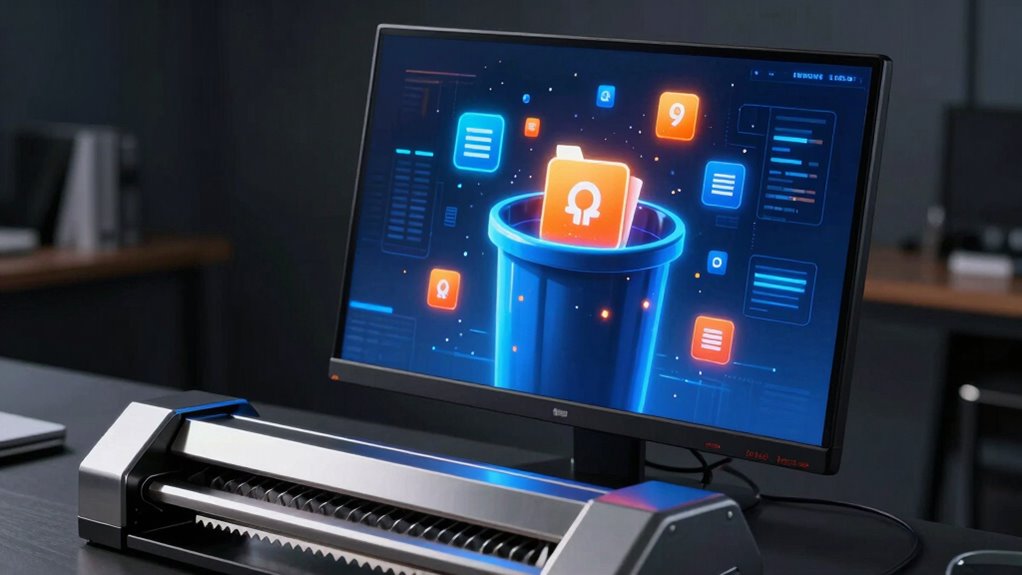

When you delete files and empty your trash, the data isn’t fully gone; it’s just marked as available space for new info. Until overwritten, sensitive data can often be recovered using special tools. To truly erase your information, you need secure deletion methods, like file shredding, which overwrite data multiple times to make recovery impossible. Understanding these techniques helps protect your privacy, and if you keep exploring, you’ll discover how to ensure your data stays truly unrecoverable.
Key Takeaways
- Deleting files only removes references; data remains until overwritten, making recovery possible.
- Emptying the trash does not securely erase the actual data, leaving it vulnerable.
- Secure deletion overwrites data multiple times, preventing recovery through standard methods.
- Using specialized tools ensures files are permanently shredded, safeguarding sensitive information.
- Proper data wiping is essential for privacy, security, and preventing unauthorized data recovery.
When you delete a file from your computer, it might seem gone for good, but often the data remains on the storage device and can be recovered with specialized tools. This is because deleting a file typically only removes its reference from the file system, not the actual data. The underlying data remains intact until it’s overwritten by new information. That’s where understanding data recovery becomes essential; even after deletion, your sensitive information can sometimes be retrieved if you don’t take additional steps. Simply emptying the trash or recycling bin doesn’t guarantee that the data is gone forever. Instead, it marks the space as available for new data, but until then, the original information can be reconstructed using data recovery techniques.
This vulnerability is why secure deletion methods are indispensable, especially when handling sensitive or confidential information. File shredding is a common technique used to guarantee data cannot be recovered. Unlike a regular delete, which merely hides the file, file shredding overwrites the data multiple times, making it nearly impossible for anyone to retrieve the original content. Modern secure deletion tools perform multiple passes of overwriting, sometimes with random data, to thoroughly obliterate the information. These techniques are particularly important if you’re disposing of old computers, selling devices, or managing sensitive business data.
Many people mistakenly believe that deleting files is enough to protect their privacy. However, if you want to be certain your data is unrecoverable, you need to go beyond basic deletion. The process of secure deletion involves using specialized software that performs thorough data overwriting, ensuring that file shredding leaves no trace behind. It’s a proactive step to prevent data recovery, which could otherwise lead to identity theft, corporate espionage, or data breaches. Understanding data recovery techniques is crucial for ensuring your private information remains protected even after deletion.
Understanding the difference between regular file deletion and secure deletion is essential in today’s digital landscape. You should always use trusted tools designed for secure data wiping, especially when dealing with sensitive information. Remember, the act of deleting files via standard methods often leaves the data vulnerable to recovery. If privacy matters, invest in proper file shredding techniques to make sure those files are truly gone, not just hidden. Secure deletion isn’t just about freeing up space; it’s about safeguarding your information from potential misuse or unauthorized access long after you’ve pressed delete.
Frequently Asked Questions
Can Data Ever Be Fully Unrecoverable After Deletion?
Data can sometimes be fully unrecoverable after deletion, but it depends on how you delete it. If you use proper overwrite techniques, you can make data recovery nearly impossible. Standard deletion often just removes pointers, leaving the actual data intact on the disk. To guarantee complete security, use specialized tools that overwrite data multiple times, making recovery efforts futile. This way, your information stays truly gone.
What Tools Are Best for Secure File Deletion?
For secure file deletion, you should choose tools that excel in file shredding and data sanitization. Programs like Eraser, CCleaner, and BleachBit effectively obliterate files beyond recovery. These tools perform thorough data sanitization, overwriting the data multiple times to prevent recovery. By using reliable, reputable software, you guarantee your sensitive information stays private, providing peace of mind that deleted files are truly gone and not just hidden in the digital debris.
How Does SSD Deletion Differ From HDD?
When deleting files on an SSD, the process differs from an HDD because SSDs use firmware that manages data differently. Instead of overwriting data directly, SSDs rely on TRIM commands to inform the drive which data blocks are no longer needed, allowing the firmware to securely erase or mark them for deletion. This process guarantees faster and more efficient deletion, but it also means you need specialized tools for secure deletion beyond simple file removal.
Is Cloud Data Deletion Truly Secure?
Think of cloud data deletion like sending a message in a bottle—it’s not always gone for good. While cloud providers use encryption and data sanitization to protect your info, there’s always a slight chance it could be recovered if not properly handled. To truly secure your data, verify the provider follows strict deletion protocols and uses robust encryption standards, giving you peace of mind that your information is as secure as a secret in a diary.
What Legal Standards Govern Data Erasure?
You need to follow legal standards like GDPR and HIPAA to guarantee proper data erasure. These regulations mandate legal compliance for securely deleting personal and sensitive information to protect data privacy. When you delete data, it’s vital to use methods that meet these standards, or you risk penalties and privacy breaches. Complying with legal standards helps you demonstrate responsible data management and safeguards your organization’s reputation.
Conclusion
Even when you think you’ve deleted a file, it’s like tossing a message into a river—your data may drift downstream, but it’s not gone forever. Secure deletion acts as a powerful lighthouse, shining a beam that erases those hidden traces before they vanish into the current. Remember, true privacy requires more than just tossing things away; it’s about lighting the way so no secrets are left to be found in the shadows. Stay vigilant, and keep your digital world secure.