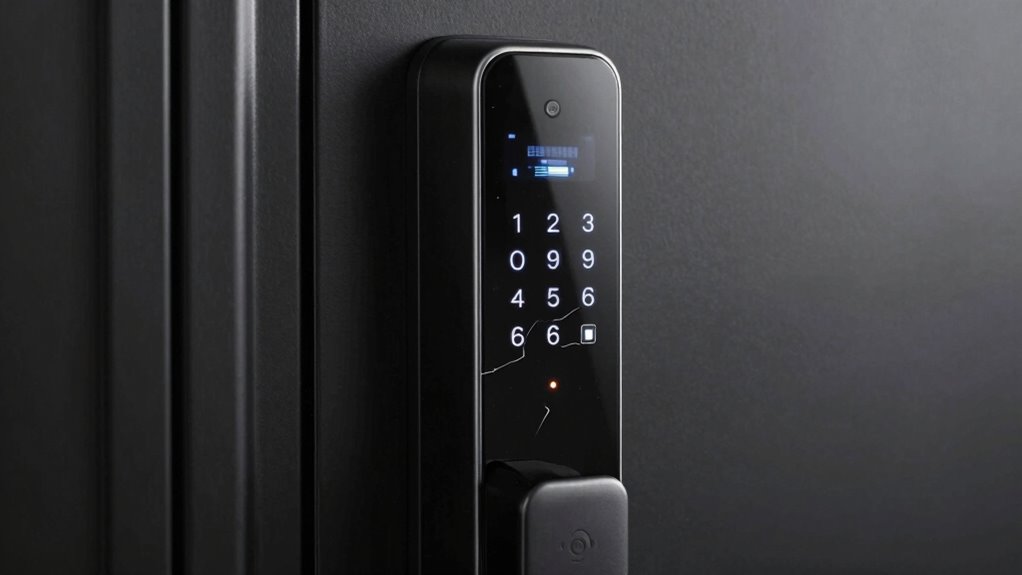

You should first understand the main failure modes like battery drainage and mechanical jamming. Low batteries can cause unresponsiveness, while dirt, debris, or corrosion may jam internal parts. Resistance when turning the key or a lock that doesn’t respond are signs you need to act quickly. Regular checks and maintenance can prevent these issues, but if you’re proactive, you’ll avoid unexpected lockouts. Keep going to learn more about how to effectively tackle these common problems.

Get school and study supplies delivered free — and shop member deals
- Fast, free delivery on millions of items
- Access to Prime Big Deal Days deals on October 6–7
- Prime Video, Amazon Music and more included
Key Takeaways
- Battery drainage causes unresponsiveness, making regular checks and replacements crucial.
- Mechanical jamming results from dirt, debris, or misalignment, leading to stiffness or key sticking.
- Electronic failure can occur due to faulty wiring or sensor issues, affecting lock responsiveness.
- Exposure to harsh weather accelerates wear and tear, increasing mechanical and electronic failure risks.
- Ignoring early warning signs like slow response or resistance can lead to complete lock failure.
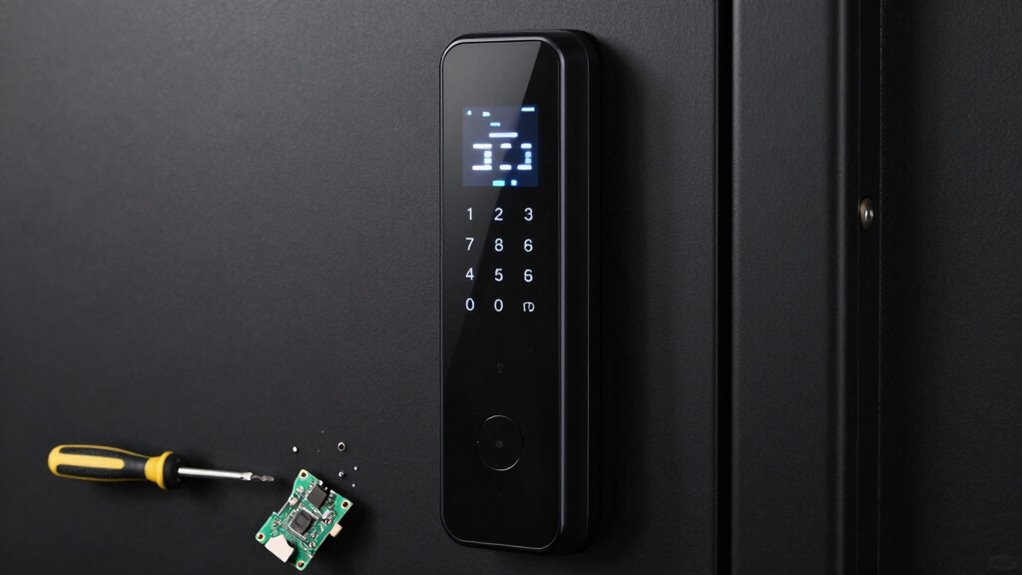
Smart locks offer convenience and enhanced security, but like any technology, they can experience failure modes that compromise their functionality. One common issue you might face is battery drainage. Smart locks rely heavily on batteries to operate, and when those batteries start to run low, you risk losing access entirely. You may notice the lock becoming unresponsive or slow to respond, which is a clear sign that the batteries need replacing. If you ignore these signals, the lock could fail at an inconvenient moment, leaving you locked out or unable to secure your home. To prevent this, it’s essential to regularly check the battery status and replace batteries proactively, especially if your lock has a low battery indicator.
Mechanical jamming is another failure mode that can hinder your smart lock’s performance. Despite being labeled “smart,” many locks still contain mechanical components that can get stuck or jammed over time. Dirt, debris, or corrosion can cause the internal mechanisms to seize, making it impossible to turn the key or engage the lock manually. In some cases, mechanical jamming occurs because of misalignment or wear and tear of parts, especially if the lock is used frequently or exposed to harsh weather conditions. When you encounter mechanical jamming, you might notice difficulty turning the key, a stiff lock mechanism, or the key getting stuck. This problem undermines the lock’s security function and can be frustrating, particularly if you’re in a hurry. Regular maintenance and inspection can help prevent these issues from worsening. Additionally, understanding failure modes can help you troubleshoot effectively and avoid unnecessary replacements. Being aware of common causes can further assist in diagnosing issues early and applying appropriate solutions. Recognizing the importance of proper installation can also significantly reduce the risk of mechanical failures over time.
Both battery drainage and mechanical jamming highlight the importance of regular maintenance and awareness. For battery issues, keep spare batteries on hand and replace them at regular intervals, even if the lock doesn’t explicitly warn you. For mechanical problems, periodically inspect your lock for dirt or corrosion, and lubricate moving parts with appropriate lubricants to ensure smooth operation. Maintaining a preventive maintenance routine can help catch issues early and prolong your lock’s lifespan. If you notice signs of jamming, avoid forcing the key, which could cause further damage. Instead, consider professional help to disassemble and clean the lock or replace damaged parts. Recognizing these failure modes early helps you avoid lockouts and ensures your smart lock remains a reliable security device. Understanding these common issues allows you to take preventive actions, maintaining the lock’s performance and peace of mind in your home security system.
smart lock battery replacement kit
As an affiliate, we earn on qualifying purchases.
As an affiliate, we earn on qualifying purchases.
Frequently Asked Questions
Can Smart Locks Be Hacked Remotely?
Yes, smart locks can be hacked remotely if cybersecurity vulnerabilities are exploited. Hackers might use techniques like phishing or exploiting weak passwords to gain unauthorized access. To protect yourself, make sure your lock’s firmware is always updated, use strong, unique passwords, and enable two-factor authentication if available. Being aware of potential threats helps you prevent unauthorized access and keeps your smart lock secure from cyber threats.
What Is the Lifespan of a Typical Smart Lock Battery?
Think of your smart lock’s battery like a sprinter on the track—swift and efficient but needing stamina. Typically, the battery life ranges from 6 months to a year, depending on usage. Power management plays an essential role; turning off unused features conserves energy. Regularly checking battery status guarantees your lock stays ready, reducing surprises. Keep an eye on those power levels so your smart lock continues to guard your home seamlessly.
Are Smart Locks Compatible With All Smart Home Systems?
Smart locks aren’t compatible with all smart home systems, so you need to check their home compatibility before purchasing. Many locks integrate well with popular systems like Alexa, Google Home, or Apple HomeKit, but some may require additional hubs or bridges. Always verify system integration and compatibility details to guarantee your smart lock works seamlessly with your existing setup, avoiding frustration and ensuring smooth operation.
How Do I Troubleshoot a Smart Lock That Won’t Unlock?
Imagine your smart lock as a diligent guard, yet it suddenly hesitates. First, check user authentication—ensure your keypad or app credentials are correct. Next, try recalibrating the lock, as misalignment can cause it to ignore commands. If it still won’t open, reset the lock or replace the batteries. These steps often resolve the issue, restoring smooth access and helping you regain control quickly.
What Are the Backup Access Options if the Lock Fails?
If your smart lock fails, you have several key backup methods for emergency access. Using a physical key is the most common, allowing you to open manually. Some smart locks also offer an override code or a backup keypad. Additionally, many models support remote access through a smartphone app, which can be vital if other methods fail. Keep these options in mind to make certain you can always gain entry when needed.
As an affiliate, we earn on qualifying purchases.
Conclusion
Understanding smart lock failure modes is like knowing the weak spots in a fortress—you’re better prepared to handle issues when they arise. By recognizing potential problems early, you can troubleshoot effectively and keep your smart lock functioning smoothly. Think of it as learning the cracks before a storm hits, so you’re not caught off guard. Stay informed, stay secure, and enjoy the peace of mind that comes with knowing your smart lock has your back—like a loyal guardian.
As an affiliate, we earn on qualifying purchases.
smart lock troubleshooting guide
As an affiliate, we earn on qualifying purchases.
As an affiliate, we earn on qualifying purchases.
Fall Picks
fall essentials
As an affiliate, we earn on qualifying purchases.