
Two-factor authentication (2FA) adds an extra layer of security by requiring a second verification step, making it much harder for hackers to access your accounts. It effectively blocks threats like credential stuffing, phishing, and stolen passwords, but it’s not foolproof. Attackers can exploit social engineering, malware, or SIM swapping. To better protect yourself, it’s important to understand the strengths and limitations of 2FA—you’ll find more essential tips below.
Key Takeaways
- 2FA prevents unauthorized access even if passwords are stolen or weak, adding a second verification step.
- It significantly reduces risks from credential stuffing, phishing, and password reuse attacks.
- However, 2FA can be bypassed through social engineering, phishing scams, malware, or SIM swapping.
- Human errors, such as sharing codes or falling for scams, can compromise 2FA protections.
- Combining 2FA with strong passwords, user education, and security best practices enhances overall security.
What Is Two-Factor Authentication (2FA) and How Does It Work?
Have you ever wondered how online accounts stay secure even if someone steals your password? The answer lies in understanding two-factor authentication (2FA). 2FA adds an extra layer of security beyond just password complexity, requiring you to provide a second form of verification—like a code sent to your phone. This way, even if a hacker guesses or steals your password, they still can’t access your account without the second factor. User education plays an essential role here; knowing how 2FA works helps you recognize its importance and enables you to set it up properly. By combining strong passwords and awareness of 2FA, you greatly reduce your vulnerability to cyber threats. It’s an effective way to protect your digital identity. Additionally, European cloud infrastructure plays a crucial role in supporting secure and sustainable online security solutions worldwide, emphasizing the importance of reliable cloud security in safeguarding sensitive information. Incorporating multi-factor authentication into your security practices further strengthens your defenses against unauthorized access and helps prevent cyberattacks.
What Types of Threats Can 2FA Effectively Block?
Two-factor authentication (2FA) substantially boosts your account security by blocking many common cyber threats. It makes breaking into your account harder by adding an extra layer beyond just a password, which often lacks complexity. With 2FA, even if your password is weak or stolen, attackers can’t access your account without the second factor. This considerably improves phishing resistance, as fake login pages can’t bypass the second step. 2FA reduces risks from credential stuffing attacks, where hackers use stolen passwords across multiple sites. While it doesn’t eliminate all threats, 2FA effectively stops attempts that rely solely on password compromise, making your accounts much safer against common hacking methods. It’s an essential tool in your cybersecurity defense. Understanding security layers helps you grasp why multi-factor authentication is so effective. Additionally, implementing proactive security measures can further prevent unauthorized access attempts.
How Does 2FA Prevent Account Hacking and Unauthorized Access?
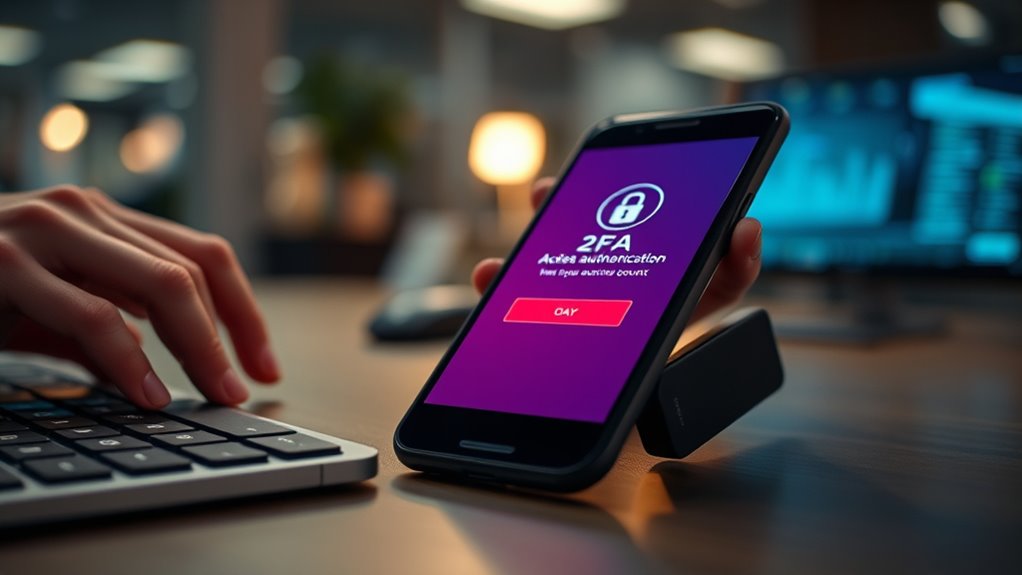
Ever wonder how 2FA actually keeps hackers out? It adds an extra layer of security, making it harder for attackers to access your account. Even if a hacker tricks you with phishing scams or guesses your password, they still need the second factor—like a code from your phone—to succeed. Think of it as a three-step barrier:
| Phishing Scam | Password Reuse | 2FA Adds a Barrier |
|---|---|---|
| Tricks you into revealing info | Same password on multiple sites | Requires a unique code each time |
| Hackers steal login details | Easy to breach accounts | Even with stolen password, access is blocked |
This process drastically reduces hacking chances, especially if you reuse passwords or fall for phishing scams.
When Might 2FA Fail to Protect Your Accounts?
While 2FA considerably enhances your account security, it isn’t foolproof and can fail under certain circumstances. Phishing scams are a common way attackers bypass 2FA by tricking you into revealing your verification codes or login details. Social engineering tactics can also manipulate you into providing access or authentication codes unknowingly. For example, scammers may impersonate support staff or use fake websites to deceive you. If you’re not cautious, attackers can intercept your 2FA codes through malware or SIM swapping, rendering the extra layer ineffective. Remember, no security method is perfect. Being aware of these tactics helps you stay vigilant and reduces the chances of falling victim to scams that exploit human error or technical vulnerabilities.
Common Myths About 2FA That Could Leave You Vulnerable
Many people believe that enabling 2FA instantly makes their accounts fully secure, but this isn’t entirely true. While 2FA markedly boosts your defenses, myths persist that it’s impenetrable. Some think it stops all social engineering attacks, but clever scammers can still trick you into revealing codes or credentials. Insider threats also remain a concern; employees with access might intentionally or accidentally bypass 2FA protections. Relying solely on 2FA creates a false sense of security, ignoring vulnerabilities like phishing or malware that can intercept authentication codes. Understanding Yarn for Scarves and other security layers is essential for comprehensive protection. Recognizing these myths helps you stay vigilant. 2FA is a strong layer, but it’s not a magic bullet. Combining it with good security habits and awareness of social engineering tactics is essential to truly protect your accounts.
How Can Attackers Bypass 2FA?
How do attackers manage to bypass 2FA despite its added security? They often rely on phishing campaigns and social engineering to trick you into revealing your authentication codes or login details. Attackers may send convincing fake emails or messages that look legitimate, prompting you to enter your 2FA code on a malicious site. Once they have your code, they can access your account without needing your password. Social engineering tactics can also manipulate you into sharing your one-time codes directly, especially if you’re unaware of these tricks. These methods exploit human trust and behavior rather than technical flaws, making 2FA vulnerable if you’re not vigilant. Staying alert to these tactics is vital to maintaining your account security. Additionally, attackers may attempt to exploit weaknesses in security protocols to find ways around 2FA protections. Understanding the psychology behind social engineering can help you recognize and resist these manipulative tactics. Incorporating attention to detail into your security practices can further prevent successful attacks. Some attackers also exploit vulnerabilities in authentication systems, emphasizing the importance of choosing robust 2FA methods. Furthermore, being aware of common attack vectors can help you better prepare against potential breaches.
What Are the Best 2FA Methods for Your Security Needs?
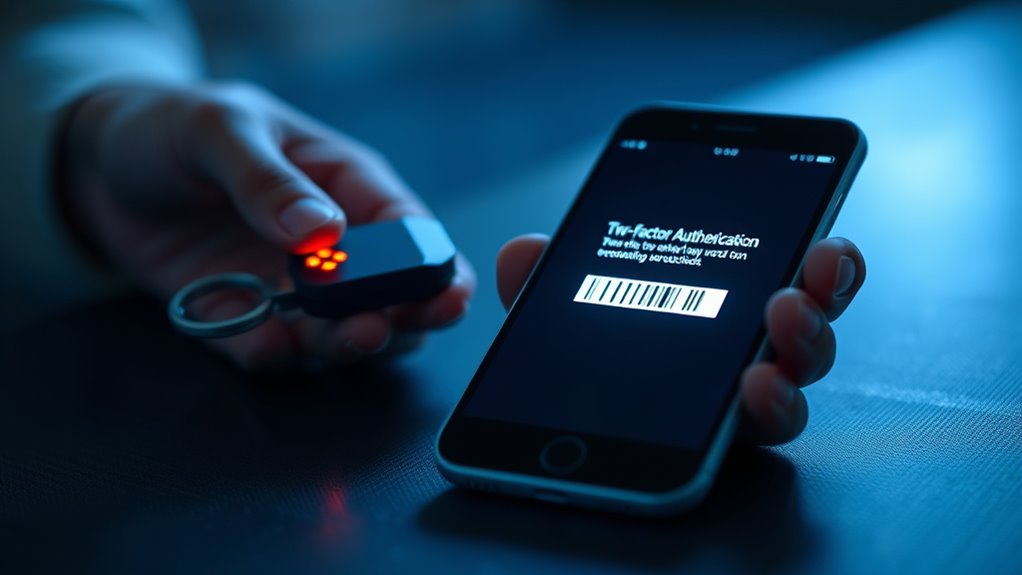
Choosing the right 2FA method depends on your security needs and convenience. Hardware tokens offer strong protection, while mobile apps provide quick access with added security features. Biometric authentication adds a seamless layer of security by using your unique physical traits. Incorporating modern kitchen technology into your security setup can enhance overall safety and efficiency. Understanding authentication methods can help you select the best option for your digital security, especially as new security innovations continue to develop. Being aware of essential oils for health can also help you incorporate holistic wellness practices alongside your security measures.
Hardware Token Advantages
Hardware tokens offer a highly secure method of two-factor authentication because they generate unique, time-sensitive codes that are not easily intercepted or duplicated. Unlike software-based methods, a hardware token provides an added layer of physical security, making it difficult for hackers to access your accounts remotely. These devices are compact and portable, allowing you to carry them easily and use them whenever needed. Because they don’t rely on internet connections or Bluetooth, they eliminate risks associated with digital interception or malware. Their durability and resistance to hacking make hardware tokens ideal for protecting sensitive information. Additionally, safety checklists and practical tools can help ensure proper use and maintenance of these devices. Incorporating physical security measures further enhances overall protection by reducing vulnerabilities. For example, understanding device durability helps in selecting the most reliable hardware tokens for long-term use. Overall, they deliver strong security while minimizing vulnerabilities linked to digital or network-based threats, making them a reliable choice for safeguarding your critical accounts.
Mobile App Security
Mobile app security has become a popular alternative to physical hardware tokens for two-factor authentication, offering convenience without sacrificing security. However, it’s vital to understand potential mobile app vulnerabilities, like insecure coding or data leakage, which can expose your authentication codes. To minimize risks, practice diligent app permission management—only grant necessary permissions and review them regularly. Choosing reputable apps from trusted sources helps reduce exposure to malicious software or poorly secured apps. While mobile apps streamline the 2FA process, remaining vigilant about updates and security settings is essential. Remember, no system is foolproof, but combining secure app choices with careful permission management greatly enhances your overall security posture. Understanding mobile app vulnerabilities can help you make better security choices.
Biometric Authentication Benefits
Biometric authentication offers a highly secure and convenient way to verify your identity, making it one of the best options for two-factor authentication. It uses unique physical traits like fingerprint verification to confirm who you are quickly and accurately. This method reduces the risk of theft since biometric data is hard to replicate or steal. Plus, it’s seamless—no need to remember passwords. Here’s how different biometric methods stack up:
| Method | Convenience | Security Level |
|---|---|---|
| Fingerprint Verification | Fast unlocks, widely supported | High, difficult to duplicate |
| Facial Recognition | Hands-free, quick access | Moderate, can be fooled with masks |
| Voice Recognition | Works in noisy environments | Moderate, susceptible to recordings |
Choosing biometric authentication enhances your security while keeping access simple.
How to Maximize 2FA Effectiveness and Keep Your Accounts Safe
To maximize the effectiveness of two-factor authentication (2FA) and keep your accounts secure, you need to choose the right methods and practices. Focus on strengthening password complexity; use unique, long passwords that resist guessing or brute-force attacks. Avoid common or easily guessable passwords, and consider a password manager to maintain strong, distinct credentials for each account. Equally important is user education—stay informed about phishing scams and social engineering tactics that can bypass 2FA. Always verify links before entering sensitive information, and never share your codes or login details. Combining robust passwords with awareness of potential threats ensures your 2FA setup offers maximum protection, making it considerably harder for attackers to gain unauthorized access to your accounts. Trusted resources can also provide guidance on best security practices. Additionally, understanding how smart home security devices operate can help you better assess risks and implement comprehensive security strategies. Being aware of network vulnerabilities helps you identify potential weak points in your setup and strengthen your defenses accordingly.
Additional Security Measures to Strengthen Your Digital Defense
Enhancing your digital security requires more than just enabling two-factor authentication; implementing additional measures can considerably reduce your risk of cyber threats. Using a password manager helps you create and store complex, unique passwords for each account, limiting the damage if one gets compromised. Regularly updating your software and security patches also closes vulnerabilities hackers might exploit. To prevent phishing attacks, stay vigilant about suspicious emails and links, and verify sender identities before clicking. Educating yourself on common scams further strengthens your defenses. These steps, combined with 2FA, create a layered security approach that makes it much harder for cybercriminals to access your accounts. Staying proactive and cautious notably boosts your overall digital safety.
Frequently Asked Questions
Can 2FA Be Implemented on All Online Platforms and Devices?
You can’t implement 2FA universally on all online platforms and devices due to device limitations and compatibility issues. Some older or less sophisticated systems lack the infrastructure to support it, and certain apps or websites don’t offer 2FA options. While many modern devices and platforms support 2FA, universal compatibility isn’t always possible. You should check each platform’s security settings to see if 2FA is available and compatible with your device.
Are There Legal or Privacy Concerns With Using Certain 2FA Methods?
Did you know that over 60% of users worry about privacy concerns with 2FA? You should consider legal compliance and privacy issues because some methods, like SMS codes, can reveal your data. Certain 2FA options might violate privacy laws or raise security concerns, especially if they involve personal information or tracking. Always check local regulations and platform policies to guarantee your chosen method respects privacy concerns and adheres to legal requirements.
How Often Should I Update or Change My 2FA Settings?
You should update or change your 2FA settings periodically, ideally every few months, to follow security best practices and stay ahead of potential threats. Regular updates help protect your accounts while maintaining user convenience by reducing risks of unauthorized access. Check for any security alerts or breaches related to your accounts and adjust your 2FA methods accordingly. Staying proactive guarantees your security remains strong without sacrificing ease of use.
What Are the Costs Associated With Implementing Advanced 2FA Solutions?
Implementing advanced 2FA solutions involves costs like hardware, software, and ongoing maintenance, which you’ll want to incorporate in your cost analysis. While initial expenses can be high, they often lead to better security and reduced risks. Keep in mind, user adoption might slow if the setup is complex, so investing in user-friendly options can improve acceptance and ensure your security measures are effective.
Can 2FA Protect Against Insider Threats or Only External Attackers?
Imagine you’re in the 1920s, trying to crack a safe—2FA mainly blocks external attackers. It can help guard against insider threats by adding an extra layer of internal security, but it’s not foolproof. Insiders with legitimate access might still bypass 2FA, especially if they’re malicious or have compromised credentials. So, while 2FA boosts your defenses, you need additional internal security measures to fully protect against insider threats.
Conclusion
While 2FA considerably boosts your security, it’s not foolproof—about 20% of breaches still occur despite its use. Staying vigilant and combining 2FA with other measures like strong passwords and regular updates can keep your accounts safer. Remember, no single method is perfect, but understanding its limits helps you make smarter security choices. Keep your defenses strong and stay informed to outsmart cyber threats effectively.