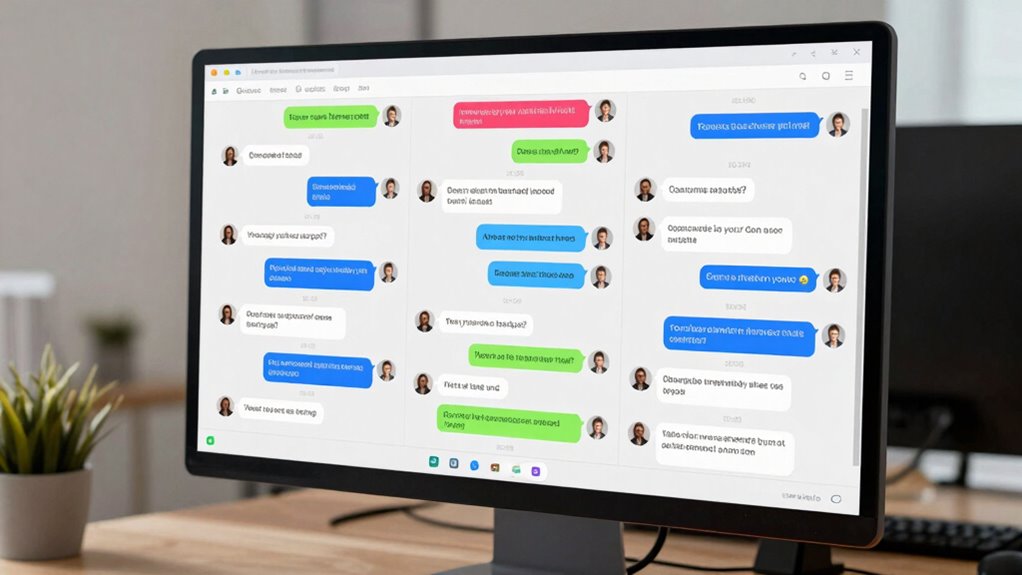

Taking screenshots during customer support interactions gives you solid proof of what’s said, response times, and resolution progress. They provide transparency, prevent misunderstandings, and are essential if disputes arise. Screenshots help verify company claims, track response patterns, and hold support teams accountable. By saving this visual evidence, you safeguard your rights and strengthen your case. Keep going to discover more ways these images can be your strongest support tool.
Key Takeaways
- Screenshots provide transparent, timestamped records of support interactions, preventing misunderstandings and disputes.
- They verify response times and service commitments, ensuring accountability from support teams.
- Visual proof strengthens claims during escalations or complaints, reducing ambiguity.
- Organized screenshot records help track recurring issues and support trend analysis over time.
- They serve as reliable, portable evidence to hold companies accountable and ensure fair resolution.
Have you ever wondered how companies prove their customer support claims? It’s often through solid evidence like screenshots that clearly show the communication history, response times, and how issues are handled. In a world where customer satisfaction hinges on transparency, capturing these moments can make all the difference. When you’re trying to resolve a dispute or highlight poor service, having visual proof can prevent misunderstandings and strengthen your case. Screenshots serve as a reliable record, especially when conversations involve ticket escalation or delayed responses.
Ticket escalation is a common process in customer support, where your issue is bumped up to higher levels of expertise or management. Sometimes, support teams don’t respond promptly or the problem gets stuck in a support queue. This is where showing a timestamped screenshot becomes vital. It provides undeniable proof of when you first raised the issue and how long it took for a response. Response time is a key metric in customer service, and screenshots can effectively demonstrate if a company is meeting or missing their promised standards. For example, if a support team claims they responded within a certain timeframe, you can verify that by comparing the timestamps on your screenshot. This transparency not only helps you hold the company accountable but also encourages them to adhere to their service commitments.
Timestamped screenshots prove support response times and hold companies accountable for their service commitments.
When you capture a screenshot, you’re documenting the entire context—what was said, when it was said, and how the support team handled your concern. This becomes especially important if your issue escalates or if you need to escalate it further. Instead of relying solely on memory or vague email exchanges, you have concrete evidence to back up your claims. In disputes, these visuals can be shared with customer service managers or used in formal complaints. They cut through any miscommunication or conflicting narratives, making your case clearer and harder to dismiss.
Furthermore, screenshots are a portable, easy-to-archive form of proof. You can organize them by date or issue, creating a timeline of your support experience. This makes it easier to track response times and escalate issues when necessary. If a company’s response time is consistently slow, having these visual records helps you demonstrate a pattern, giving you leverage when requesting faster service or compensation. Remember, in customer support, proof matters—screenshots are your best tool for capturing and substantiating your experience. They serve as an objective record that can save you from misunderstandings and ensure your voice is heard.
customer support screenshot tool
As an affiliate, we earn on qualifying purchases.
As an affiliate, we earn on qualifying purchases.
Frequently Asked Questions
How Do I Securely Share Screenshots Without Revealing Sensitive Information?
To securely share screenshots without revealing sensitive information, you should first edit or blur any privacy concerns before sharing. Use secure channels like encrypted emails or file-sharing services that follow ethical guidelines for data protection. Always double-check the screenshot to guarantee no confidential details are visible. By taking these steps, you protect privacy concerns and maintain ethical standards, ensuring your information stays safe and confidential during sharing.
What Are the Best Tools for Capturing High-Quality Support Screenshots?
Imagine capturing a crisp snapshot that speaks volumes. You should try tools like Snagit or ShareX, which excel at capturing high-quality support screenshots. They offer features like screenshot annotations to highlight key details and image compression to keep files manageable. These tools guarantee your images remain clear and professional, making it easier for support teams to assist you efficiently. With their help, you’ll deliver perfectly polished visuals every time.
Can Screenshots Be Edited to Hide Confidential Details?
Yes, you can edit screenshots to hide confidential details, but you should consider screenshot authenticity and editing screenshot legality. Always verify your edits don’t distort the original context or mislead others, especially in legal or official situations. Use trusted editing tools to blur or crop sensitive information responsibly. Being transparent about edits helps maintain trust and complies with policies, making your support evidence both secure and ethically sound.
How Should I Organize Multiple Screenshots for Support Cases?
Think of organizing your screenshots like creating a well-structured map. You should arrange them in a clear visual hierarchy, highlighting the most critical details first. Use annotation techniques like arrows, circles, and brief notes to emphasize key points. Group related images together and label them logically, making it easy for support teams to follow your evidence. This method guarantees your case is as clear as a well-lit path.
Are There Legal Considerations When Using Screenshots as Evidence?
Yes, there are legal considerations when using screenshots as evidence. You need to make certain of legal compliance by only capturing information you’re authorized to share and avoiding any sensitive or private data that could violate privacy considerations. Always obtain necessary consent if required, and keep documentation clear about how and why you collected the screenshots. This helps protect you legally and respects individuals’ privacy rights.
timestamped screenshot app
As an affiliate, we earn on qualifying purchases.
As an affiliate, we earn on qualifying purchases.
Conclusion
Think of screenshots as your safety net in customer support—a reliable safety line that catches misunderstandings before they fall. By capturing and saving your proof, you’re building a fortress of trust and clarity. When issues arise, these images become your strongest allies, turning chaos into clarity. So, don’t leave your experience to chance—snap, save, and stand tall with the evidence that keeps you protected every step of the way.

Just the Ticket: Ticket Stub Organizer
As an affiliate, we earn on qualifying purchases.
As an affiliate, we earn on qualifying purchases.
![[Old Version] TurboTax Deluxe 2022 Tax Software, Federal and State Tax Return, [Amazon Exclusive] [PC/MAC Download]](https://m.media-amazon.com/images/I/4109JO7ZJ-L._SL500_.jpg)
[Old Version] TurboTax Deluxe 2022 Tax Software, Federal and State Tax Return, [Amazon Exclusive] [PC/MAC Download]
Recommended if you own a home, have charitable donations, high medical expenses and need to file both Federal…
As an affiliate, we earn on qualifying purchases.
As an affiliate, we earn on qualifying purchases.