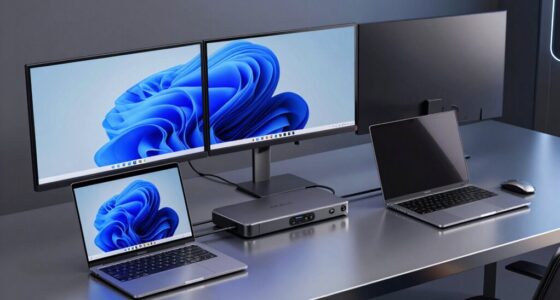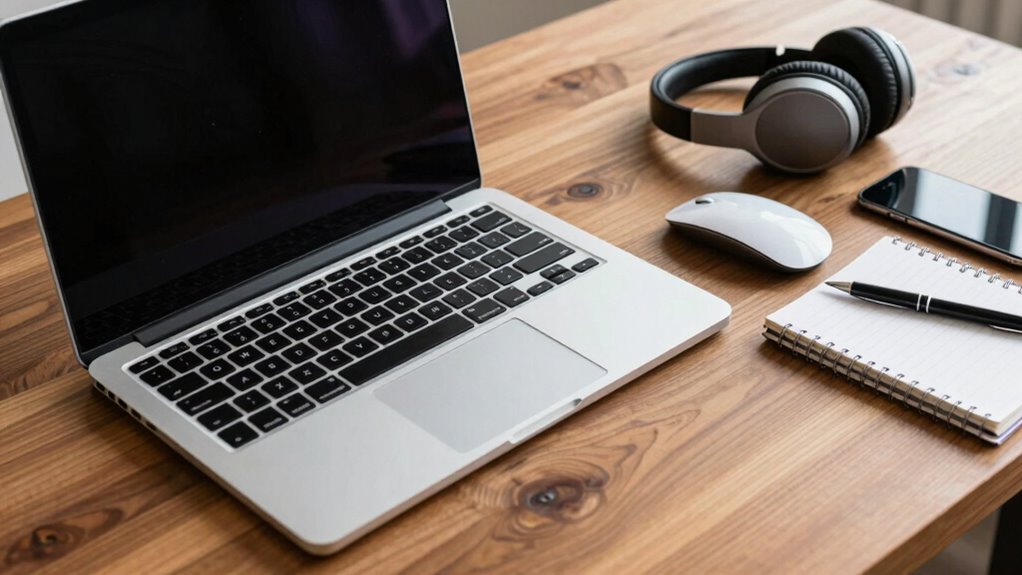

When choosing a business laptop, you need robust security features like hardware encryption and reliable VPN support to protect sensitive data. Comfort and efficiency come from an ergonomic design with comfortable keyboards and adjustable displays, while versatile connectivity options help you connect easily with devices and networks. Long battery life and portability ensure you remain productive on the go. Staying aware of these essentials can help you select a device that truly supports your work needs.
Key Takeaways
- Robust security features like hardware encryption and biometric login protect sensitive business data.
- Ergonomic design reduces fatigue, ensuring comfort during long work sessions.
- Reliable connectivity options support seamless access to networks, peripherals, and external displays.
- Extended battery life and portability enable productivity across various locations and on-the-go work.
- Overall integration of security, comfort, and connectivity enhances workflow efficiency and device durability.
A reliable business laptop is essential for staying productive and connected in today’s fast-paced work environment. When choosing the right device, you want something that not only performs well but also keeps your data safe and fits comfortably into your daily routine. Cloud security is a critical factor here—your laptop should have robust security features that protect sensitive information as you access files and applications stored in the cloud. Features like hardware encryption, secure biometric login, and reliable VPN support help prevent unauthorized access and keep your work secure, no matter where you are. This way, you can focus on your tasks without constantly worrying about potential security breaches. Additionally, understanding counters and cookies can help you manage your privacy settings more effectively when browsing or using cloud services.
Besides security, ergonomic design plays a significant role in your overall productivity and well-being. Long hours at your laptop can lead to discomfort or even injury if the device isn’t built with ergonomics in mind. Look for a laptop with a well-designed keyboard that offers comfortable key travel and spacing, reducing strain during extended typing sessions. The display should be adjustable or have a matte finish to minimize glare, so you don’t strain your eyes. A lightweight, slim profile makes it easier to carry around, whether you’re commuting or moving between meetings. An ergonomic design isn’t just about comfort; it’s about maintaining focus and efficiency over long workdays, preventing fatigue and health issues that can slow you down.
Ergonomic design boosts productivity and comfort during long workdays, preventing fatigue and health issues.
Connectivity options are another essential consideration. A business laptop should support fast Wi-Fi standards and include multiple ports—USB-C, HDMI, and SD card slots—to connect easily with peripherals, external displays, or projectors. This ensures you can set up your workspace anywhere, whether at home, in the office, or on the go. Additionally, battery life matters—look for a device that offers all-day stamina, so you don’t get interrupted by constant recharging. A laptop with good battery performance allows you to work seamlessly without being tethered to a power outlet, increasing your flexibility and efficiency.
Ultimately, a combination of strong cloud security features, ergonomic design, reliable connectivity, and long battery life makes for a business laptop that truly supports your work needs. It’s about more than just specs; it’s about how well the device integrates into your workflow, safeguards your data, and keeps you comfortable during long hours. When you prioritize these essentials, you set yourself up for success—whether you’re managing projects, attending virtual meetings, or traveling between clients. Your business laptop should be a tool that enhances your productivity, not hampers it.
Frequently Asked Questions
How Long Should a Business Laptop Battery Last During Daily Use?
A business laptop battery should last around 8 to 12 hours during daily usage, depending on your tasks and settings. To maximize battery longevity, you can adjust screen brightness, close unnecessary apps, and enable power-saving modes. Keep in mind that heavy workloads or high-performance applications may shorten battery life. Aim for a laptop that offers at least a full workday of reliable power to stay productive without constant charging.
What Security Features Are Most Effective for Business Laptops?
Oh, sure, because hackers love a good biometric security feature, right? In reality, you should prioritize biometric security and hardware encryption to protect sensitive data. Biometric security, like fingerprint scanners or facial recognition, makes unauthorized access a nightmare. Pair that with hardware encryption, and you’ve got a fortress that’s nearly impenetrable—unless you’re a spy, then good luck! These features keep your business info safe from prying eyes.
Are Lightweight Laptops More Durable for Frequent Travel?
Lightweight travel-friendly laptops are generally less durable due to their slim design and lighter materials, making them more prone to damage with frequent travel. While they excel in portability, you need to handle them carefully and consider additional protective gear. If durability is essential, look for travel-friendly laptops that balance lightweight design with sturdy build quality, ensuring they can withstand the rigors of frequent travel without sacrificing ease of transport.
Which Operating System Is Best for Business Productivity?
You should choose Windows for the best business productivity, as it powers over 75% of desktops worldwide. Its OS compatibility guarantees seamless integration with most software, making collaboration easier. The extensive software ecosystem provides access to essential tools like Microsoft Office and enterprise apps. Plus, Windows offers customizable options and regular updates, keeping your work secure and efficient. This combination makes it ideal for staying productive and connected on the go.
How Much RAM Is Recommended for Multitasking in Business Tasks?
For smooth multitasking efficiency, you should aim for at least 8GB of RAM capacity. If you handle multiple business applications or large files regularly, upgrading to 16GB provides better performance and reduces lag. More RAM allows you to switch between tasks seamlessly without slowing down your system. Keep in mind, the more RAM you have, the more efficiently you can multitask, making your workflow smoother and more productive.
Conclusion
Think of your business laptop as the engine of your success. Just like a reliable car gets you to your destination smoothly, having the right essentials guarantees you stay productive and focused. Remember Sarah, who upgraded her laptop and found her workflow doubled—showing that the right tools propel your journey. Invest wisely in what matters, and you’ll navigate your workday with confidence, turning every task into a smooth ride toward achievement.