
Prioritizing text clarity over flashy monitor specs helps you avoid eye strain, fatigue, and mistakes during long work or study sessions. Clear, sharp fonts with good contrast make it easier to see details and reduce the need to squint or lean in closer. High resolution and refresh rates are less important if the display isn’t well-calibrated or optimized for text. Keep going to discover how focusing on core features can improve your overall comfort and productivity.
Key Takeaways
- Clear text reduces eye strain and fatigue during long periods of reading or work.
- Proper contrast and font rendering enhance readability more than high resolution alone.
- Calibration and anti-aliasing improve text sharpness, ensuring better clarity regardless of monitor specs.
- High specs like refresh rate and resolution are less effective if display contrast and font rendering are poor.
- Prioritizing display fundamentals leads to better comfort, accuracy, and overall productivity.
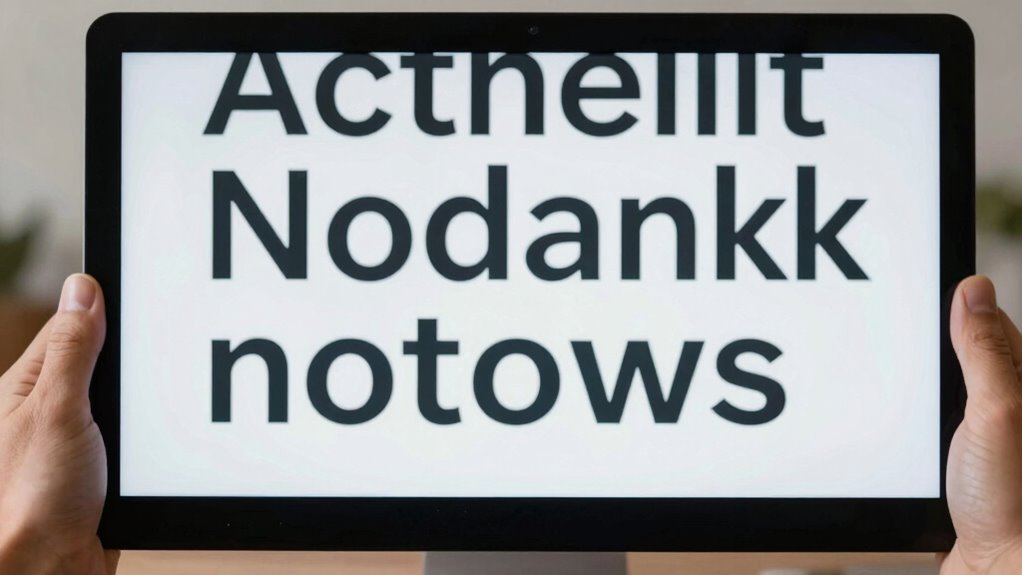
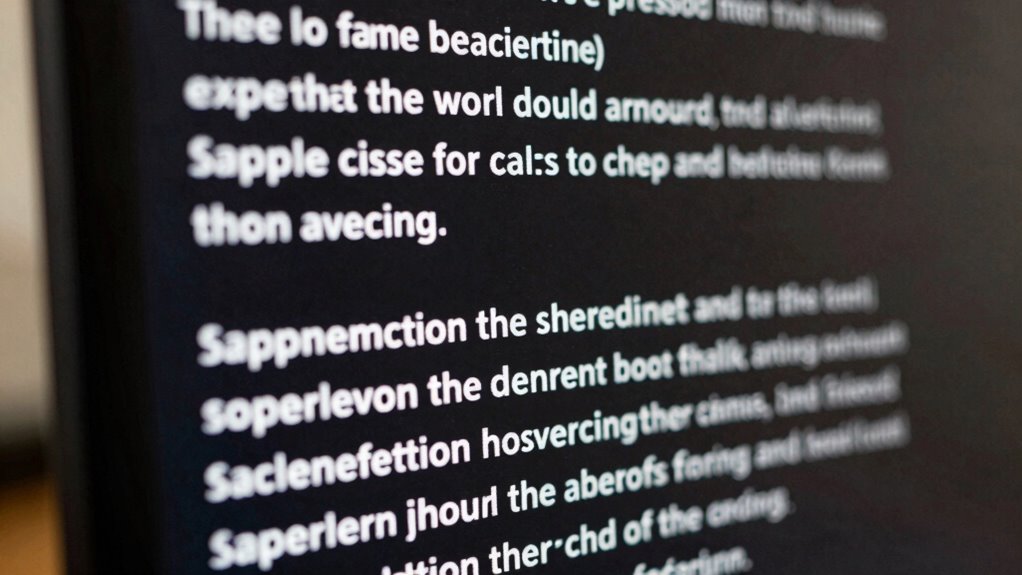
When choosing a monitor, many people focus on high refresh rates or impressive resolution, but these specs don’t always translate into better reading or working experiences. The real key to productivity and comfort lies in how clear and easy it is to read on the screen. Font readability plays a crucial role here because if the text isn’t sharp and easy to distinguish, your eyes tire faster, and you’re more likely to make mistakes. It’s tempting to prioritize flashy specs, but in reality, a monitor with excellent font clarity will serve you better over long hours of work or study.
Prioritize font clarity and readability for longer, more comfortable work sessions.
Contrast enhancement is another essential factor that often gets overlooked. Good contrast makes text stand out against the background, reducing eye strain and improving overall readability. When the contrast isn’t optimized, your eyes have to work harder to differentiate letters from their background, which can cause fatigue. A monitor with well-calibrated contrast ensures that text appears crisp and clear, even during extended reading sessions. This is especially important if you spend hours reviewing documents, coding, or editing images where precision matters.
You might notice that some monitors with high resolutions still struggle with font readability if their pixel density isn’t well-balanced or if the display’s calibration isn’t optimized. Sharpness isn’t just about resolution; it’s about how well the display reproduces fine details in the text. Monitors that focus on good font rendering and contrast enhancement tend to produce smoother, more legible characters without jagged edges or halos. This clarity allows you to read for longer periods without discomfort, boosting your efficiency and reducing eye strain.
Moreover, the quality of text rendering depends on factors like anti-aliasing and display calibration, not just specs like refresh rate or resolution. When you choose a monitor that emphasizes font readability and contrast, you’re investing in your comfort and focus. Clear, well-defined text reduces the need for squinting or leaning closer, which can lead to headaches and fatigue. It’s also easier to detect small details, making your work more accurate and less frustrating. Additionally, display calibration ensures that colors and contrast are optimized for consistent clarity across different lighting conditions. Furthermore, selecting a monitor with ergonomic adjustability can significantly enhance your viewing comfort during long work sessions. Paying attention to these fundamentals of display quality can make a substantial difference in your daily screen time.

Newsoul 4K Portable Monitor 1200Nits Ultra Bright 16'' Laptop Monitor 2000:1 Contrast Fast IPS Matte Screen with USB-C HDMI VESA, Slim External Screen for Laptop/Phone/Game Console/Office/Travel
【Upgrade 1200nits Brightness & 2000:1 Contrast】1200Nits ultra-high brightness,4X brighter than an ordinary monitor, displaying more clear and delicate…
As an affiliate, we earn on qualifying purchases.
As an affiliate, we earn on qualifying purchases.
Frequently Asked Questions
How Does Text Clarity Impact Everyday Computer Use?
Clear text directly impacts your everyday computer use by reducing visual fatigue and enhancing ergonomic benefits. When text is sharp and easy to read, you avoid straining your eyes, which helps prevent headaches and discomfort. Good text clarity also allows you to work longer without fatigue, increasing productivity and comfort. Overall, prioritizing clear text makes your daily tasks smoother, healthier, and more efficient, ensuring a better overall computer experience.
Can Monitor Resolution Improve Text Readability?
Yes, monitor resolution can improve text readability. Higher resolutions enhance font rendering and screen anti-aliasing, making text appear sharper and smoother. Studies show that users experience 20% less eye strain with high-resolution displays. When your monitor’s resolution is increased, small text becomes clearer because cleaner font rendering reduces pixelation. This results in more comfortable reading, less fatigue, and overall better productivity during long hours of computer use.
What Role Does Font Type Play in Text Clarity?
Font type directly impacts text clarity by influencing font legibility and overall readability. Simple, clean fonts like Arial or Verdana enhance clarity, reducing eye strain. Good typographic design considers spacing, size, and style to make text easier to read, especially on screens. Choosing the right font type guarantees your message is clear and accessible, making it a vital aspect of ideal text clarity, regardless of monitor specs.
Are There Specific Monitor Settings to Enhance Text Sharpness?
To enhance text sharpness, you should adjust your monitor’s settings like color calibration and refresh rate. Proper color calibration guarantees accurate contrast and brightness, making text clearer. Increasing the refresh rate reduces flicker, which helps your eyes perceive sharpness better during prolonged use. Also, set your display resolution to native for crisp text. These adjustments work together to improve overall text clarity, making reading and editing easier and more comfortable.
How Does Viewing Distance Affect Perceived Text Clarity?
Your viewing distance can dramatically affect perceived text clarity, almost like distorting reality itself. When you sit too close, your eyes strain and struggle to focus, reducing your visual acuity and increasing eye strain. Moving too far away makes text appear smaller and harder to read, also harming clarity. Finding the right distance helps maximize visual sharpness, minimizes eye strain, and guarantees your eyes stay comfortable during long reading or working sessions.

ASUS 22” 1080P Eye Care Monitor (VP227HF) – (21.45-inch viewable), Full HD, 99% sRGB, Frameless, 100Hz, Adaptive-Sync, 1ms, HDMI, Low Blue Light, Flicker Free, VESA Wall Mountable, 3 yr Warranty
21.45-inch Full HD (1920×1080) frameless design with 178° wide viewing angle panel
As an affiliate, we earn on qualifying purchases.
As an affiliate, we earn on qualifying purchases.
Conclusion
So, next time you’re choosing a monitor, ask yourself: is it really about the latest specs, or about how easily you can read and focus? Text clarity can make all the difference in comfort and productivity. Don’t let flashy features distract you from what truly matters—your eyes and your work. After all, isn’t clear, crisp text what keeps you going strong every day? Prioritize clarity, and your eyes will thank you.
anti-aliasing monitor for text clarity
As an affiliate, we earn on qualifying purchases.
As an affiliate, we earn on qualifying purchases.

INNOCN 27" 4K USB-C Monitor for Laptop MacBook/Mac mini – 16:9 IPS 3840 x 2160 Display, HDR400, DeltaE<2, DisplayPort, HDMI PC Monitor, 1.07B+ Colors, Built-in Speakers, Adjustable Stand, Black
【27 Inch 4K Computer Monitor & Stunning Color Performance】Real 4K UHD 3840*2160p monitor provide you top picture/video qulaity…
As an affiliate, we earn on qualifying purchases.
As an affiliate, we earn on qualifying purchases.