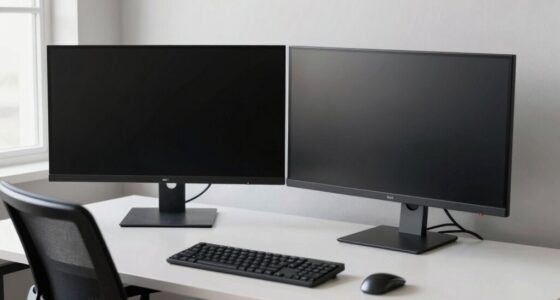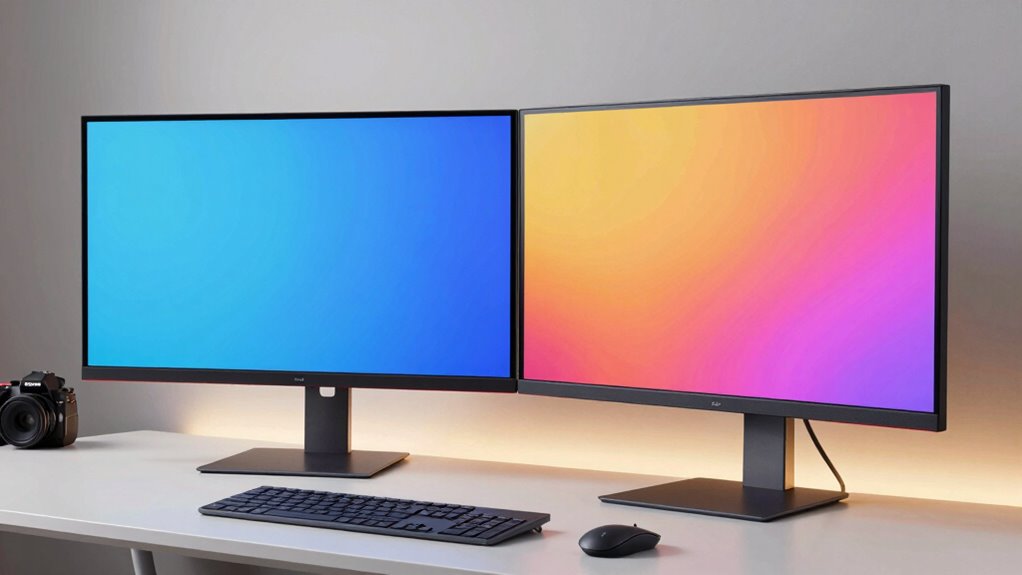

Curved monitors can boost your comfort and immersion, especially if you have a wide workspace or enjoy gaming, videos, or design work that benefits from a wraparound view. They help reduce eye strain by aligning with your eye’s natural shape and create a more engaging experience. However, if you need precise lines or work in a small space, the curve might cause distortion or reflections. To find out when they really help, keep exploring extra details.

Prime made for students and young adults
- Fast, free delivery for dorm and study essentials
- Prime Video and Amazon Music included
- Member-only deals
Key Takeaways
- Curved monitors enhance immersion and reduce eye strain for gaming, multimedia, and long work sessions.
- They improve comfort by aligning with the eye’s natural shape, minimizing focus shifts and distortion.
- Benefits diminish if viewed from off-angles or in small spaces, and may cause image warping in tasks needing straight lines.
- Not ideal for tasks requiring precision, like CAD or photo editing, where straight lines are crucial.
- Consider workspace size, primary use, and potential reflection issues to determine if curvature provides genuine advantages.
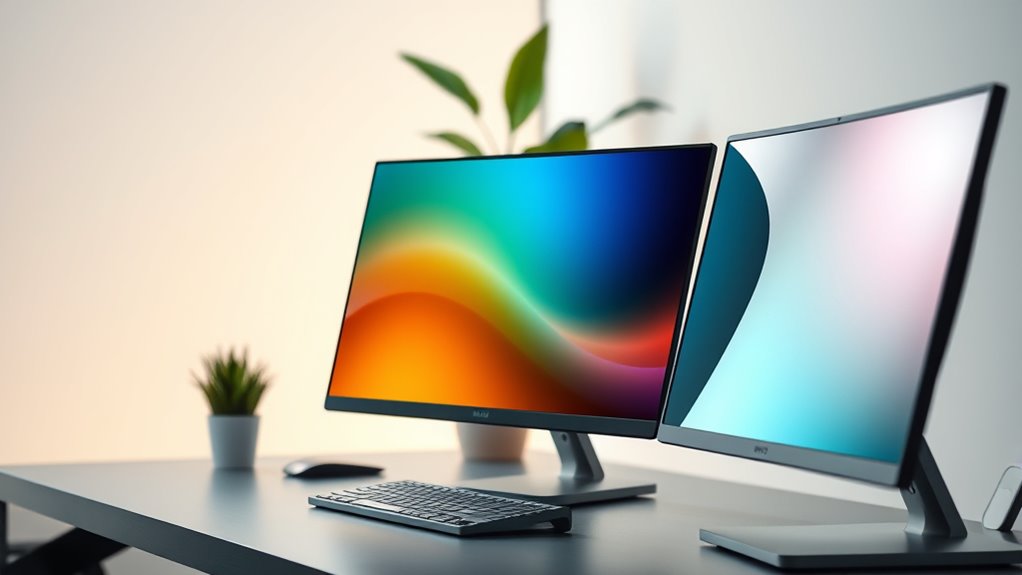
Have you ever wondered how a curved monitor can enhance your viewing experience? The answer lies in the way it interacts with your eyes and overall workspace. Curved monitors are designed to wrap around your field of view, creating a more immersive environment that can notably improve comfort during long hours of work or entertainment. One of the key ergonomic benefits is that they reduce the need for your eyes to constantly shift focus across the screen. Since the curvature aligns with the natural shape of your eye, less effort is required to take in the entire display. This can lead to less eye strain and fatigue, especially if you spend hours staring at your monitor daily. Additionally, the uniform distance from your eyes to any point on the screen minimizes distortion and glare, further promoting comfort. Moreover, the contrast ratio of curved monitors can be higher, providing deeper blacks and more vibrant images that enhance visual quality. Beyond the ergonomic advantages, curved monitors also boost the aesthetic appeal of your setup. They look sleek and modern, making your workspace or gaming station stand out. The gentle curve adds a sense of depth and dimension, giving your display a more dynamic and high-end feel. This visual enhancement isn’t just superficial; it creates a more engaging viewing experience that pulls you into the content rather than just displaying it on a flat surface. Whether you’re working on detailed design projects, gaming, or simply watching videos, the curvature adds a touch of sophistication that flat screens often lack. However, it’s important to recognize when the hype about curved monitors might be exaggerated. For some users, especially those working on tasks that require straight lines or precise measurements—like CAD design or detailed photo editing—the distortion caused by the curve can be a hindrance. These applications demand accuracy, and the slight warping of images or lines on a curved screen can be problematic. Moreover, if your workspace is small or you often view your monitor from an off-angle, the benefits of a curve diminish. You might find that the curvature causes reflections or makes the display appear uneven from certain positions, which can be distracting rather than helpful. Ultimately, curved monitors excel when your primary focus is immersive viewing, reducing eye strain, and adding a stylish touch to your setup. But they’re not a universal solution. You should evaluate your specific needs and workspace conditions to determine if the curvature will truly benefit you or if it’s just a passing trend. When used correctly, a curved monitor can be a valuable upgrade—combining ergonomic benefits with aesthetic appeal—enhancing your experience in ways flat screens simply can’t match.
As an affiliate, we earn on qualifying purchases.
Frequently Asked Questions
Do Curved Monitors Improve Gaming Performance?
Curved monitors can improve your gaming performance by offering enhanced ergonomics benefits, reducing eye strain during extended play. They create a more immersive experience, making visuals feel more natural and engaging. Plus, their aesthetic appeal adds a sleek, modern look to your setup. While they won’t boost your reflexes directly, the comfort and immersive qualities can help you stay focused longer, ultimately enhancing your overall gaming experience.
Are Curved Monitors Better for Multitasking?
Yes, curved monitors are better for multitasking because they offer ergonomic benefits, reducing eye strain and neck fatigue by naturally aligning with your line of sight. Their immersive design also enhances aesthetic appeal, making your workspace look modern and sleek. With a curved screen, you can easily view multiple windows without shifting your head excessively, boosting productivity and comfort during long work sessions.
How Do Curved Screens Affect Color Accuracy?
You might notice that curved screens can impact color accuracy, especially across wider viewing angles. At first glance, they offer immersive visuals, but uneven color consistency may appear if the monitor isn’t calibrated properly. The curve can distort perceived colors at the edges, making color matching tricky. To get the best results, check for monitors with good viewing angle performance and factory calibration, ensuring your colors stay true no matter where you’re looking.
Are Curved Monitors Suitable for Professional Photo Editing?
Yes, curved monitors can be suitable for professional photo editing, especially if you seek ergonomic benefits and an immersive experience. The curvature reduces eye strain and offers a natural viewing angle, making it easier to see details accurately. However, verify the monitor has high color accuracy and a wide color gamut. If these features are present, a curved monitor can enhance your workflow without compromising quality.
What Is the Optimal Screen Size for Curved Monitors?
You’ll find that a 32-inch curved monitor offers the perfect balance, enhancing ergonomic benefits and aesthetic appeal. Its size minimizes eye strain by reducing excessive head movement while providing an immersive experience. A slightly larger screen still fits comfortably on your desk, making it ideal for multitasking and detailed work. When selecting, consider your workspace and viewing distance to maximize comfort and visual impact, ensuring your setup feels natural and engaging.
ergonomic curved monitor for office
As an affiliate, we earn on qualifying purchases.
As an affiliate, we earn on qualifying purchases.
Conclusion
So, next time you’re shopping for a monitor, remember that curved screens can boost immersion and reduce eye strain—especially if you spend hours gaming or working. Notably, a survey found that 65% of users felt more engaged with curved displays. But don’t fall for the hype; if you’re into detailed design work or multitasking, flat screens might still suit you better. Ultimately, choose what feels right for your needs and enhances your experience.
curved monitor for video editing
As an affiliate, we earn on qualifying purchases.
As an affiliate, we earn on qualifying purchases.
ultra-wide curved monitor for multitasking
As an affiliate, we earn on qualifying purchases.
As an affiliate, we earn on qualifying purchases.
Fall Picks
fall essentials
As an affiliate, we earn on qualifying purchases.