

Using public Wi-Fi can be risky if the network lacks proper encryption or is a fake hotspot designed to steal your data. It’s safer to connect only to secure networks with strong passwords, avoid sensitive transactions, and use a trusted VPN. Watch out for open networks with suspicious names or no security measures. To learn how to protect yourself and identify safe options, keep going for essential tips and best practices.
Key Takeaways
- Public Wi‑Fi is risky when networks lack encryption, are open without passwords, or have suspicious names.
- Using strong encryption protocols like WPA2/WPA3 and a trusted VPN can make public Wi‑Fi safer.
- Avoid conducting sensitive transactions or accessing secure accounts on unsecured or suspicious networks.
- Keep your device software updated, enable HTTPS, and disable sharing to reduce vulnerability on public Wi‑Fi.
- Public Wi‑Fi is generally safe when connected to trusted networks with secure passwords and proper security measures in place.
What Are the Risks of Public Wi‑Fi?
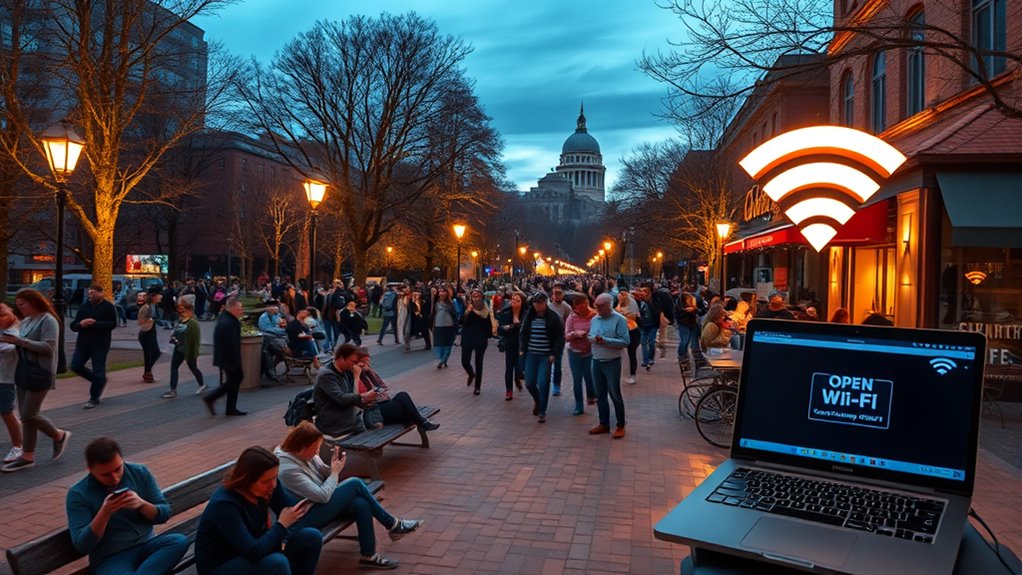
Have you ever wondered if using public Wi‑Fi is safe? One major risk is encryption vulnerabilities. Many public networks don’t encrypt your data properly, making it easy for hackers to intercept sensitive information like passwords or credit card details. Fake hotspots are another danger; cybercriminals set up these malicious networks to lure users into connecting, then steal their data. When you connect to a fake hotspot, you unknowingly expose your device to potential malware or data theft. Additionally, some networks have weak security protocols, increasing the chance your data can be accessed by unauthorized parties. Always be cautious about the networks you join and avoid transmitting sensitive information unless you’re on a trusted, secured connection. Understanding encryption vulnerabilities can help you evaluate the security and quality of visual displays when choosing public or private viewing environments. Being aware of network security protocols can also help you assess the safety level of a given Wi‑Fi connection before use.
When Is Public Wi‑Fi Safe to Use?

While public Wi‑Fi networks can pose risks, there are situations where using them is relatively safe. If the network uses strong network encryption, your data is better protected from eavesdroppers. Look for networks that require a password or offer WPA2 or WPA3 security standards. Additionally, your user vigilance plays a vital role; avoid accessing sensitive accounts or conducting financial transactions on unsecured networks. Use a trusted VPN whenever possible to encrypt your internet traffic further. It’s also wise to disable sharing settings and ensure your device’s firewall is active. By choosing networks with proper encryption and remaining alert to potential threats, you can reduce your risk and use public Wi‑Fi more confidently when necessary.
How Can You Tell if a Public Wi‑Fi Is Unsafe?
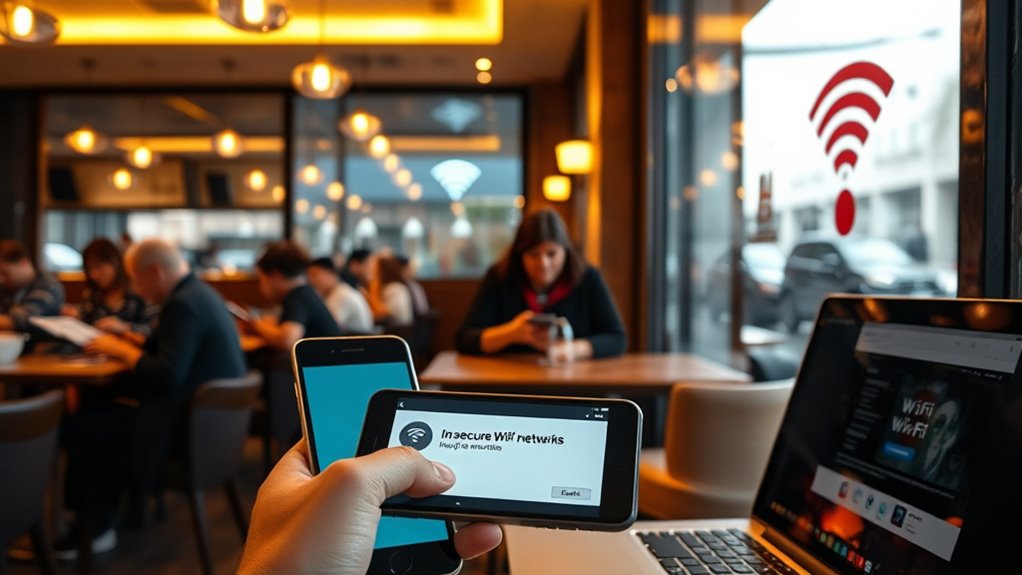
You can usually spot an unsafe public Wi‑Fi by checking for signs like open networks without encryption or lacking device authentication. If the network doesn’t require a password or uses an unsecured connection, your data could be vulnerable. Look for networks with names that seem suspicious or too generic. When connecting, ensure the network uses an encrypted connection—look for “https” in websites. If the Wi‑Fi requires no login or offers free access without verification, it’s likely risky. Being aware of privacy policies options can be a reminder to protect your data during your morning routine.
How to Protect Yourself When Using Public Wi‑Fi
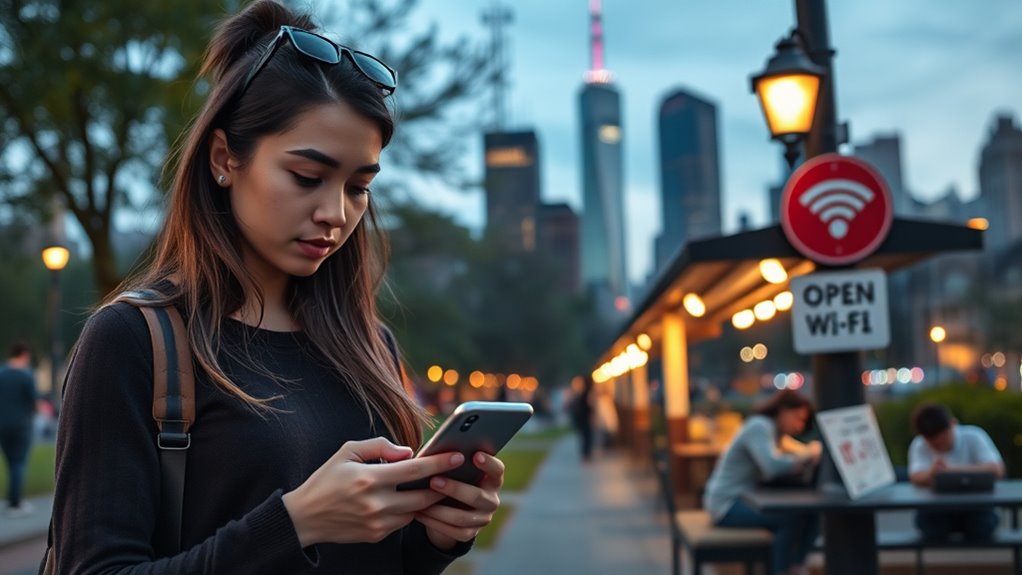
To protect yourself when using public Wi‑Fi, start by securing your device and data. Use encryption techniques, such as enabling HTTPS on websites and activating your device’s encryption settings, to make your data harder for hackers to intercept. A Virtual Private Network (VPN) offers significant benefits by creating a secure, encrypted tunnel between your device and the internet, shielding your activity from prying eyes. Always connect to trusted Wi‑Fi networks, and avoid sharing sensitive information or accessing banking apps while on public hotspots. Keep your device’s software updated to patch security vulnerabilities. Using a VPN is especially effective, as it masks your IP address and encrypts all your online traffic. Proper air purifier maintenance can also help protect your indoor environment from pollutants that could compromise your device’s security or performance. Being aware of cybersecurity best practices can further help you stay safe from potential threats. For instance, understanding common cryptid mysteries can help you recognize false information and avoid falling for scams or misinformation online. Additionally, understanding the importance of online privacy can guide you in making safer choices while connected to public networks. Regularly reviewing your privacy settings can provide an extra layer of security. These steps help minimize risks and keep your information safe when using public Wi‑Fi.
Best Alternatives for Secure Internet Access

When safety is a priority, exploring secure alternatives to public Wi‑Fi can substantially reduce your risk of data breaches. Using VPN services encrypts your internet traffic, making it much harder for hackers to intercept sensitive information. Choose reputable VPN providers that don’t log your activity and offer strong encryption protocols. Additionally, using secure browsers designed with enhanced security features adds an extra layer of protection. These browsers often block trackers, prevent malicious scripts, and support HTTPS everywhere, ensuring your connection remains private. Incorporating encryption protocols with a VPN enhances your security by safeguarding your data from potential interceptors. Combining a VPN with a secure browser gives you a robust defense against cyber threats when accessing the internet outside trusted networks. Always keep your device’s security software updated and avoid sharing personal information on unsecured sites for maximum safety. Trusted resources can help you find reliable options to enhance your online security. Incorporating security best practices into your routine further minimizes your vulnerability to cyberattacks. For example, being aware of celebrity privacy issues can remind you to safeguard your personal data online. Understanding the importance of public Wi-Fi risks can help you make informed decisions about when to connect securely.
Frequently Asked Questions
Can Public Wi‑Fi Steal My Personal Information?
Yes, public Wi-Fi can steal your personal information if you’re not careful. Hackers often use techniques like network monitoring to intercept unencrypted data. To protect yourself, look for networks with data encryption, which secures your info. Avoid sharing sensitive details on open networks, and consider using a VPN for additional security. Staying cautious helps prevent your private info from falling into the wrong hands.
Are There Specific Apps That Are Safer on Public Wi‑Fi?
Yes, some apps are safer on public Wi‑Fi. Look for Secure Apps that use end-to-end encryption, ensuring your data stays private. Stick to Trusted Platforms, like official banking or messaging apps, which prioritize security. Avoid sharing sensitive info on unfamiliar or unverified apps. By choosing these types of apps, you reduce your risk of data theft and keep your information safer while connected to public Wi‑Fi.
How Do VPNS Protect My Data on Public Networks?
Imagine your data is a secret message; a VPN acts like a digital knight, shielding it on public networks. It uses encryption protocols to scramble your info, making it unreadable to hackers. When you connect to a VPN server location, your IP address changes, adding another layer of protection. This way, your data stays private, and you navigate public Wi-Fi more safely, as if you have your own trusted courier.
Is Public Wi‑Fi Safe for Online Banking?
Public Wi-Fi isn’t safe for online banking because encryption vulnerabilities can expose your data, even if you use a VPN. You might think your password security is enough, but hackers can still intercept sensitive information. Always avoid banking on public networks unless you use a trusted VPN, keep your passwords strong, and guarantee your connection is encrypted to protect your finances. Better to use cellular data for banking security.
What Signs Indicate a Public Wi‑Fi Network Is Malicious?
If you suspect a network is malicious, look for red flags like fake networks or unsecured access. These often appear as unrecognizable or oddly named Wi-Fi hotspots, and they lack password protection. If the connection prompts you to log in on suspicious pages or asks for personal info right away, you’re likely dealing with a harmful network. Always verify the network’s authenticity before connecting, as danger lurks in these shady spots.
Conclusion
Public Wi‑Fi can be convenient, but it’s not always safe. By understanding the risks and knowing how to protect yourself, you can enjoy internet access without putting your information in danger. Always stay alert and cautious—after all, isn’t your security worth a little extra effort? When in doubt, opt for safer alternatives. Staying informed helps you make smarter choices and keeps your data secure. So, why take unnecessary risks when safer options are right at your fingertips?