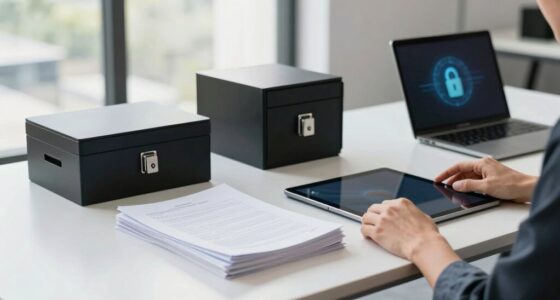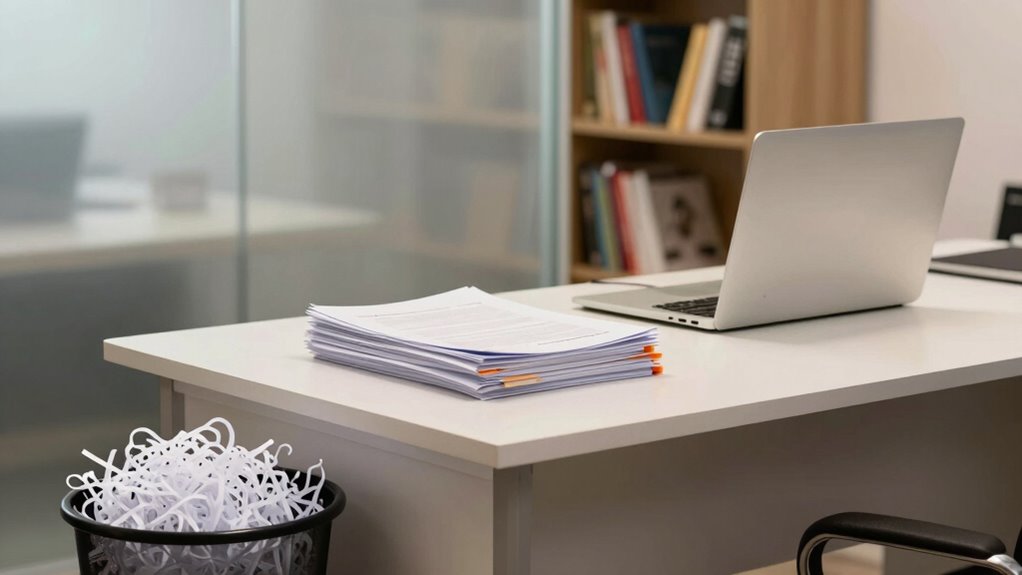

To protect your privacy, shred sensitive documents like financial statements, tax records, medical files, and outdated papers immediately, ensuring they can’t fall into the wrong hands. Keep important items such as past tax returns, legal documents, and critical financial records in secure, locked locations for long-term storage. Regularly review and organize your files to maintain privacy and security. If you want to discover smarter ways to manage these documents effectively, there’s more to explore.
Prime for Young Adults — start your free trial
Fast free delivery, streaming and member deals for eligible 18–24 year olds.
As an affiliate, we earn on qualifying purchases.
Key Takeaways
- Shred financial statements, bank records, and medical documents immediately to prevent identity theft.
- Keep important legal, tax, and financial documents securely in locked storage for long-term reference.
- Regularly review and dispose of outdated papers to maintain organization and reduce clutter.
- Use cross-cut shredders for sensitive documents before disposal to ensure maximum security.
- Incorporate secure storage and disciplined shredding routines as part of a comprehensive home office privacy strategy.
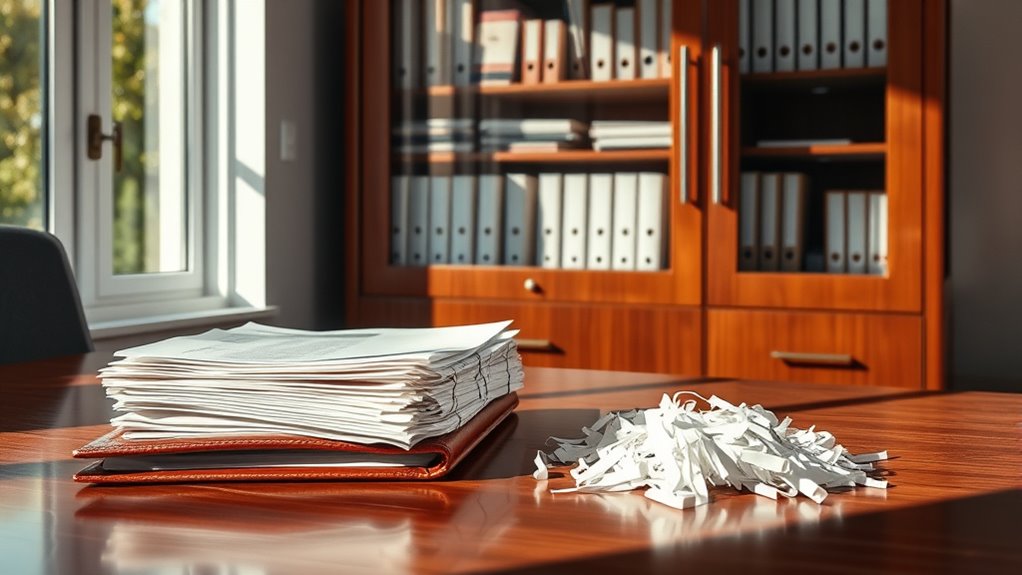
Have you ever wondered how to protect your privacy while working from home? In today’s digital world, safeguarding your personal information is more essential than ever. While cybersecurity risks often grab the headlines, don’t overlook the importance of physical document management. Properly handling your paper documents can prevent sensitive information from falling into the wrong hands. When you’re managing a home office, it’s easy to accumulate a mix of important records and outdated papers. Knowing what to shred versus what to keep is key to maintaining your privacy and reducing clutter.
Start by evaluating the documents you handle daily. Financial statements, bank records, tax documents, and medical records contain highly sensitive information. These should almost always be shredded once you’ve processed or stored the necessary details. Shredding these documents minimizes the risk of identity theft or fraud, especially if you’re worried about cybersecurity risks extending beyond the digital realm. On the other hand, some documents, like past tax returns or important legal papers, may need to be kept for several years. Store these securely in a locked drawer or safe to prevent unauthorized access. Maintaining a clear separation between what needs to be kept and what should be discarded helps you stay organized and protects your privacy.
Physical document management isn’t just about shredding; it’s also about storage. Cluttered paperwork can lead to accidental exposure or loss of important files. Use labeled folders or filing cabinets to categorize and store essential documents securely. Regularly reviewing your papers and disposing of outdated or unnecessary files ensures you’re not hoarding sensitive information that no longer serves a purpose. This practice reduces the chance of sensitive data being exposed in case of a break-in or even an accidental spill. Remember, just as you protect your digital data with passwords and encryption, your physical documents deserve secure storage and careful disposal. Incorporating document security practices can further enhance your privacy measures.
Additionally, be cautious when handling documents in shared spaces. If you work with clients or handle confidential information, avoid leaving papers unattended. Shred any documents that contain private details before disposing of them, and don’t toss unshredded papers into regular trash. Instead, use a cross-cut shredder for maximum security. This simple step greatly reduces your vulnerability to physical theft or privacy breaches. Keep in mind that effective physical document management complements your overall privacy strategy, helping shield your personal information from both cyber and physical threats.
In the end, protecting your privacy while working from home involves a thorough approach. Managing cybersecurity risks is essential, but don’t forget the importance of shredding the right documents and securely storing the rest. By staying disciplined with your physical document management, you’ll create a safer, more organized home office environment that respects your privacy and reduces the chance of sensitive information falling into the wrong hands.
cross cut paper shredder for home office
As an affiliate, we earn on qualifying purchases.
As an affiliate, we earn on qualifying purchases.
Frequently Asked Questions
How Often Should I Shred Old Financial Documents?
You should shred old financial documents according to your document retention and shredding schedule, ideally after seven years. Keep records like tax returns and supporting documents for that period, but dispose of outdated or unnecessary papers promptly. Establish a shredding routine to prevent accumulation of sensitive info. Regular shredding helps protect your privacy and reduces clutter, so set reminders to review and securely destroy documents once they’re no longer needed.
What Digital Files Should I Delete for Privacy?
For digital cleanup, delete files containing sensitive info like passwords, bank statements, and personal identification. Regularly clear cookies and browsing history to prevent privacy breaches. Don’t forget to empty your recycle bin or trash. You should also remove unused apps or software that could pose security risks. Staying proactive with digital cleanup minimizes the chances of privacy breaches and keeps your information safe.
Are There Legal Requirements for Shredding Sensitive Documents?
Think of shredding as locking a treasure chest; it keeps confidential information safe. Legally, you’re required to shred documents containing sensitive data like social security numbers or financial info to guarantee legal compliance and protect privacy. Failing to do so can lead to legal trouble. So, always shred documents that hold confidential information once they’re no longer necessary, and keep records that are legally required to retain.
How Can I Securely Dispose of Electronic Storage Devices?
To securely dispose of electronic storage devices, you should first wipe data using encryption tools, ensuring all information is unreadable. For added security, consider physically destroying the device—shredding or crushing it. If you store data in the cloud, verify your provider’s security measures, like encryption and access controls, to protect sensitive information. Always use trusted methods to prevent data breaches and safeguard your privacy.
What Are Best Practices for Protecting My Home Office Wi-Fi?
To protect your home office Wi-Fi, start by enabling Wi-Fi encryption like WPA3 or WPA2 on your router. Always update your router’s firmware regularly to patch security flaws. Change default passwords to strong, unique ones, and disable remote management features. Use a secure network name, and consider setting up a guest network for visitors. These steps strengthen router security and keep your sensitive work information safe.
locked filing cabinet for important documents
As an affiliate, we earn on qualifying purchases.
As an affiliate, we earn on qualifying purchases.
Conclusion
Remember, what you keep can protect your privacy, but what you shred might save you from future trouble. In your home office, safeguarding sensitive documents is essential, yet overexposure can jeopardize your security. Striking the right balance means knowing what to hold onto and what to discard. Ultimately, your choices today shape your privacy tomorrow—so be intentional about what you keep and what you shred, because both can define your peace of mind.
document storage safe for home use
As an affiliate, we earn on qualifying purchases.
As an affiliate, we earn on qualifying purchases.
shredding and document disposal supplies
As an affiliate, we earn on qualifying purchases.
As an affiliate, we earn on qualifying purchases.
Fall Picks
fall essentials
As an affiliate, we earn on qualifying purchases.