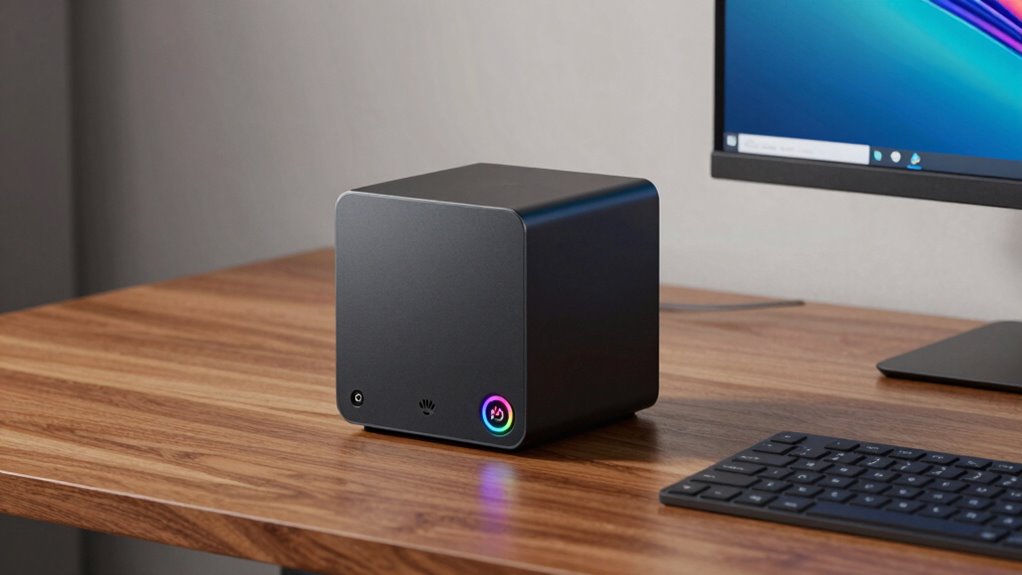

A mini PC can beat a laptop when you need more power, expandability, or better connectivity in a small space. Unlike laptops, mini PCs let you choose higher-performance components, add extra drives, or connect multiple peripherals easily. They’re ideal if you want a reliable, space-saving desktop that can handle demanding tasks without the portability of a laptop. Want to discover more about when a mini desktop might be your best choice? Keep exploring to find out.

Prime made for students and young adults
- Fast, free delivery for dorm and study essentials
- Prime Video and Amazon Music included
- Member-only deals
Key Takeaways
- Mini PCs often offer better hardware customization and upgrade options than laptops.
- They typically have more ports and connectivity features for peripherals and external devices.
- Mini PCs generally provide better performance and thermal management in a small form factor compared to laptops.
- They are more cost-effective for high-performance setups due to upgradeability and component choices.
- Mini PCs are ideal for stationary use, providing space efficiency without sacrificing power or expandability.
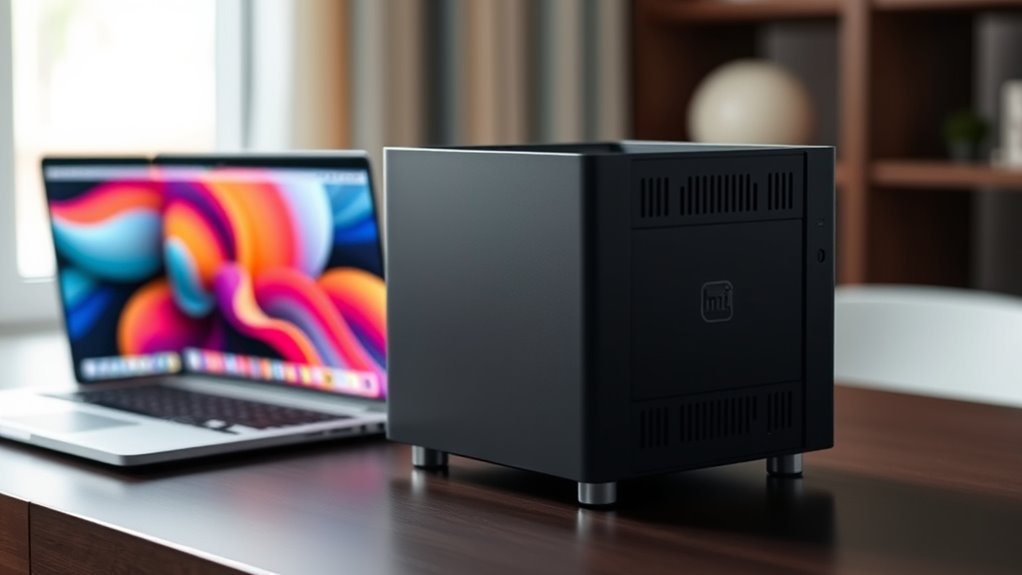
Have you ever wondered what a mini PC is and why it’s gaining popularity? These compact computers pack impressive power into a small form factor, making them a versatile choice for many users. One key reason for their rise is the variety of hardware configurations available. Unlike traditional desktops, mini PCs often come with customizable options that let you select the processor, RAM, storage, and graphics card to suit your needs. Whether you’re a home user, a gamer, or a professional, you can find a mini PC that offers performance comparable to larger, more expensive setups. Despite their size, these machines don’t skimp on hardware, providing options that can handle demanding tasks like video editing, gaming, or software development.
Another advantage lies in port connectivity, which is essential for integrating your mini PC into your existing setup. While these compact devices might seem limited due to their size, manufacturers are clever about including a wide array of ports. You’ll typically find multiple USB ports, HDMI or DisplayPort outputs, audio jacks, and sometimes even Thunderbolt or USB-C connections. This extensive port connectivity allows you to connect monitors, external drives, printers, and other peripherals with ease. In many cases, mini PCs offer enough port options to replace a traditional desktop without sacrificing the ability to connect multiple devices simultaneously. This is especially beneficial if you prefer a clutter-free workspace or need a reliable compact solution for your office or home.
Furthermore, the layout of port connectivity on mini PCs is designed to maximize convenience. Ports are often positioned on the front or sides of the device for quick access, so you don’t have to crawl behind your setup to plug in peripherals. Some models also include SD card readers or other specialized ports, enhancing their utility for creative professionals or those who need quick data transfers. The combination of versatile hardware configurations and robust port connectivity makes mini PCs a practical alternative to laptops when you need a stationary workstation with expandable options. They strike a balance between power and space-efficiency, allowing you to customize your system while maintaining a clean, organized workspace. Versatile hardware configurations enable users to tailor their mini PC to specific needs, whether for gaming, professional work, or everyday tasks.
As an affiliate, we earn on qualifying purchases.
Frequently Asked Questions
Can Mini PCS Handle High-End Gaming Tasks Effectively?
Yes, mini PCs can handle high-end gaming tasks effectively, but their gaming performance depends on their hardware. Look for models with powerful GPUs and fast processors. Thermal management is vital; good airflow prevents overheating during intense gaming sessions. If you prioritize gaming, choose a mini PC with efficient cooling and high-performance specs. This guarantees smooth gameplay and longevity, making mini PCs a viable option for serious gamers.
What Are the Best Mini PCS for Professional Video Editing?
For professional video editing, you need a mini PC with a powerful processor, ample RAM, and a dedicated GPU. Look for models like the Intel NUC 12 or the Apple Mac Mini M2, which offer a compact design without sacrificing performance. Good thermal management guarantees the system stays cool during intensive tasks. These mini PCs deliver the processing power and stability essential for editing high-resolution videos efficiently.
How Do Mini PCS Compare in Energy Efficiency to Laptops?
Mini PCs generally consume less energy than laptops, thanks to their smaller size and more efficient components. When you compare energy consumption and power efficiency, mini PCs often use less power because they have fewer or more optimized parts. This means lower electricity bills and a smaller environmental impact. If you’re looking for a device that offers good performance with minimal energy use, mini PCs are a smart choice over laptops.
Are Mini PCS Easily Upgradeable and Repairable?
While mini PCs are often lauded for their compact charm, they’re not always the easiest to upgrade or repair. Their modular design varies, affecting repairability scores—some models allow easy component swaps, while others are more sealed. You might find it rewarding to choose a mini PC with higher repairability, but be prepared for some limitations. Overall, expect some hands-on effort, especially with tighter internal spaces.
What Is the Average Lifespan of a Mini PC?
Your mini PC typically lasts around 3 to 5 years, depending on mini PC durability and lifespan factors. Regular maintenance, quality components, and usage intensity influence how long it stays reliable. If you handle it carefully, keep the system cool, and upgrade parts when needed, you can extend its life. Be aware that over time, hardware may become outdated or less efficient, which can shorten its overall lifespan.
As an affiliate, we earn on qualifying purchases.
Conclusion
When choosing between a mini PC and a laptop, consider your needs, your space, and your budget. A mini PC offers power, portability, and customization, while a laptop provides convenience, mobility, and simplicity. Decide what matters most—performance or portability, flexibility or ease. By understanding these differences, you can make a smarter choice. A mini PC or a laptop—both have their advantages. The key is knowing which suits your lifestyle, your work, and your play.
As an affiliate, we earn on qualifying purchases.
As an affiliate, we earn on qualifying purchases.
Halloween Picks
halloween
As an affiliate, we earn on qualifying purchases.