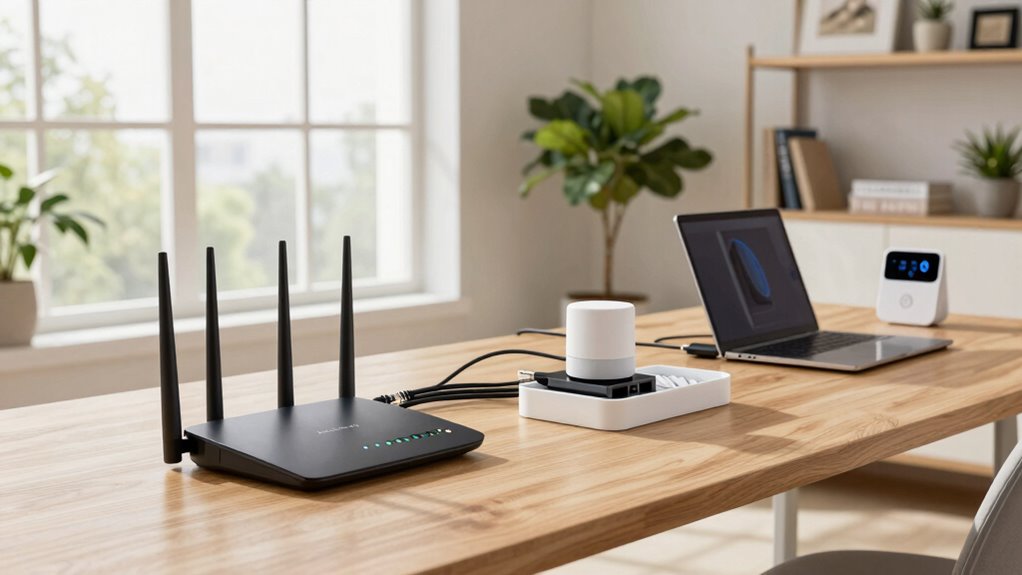
To build a more reliable home network for remote work, start by securing your Wi-Fi with a strong, unique password and support for WPA3 encryption. Position your router centrally, elevate it, and minimize interference from electronics. Upgrade to mesh systems if needed, prioritize critical applications with QoS, and use wired connections for stationary devices. Regularly update firmware and security settings to keep your network safe and efficient. If you want to learn more about optimizing your setup, keep exploring these key tips.

Prime made for students and young adults
- Fast, free delivery for dorm and study essentials
- Prime Video and Amazon Music included
- Member-only deals
Key Takeaways
- Position your router centrally and elevate it to improve coverage and reduce dead zones.
- Use a mesh Wi-Fi system or wired Ethernet for stable, extensive connectivity.
- Enable WPA3 encryption and update firmware regularly to ensure security and performance.
- Prioritize bandwidth for critical applications with QoS settings to enhance remote work efficiency.
- Minimize interference by placing the router away from electronic devices like microwaves and cordless phones.
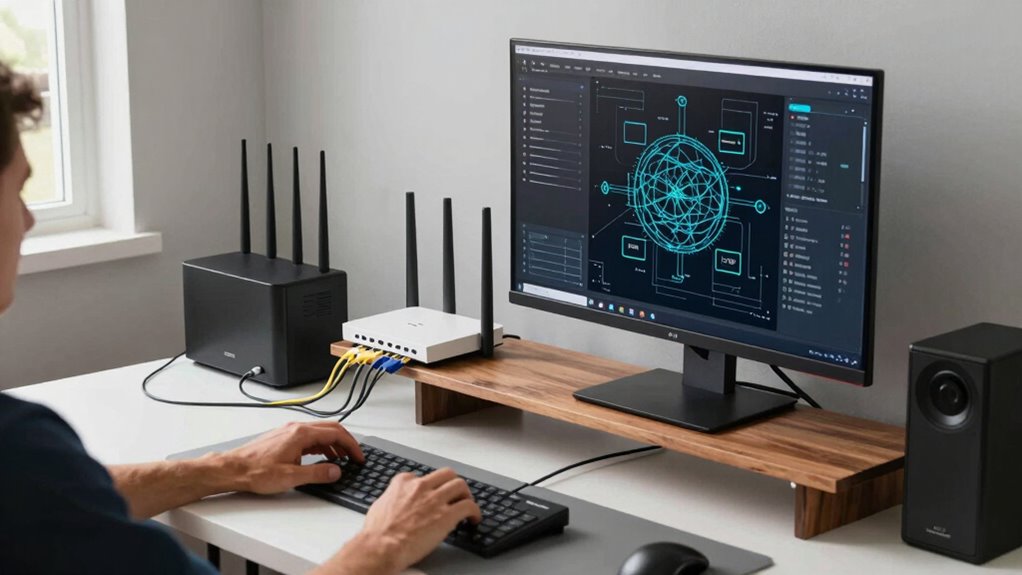
A stable and fast home network is essential for productive remote work, especially as more people rely on online meetings, cloud applications, and data sharing. To guarantee your network remains reliable, you need to focus on both wireless security and network optimization. Wireless security protects your data from potential threats, while network optimization keeps your connection running smoothly and efficiently. Starting with security, make sure your Wi-Fi password is strong, unique, and changed regularly to prevent unauthorized access. Use WPA3 encryption if your router supports it, as it offers improved protection over older standards. Additionally, enable your router’s built-in firewall and keep its firmware up to date, which patches vulnerabilities and enhances security. Consider setting up a separate guest network for visitors, so they don’t compromise your main connection. This step not only enhances wireless security but also reduces congestion on your primary network, improving overall performance.
Next, optimize your network for stability and speed. Position your router in a central, open location away from walls, metal objects, and electronic interference, which can weaken signals. Elevate the router if possible, and avoid placing it near devices like cordless phones or microwaves that cause interference. To further improve network performance, use a dual-band or tri-band router that can handle multiple devices without slowing down. Prioritize bandwidth for critical work applications through Quality of Service (QoS) settings—this ensures your video calls, cloud syncing, and other essential tasks get the bandwidth they need, even when multiple devices are connected. Regularly check for firmware updates, as they often include performance improvements and security patches. Incorporating wireless security protocols into your setup can significantly reduce the risk of unauthorized access and potential data breaches. Understanding and implementing network optimization techniques can help you achieve a more efficient and dependable connection. Additionally, familiarizing yourself with network management tools can help you monitor and troubleshoot issues more effectively. Staying informed about security best practices can further reinforce your network’s defenses against evolving threats.
If your home network is still sluggish or unreliable, consider upgrading your hardware. A mesh Wi-Fi system can eliminate dead zones and provide seamless coverage across larger spaces. Using wired Ethernet connections for stationary devices like desktops and printers also boosts reliability and speeds. Keep your network free of unnecessary devices that may consume bandwidth in the background. Manage device connections by disconnecting unused gadgets or limiting their access during work hours. Also, regularly reviewing your network’s security settings can help prevent unauthorized access and safeguard your data. Remember, a well-maintained and secure network isn’t just about speed; it’s about creating a resilient environment where your remote work can thrive without interruptions. By focusing on wireless security and network optimization, you can build a home network that’s both dependable and efficient, empowering you to work confidently from anywhere in your home.
As an affiliate, we earn on qualifying purchases.
Frequently Asked Questions
How Often Should I Update My Router’s Firmware?
You should update your router’s firmware as often as recommended by the manufacturer, typically every few months or when a new update is released. Firmware updates are essential for maintaining router security, fixing bugs, and improving performance. Regular updates protect your network from vulnerabilities and guarantee peak functionality. Check your router’s settings or manufacturer’s website regularly to stay informed about the latest firmware updates and keep your home network secure and reliable.
Can I Use Multiple Internet Providers for Redundancy?
Yes, you can use multiple internet providers for redundancy, which boosts your network’s reliability. By setting up a dual WAN configuration, you guarantee that if one provider experiences outages, your connection seamlessly switches to the other. Conduct a provider comparison to find the best options for your area, considering speed and reliability. This setup minimizes downtime, keeps your remote work smooth, and enhances overall internet redundancy at home.
What Security Measures Protect My Home Network From Cyber Threats?
You protect your home network from cyber threats by enabling strong network encryption, like WPA3, to keep data secure. Additionally, configure your firewall properly to block unauthorized access and monitor network traffic. Regularly update your router’s firmware and use unique, complex passwords. These security measures create a robust defense, reducing vulnerabilities and ensuring your remote work setup remains safe from cyber attacks.
How Do I Prioritize Bandwidth for Remote Work Applications?
Did you know that 60% of remote workers experience disruptions due to bandwidth issues? To prioritize bandwidth for your remote work applications, use prioritization techniques like Quality of Service (QoS) settings on your router. Allocate more bandwidth to video conferencing and work-related apps, ensuring they get priority over streaming or gaming. This way, your critical tasks run smoothly, minimizing lag and interruptions during important meetings.
Is a Mesh Network Better Than a Traditional Wi-Fi Extender?
A mesh network is better than a traditional Wi-Fi extender because it offers seamless coverage and better signal strength comparison. Mesh systems connect multiple nodes, creating a unified network that automatically routes traffic efficiently, reducing dead zones. Extenders, on the other hand, often cause signal loss and require manual switching. Overall, mesh networks provide a more reliable, consistent Wi-Fi experience, especially for remote work where stable connectivity is essential.
As an affiliate, we earn on qualifying purchases.
Conclusion
With a reliable home network, your workday flows smoothly like a steady stream, unbroken by sudden drops or lag. Picture your connection as a sturdy bridge, supporting you effortlessly across busy digital streams. When you prioritize strong Wi-Fi, update equipment, and secure your setup, you create a foundation that withstands any storm. This quiet confidence turns your home into a sanctuary where productivity blossoms, and your digital world stays connected—building not just a network, but a space where your work truly thrives.
As an affiliate, we earn on qualifying purchases.
As an affiliate, we earn on qualifying purchases.
Fall Picks
fall essentials
As an affiliate, we earn on qualifying purchases.