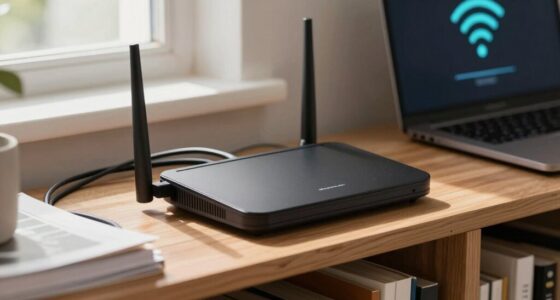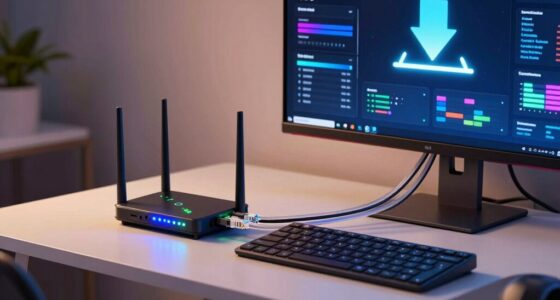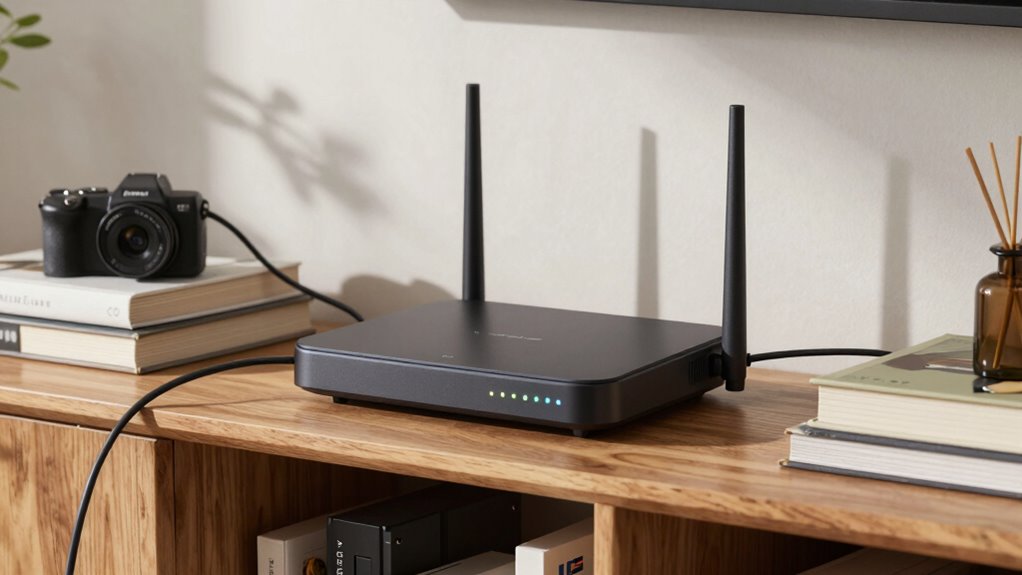

The biggest mistake that kills Wi‑Fi range is placing your router in a poor location. Avoid corners, behind furniture, or near thick walls and metal objects, as these block signals. Position the router in an open, central, and elevated spot to guarantee even coverage and reduce dead zones. Electricity interference from devices like microwaves or cordless phones can also weaken signals. Keep these tips in mind, and you’ll find out how proper placement can boost your Wi‑Fi performance.
Key Takeaways
- Placing the router in a corner or behind furniture blocks signals and reduces Wi-Fi range.
- Positioning the router near interference sources like microwaves or cordless phones weakens coverage.
- Mounting the router at or behind dense objects or metal surfaces causes signal reflection and attenuation.
- Keeping the router low or hidden behind cluttered areas limits signal propagation and coverage.
- Placing the router in an enclosed or enclosed space, like a cabinet, kills Wi-Fi range.
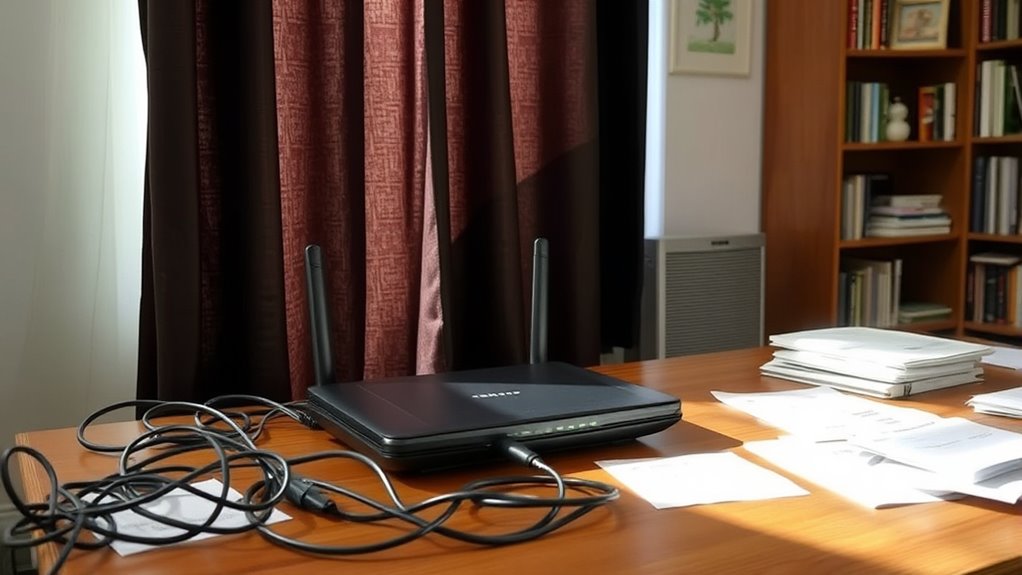
Proper router placement is essential for ensuring a strong and reliable Wi-Fi signal throughout your home or office. The way you position your router directly impacts how well your devices connect and how far the signal propagates. If your router sits in a corner or behind a large piece of furniture, the Wi-Fi signal often becomes weak or inconsistent, leading to frustrating dead zones. To maximize coverage, place your router in a central location, ideally elevated on a shelf or high on a wall, where it can broadcast signals evenly in all directions.
One common mistake that kills Wi-Fi range is ignoring Wi-Fi interference. Many household devices—cordless phones, microwave ovens, baby monitors, Bluetooth gadgets—operate on similar frequencies as your Wi-Fi, causing interference that reduces signal strength. When your router is near these devices or in a crowded electronic environment, the signal becomes disrupted, and the connection suffers. To avoid this problem, position your router away from potential sources of interference and choose a location that minimizes overlapping signals.
Another factor that impacts Wi-Fi performance is signal propagation. Wi-Fi signals weaken as they travel through walls, floors, and furniture. Thick walls or metal objects act as barriers, absorbing or reflecting the signals and creating dead spots. When placing your router, keep it in an open space, free from obstructions, and away from dense materials that can hinder signal propagation. If you must place it near walls or partitions, try to position it at a higher point to improve coverage and reduce signal loss.
Additionally, avoid placing your router behind large metallic objects, such as filing cabinets or appliances, as these can reflect or absorb Wi-Fi signals, degrading overall performance. Cluttered or crowded spaces can also trap signals, so keep the area around your router tidy and open. Remember, the goal is to create a clear path for signals to propagate freely throughout your environment. Incorporating proper placement techniques can significantly enhance your Wi-Fi coverage and stability.

NOTMBESTM Universal Wall Mount Holder for Google WiFi Fit for TP-Link Deco/Eero/Nest WiFi System Compatible with Small Speaker Mount Shelf Bracket for Echo Devices/Homepod mini/Sonos
Universal Wall Mount Shelf: It is fit for most smart speaker/ mesh wifi system/ Security Camera, Like google…
As an affiliate, we earn on qualifying purchases.
As an affiliate, we earn on qualifying purchases.
Frequently Asked Questions
How Does Router Placement Affect Wi-Fi Security?
You might not realize it, but router placement can impact your Wi-Fi security. When you place your router in an accessible area, it’s easier for intruders to target your network, risking Wi-Fi encryption breaches or unauthorized access through weak router authentication. Keep your router in a secure, central location to minimize exposure, and make certain your Wi-Fi uses strong encryption and authentication methods to protect your data effectively.
Can Router Placement Influence Device Battery Life?
Yes, your router placement can influence your device’s battery life. When you position your router in the right spot, it boosts signal strength, making your device work less hard to connect. Think of it like a clear highway—less congestion means your device doesn’t drain its battery fighting weak signals. Keep your router well-placed to guarantee stronger signals, so your device conserves energy and lasts longer without constantly hunting for a better connection.
Does Router Height Impact Wi-Fi Performance?
Yes, router height impacts Wi-Fi performance because higher placement reduces signal obstruction. When you position your router on a tall shelf or mount it on the wall, the signal can travel more freely, reaching distant devices effectively. Avoid placing it low or behind objects, as these can block signals and weaken your connection. Keep your router elevated for better coverage and faster, more reliable Wi-Fi.
How Do Building Materials Affect Wi-Fi Signal Strength?
Building materials can act like a fortress for your Wi-Fi, blocking signals and causing attenuation. Thick concrete walls, metal, and brick absorb or reflect wireless signals, making your connection weaker or spotty. As if your Wi-Fi is trying to whisper through a thick fog, these materials diminish signal strength, reducing coverage and speed. To improve performance, consider placing your router away from dense walls and materials that hinder signal flow.
Can Router Placement Help Reduce Wi-Fi Interference?
Yes, proper router placement can help reduce Wi-Fi interference and improve router stability. You should position your router in a central, open spot away from electronic devices that cause signal interference, like microwaves or cordless phones. Keep it elevated and clear of thick walls or metal objects. This way, your signal remains strong and stable, minimizing interference and extending your Wi-Fi range effectively.

TP-Link AC1200 WiFi Extender – 1.2Gbps Home Signal Booster, Dual Band 5GHz/2.4GHz, Up to 1600 Sq.ft and 32 Devices, EasyMesh Compatible, One Ethernet Port (RE315)
𝐒𝐭𝐫𝐨𝐧𝐠𝐞𝐫 𝐖𝐢-𝐅𝐢 𝐢𝐧 𝐄𝐯𝐞𝐫𝐲 𝐂𝐨𝐫𝐧𝐞𝐫 – Enjoy extended coverage with strong performance powered by Adaptive Path Selection and…
As an affiliate, we earn on qualifying purchases.
As an affiliate, we earn on qualifying purchases.
Conclusion
Remember, your router’s placement is the backbone of your Wi-Fi’s strength. Avoid the common mistake of hiding it in corners or behind furniture, as this can be like trying to hear a whisper in a crowded room. Instead, position it centrally and openly, allowing your signal to spread freely like sunlight through a window. A simple adjustment can turn your home into a Wi-Fi oasis, where strong, reliable connection blooms effortlessly.

BEARUT Router Shelf Projector Shelf Projector Stand Router Storage Box Modem Cable Router Cover Organized Power Strip Cable Management Hider Rack by Solid Wood Need Assembly SS
[projector router,modem shelf] – Make messy projector,router tidy
As an affiliate, we earn on qualifying purchases.
As an affiliate, we earn on qualifying purchases.

Large WiFi Router Fences for EMF Protection Cover – Faraday Cage Principle Shield to Reduce Blocks 90% of Router Emissions for 5G & Standard Routers Meanwhile Maintains WIFI Signal & Airflow
🛡️ Effective EMF Shielding with Faraday Cage Principle Crafted from high-quality, conductive polymer materials, this cover functions as…
As an affiliate, we earn on qualifying purchases.
As an affiliate, we earn on qualifying purchases.